WAN 3.0 Is Now Live in VIBE: 30-Second AI Videos With Audio on iOS and Android
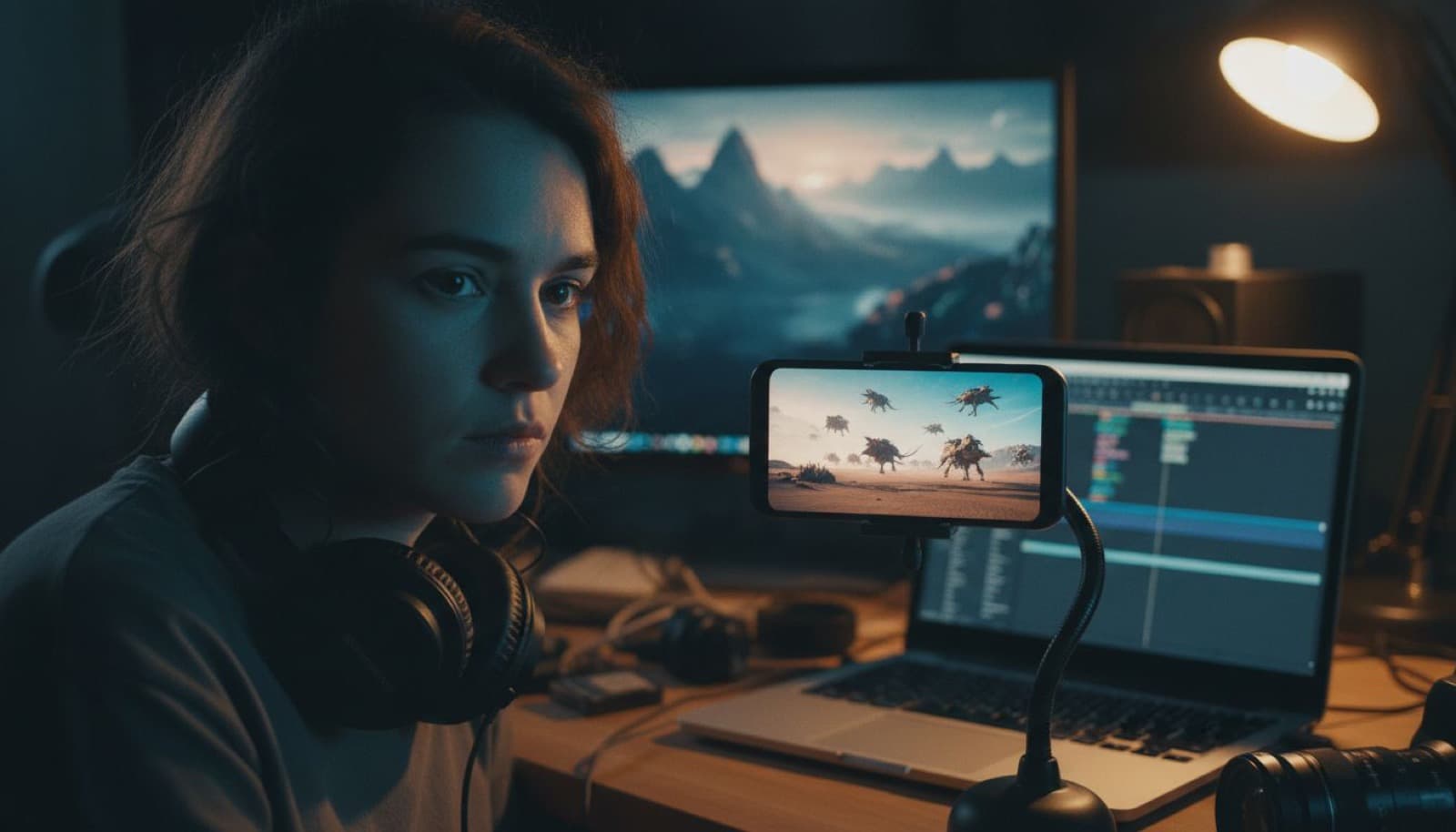
VIBE AI Video Generator for iOS and Android can now generate videos up to 30 seconds long with WAN 3.0 — with audio, and from three different kinds of input: a text prompt, multiple reference images, or a single photo.

Written by Vincent Park
Published
The short version
- WAN 3.0 is Alibaba’s newest video generation model, in public beta since August 2026 as wan3.0-video.
- It generates clips up to 30 seconds at 30 fps, up to 1080p, with audio produced in the same pass.
- In VIBE it runs in three modes: text-to-video, reference-to-video with multiple images, and image-to-video.
- VIBE AI Video Generator is available for iOS and Android, and no account or login is required to start.
What WAN 3.0 actually is
WAN 3.0 — written Wan3.0 in Alibaba's own documentation — is the latest generation of the Wan video model family developed by Tongyi Lab at Alibaba. It entered public beta in early August 2026 and is served under the model identifier wan3.0-video. Two things separate it from the generation before it. The first is length: where earlier Wan models topped out in the 5-to-15-second range, WAN 3.0 renders up to 30 seconds at 30 frames per second in a single pass. The second is input flexibility — the model is designed to accept text, images, video, and audio as reference material for the same generation, rather than treating each as a separate feature.
That combination matters more than the headline number suggests. Thirty seconds generated as one continuous take is not the same thing as four short clips stitched together in an editor. Lighting stays consistent, a camera move can actually develop, and a subject can cross a room instead of hinting at it. It is the difference between a moving image and a shot.
Three ways to generate with WAN 3.0 in VIBE
1. Text to video
Describe the shot and generate it. This is the fastest route and the one worth using when the idea is still forming — subject, action, camera behaviour, light, and a duration. Because WAN 3.0 can hold a longer take, prompts benefit from describing a small arc rather than a frozen tableau: “a chef plates a dish, turns to the pass, slides it across” gives the model something to spend 30 seconds on.
2. Reference to video (multiple images)
This is the mode that changes workflows. Instead of a single starting frame, you attach several reference images and the model carries their content through the clip — the published specification supports up to 10 reference images per generation, plus optional reference video and audio. Give it three angles of a product and a shot of the room it belongs in, and you get a clip where the product stays itself instead of quietly morphing halfway through. The same applies to a recurring character: reference the face, reference the outfit, and consistency stops being a matter of luck.
For anyone producing a series — an ad set, a short drama, a product line, a recurring host — this is the practical difference between one-off clips and a body of work that looks like it came from the same place.
3. Image to video
Upload one photo and let WAN 3.0 animate it. The image anchors the first frame, the prompt describes what happens next, and the model fills in motion, camera movement, and ambient detail. It is the most predictable of the three modes, because you already know exactly what the first frame looks like — useful for animating a photograph, an illustration, or a still you generated earlier.
Thirty seconds, with sound
WAN 3.0 produces audio along with the picture rather than as a second step, which means ambience and effects are aligned with what is on screen instead of being dropped on top afterwards. Duration is flexible: you are not obliged to use the full 30 seconds, and shorter clips generate faster. In practice a 9:16 social post often works best somewhere between 8 and 15 seconds, while the full 30 is worth spending on a narrative beat, a walkthrough, or an establishing shot that needs room to breathe.
| Developer | Alibaba / Tongyi Lab |
|---|---|
| Model identifier | wan3.0-video |
| Maximum duration | Up to 30 seconds (about 2s minimum) |
| Frame rate | 30 fps |
| Resolution | Up to 1080p (480p / 720p / 1080p) |
| Audio | Yes — generated with the video |
| Text-to-video | Yes |
| Image-to-video | Yes — first frame, or first and last frame |
| Reference-to-video | Yes — up to 10 reference images |
| In VIBE | Premium model, iOS and Android |
Where WAN 3.0 fits next to the other models in VIBE
VIBE carries more than ten AI video models, and the reason to keep them side by side is that they fail and succeed at different things. WAN 3.0 is the length and consistency specialist. For dense, physical realism in a short window, Kling 3 remains the reference point at up to 15 seconds, and Veo 3.1 Fast is hard to beat for an eight-second beat with audio. Sora 2 Pro handles up to 12 seconds with a distinctive cinematic read. On the free tier, Seedance Pro Fast and Wan 2.6 are the sensible places to test a prompt before you commit a premium generation to it.
That is the workflow worth internalising: draft on a free model, confirm the composition and the motion you asked for actually appear, then re-run the winning prompt on WAN 3.0 at full length with your reference images attached. You can see the full model list on the VIBE model directory.
How to use WAN 3.0 in VIBE
- 1Download VIBE. Get VIBE AI Video Generator from the App Store or Google Play. It runs on iOS and Android, and no account or login is required to start generating.
- 2Pick WAN 3.0 in the model picker. Open the model selector and choose WAN 3.0. The card shows its specs — 1080p, up to 30 seconds, audio.
- 3Choose your input. Type a prompt for text-to-video, attach several reference images for reference-to-video, or upload one photo for image-to-video. You can combine a prompt with references.
- 4Set duration and aspect ratio. Choose a length up to 30 seconds and a ratio — 9:16 for TikTok, Reels, and Shorts, 16:9 for YouTube, 1:1 for feed posts.
- 5Generate, then export. Longer clips take longer to render. When it is done, save to your camera roll or share straight to the platform you are targeting.
Prompting a 30-second shot
Long generations reward a different kind of prompt. Three habits help. First, write a beginning and an end — name what changes over the clip rather than describing a single frozen moment. Second, be explicit about the camera: a slow push-in, a lateral track, a static tripod shot. Left unspecified, longer clips tend to drift. Third, when you are using reference images, keep the prompt about action and camera and let the references carry identity, wardrobe, and palette — describing a face in words that the reference already shows only gives the model two sources to reconcile.
There is also a cheap discipline that pays for itself: generate a short version first. A 6-second pass tells you whether the composition and motion are right for a fraction of the render time, and only then is it worth spending a full 30-second generation on it. More prompt patterns are collected on the text-to-video section of the VIBE home page.
Frequently asked questions
Can VIBE AI Video Generator generate 30-second videos with WAN 3.0?
Yes. VIBE AI Video Generator for iOS and Android can generate videos up to 30 seconds long with WAN 3.0, and the model produces audio in the same pass. Shorter durations are available too — WAN 3.0 supports anything from about 2 seconds up to the 30-second maximum, so you can match the clip to the platform you are posting on.
Which WAN 3.0 modes are available in VIBE?
Three modes are available in VIBE: text-to-video, where you describe the shot in a prompt; reference-to-video, where you attach multiple reference images so a character, product, or style stays consistent; and image-to-video, where a single photo becomes the first frame of the clip.
How many reference images can WAN 3.0 use?
The published WAN 3.0 specification supports up to 10 reference images in a single generation, alongside optional reference video and audio clips. In VIBE you attach your references in the composer before generating, and the model keeps the referenced faces, props, and style consistent across the whole clip.
Does WAN 3.0 generate sound?
Yes. WAN 3.0 generates audio together with the video rather than as a separate pass, so ambience, effects, and speech are aligned with the picture. Audio is on by default in the model specification.
Who makes WAN 3.0?
WAN 3.0 (also written Wan3.0) is a video generation model from Alibaba, built by the Tongyi Lab team behind the Wan model family. It entered public beta in August 2026 and is served through Alibaba Cloud Model Studio as wan3.0-video.
Is WAN 3.0 free in VIBE?
WAN 3.0 is a premium model in VIBE because 30-second generation with audio is significantly more compute-intensive than short clips. VIBE also includes free models — Seedance Pro Fast, LTX Video, Luma Dream Machine, Wan 2.6, and PixVerse — that you can use without payment, which makes it cheap to test a concept before committing a premium generation to it.
What do I need to start?
Just the app. Download VIBE AI Video Generator from the App Store or Google Play, open the model picker, and choose WAN 3.0. No account or login is required to start generating.
Official sources
- Wan3.0 video generation API reference — Alibaba Cloud Model Studio
- Wan3.0: 30-second AI video generation from any input — Alibaba Cloud
- Alibaba unveils Wan3.0 — Alizila (Alibaba Group newsroom)
- Wan — official model site
Model capabilities described here reflect Alibaba's published WAN 3.0 specification at the time of writing. WAN 3.0 is in public beta and its capabilities may change.
Start Creating AI Videos Today
Download VIBE for free on iOS and Android. No login required. Access 10+ AI video models and generate videos from text prompts or images.


Keep reading
All articles Model news
Google AI Video Generator: Veo 3.1 Explained and How to Use It on Your Phone
Veo 3.1 is the model behind Google's AI video. Here is what it can do, how it differs from Gemini, and how to run Veo 3.1 Fast from your phone.
Vincent Park9 min read Model news
Happy Horse 1.1: What Alibaba's AI Video Model Does and How It Compares
Happy Horse 1.1 is Alibaba's video model with audio generated in one pass. Here are the specs, what changed from 1.0, and which VIBE models come closest.
Vincent Park9 min read