AI Cartoon Video Generator: 2D, 3D and Claymation Looks From a Prompt
An AI cartoon video generator turns a prompt or a drawing into a moving cartoon clip. Here are the looks you can ask for, the VIBE models that hold them, and prompts to copy.
Written by Vincent Park
Published
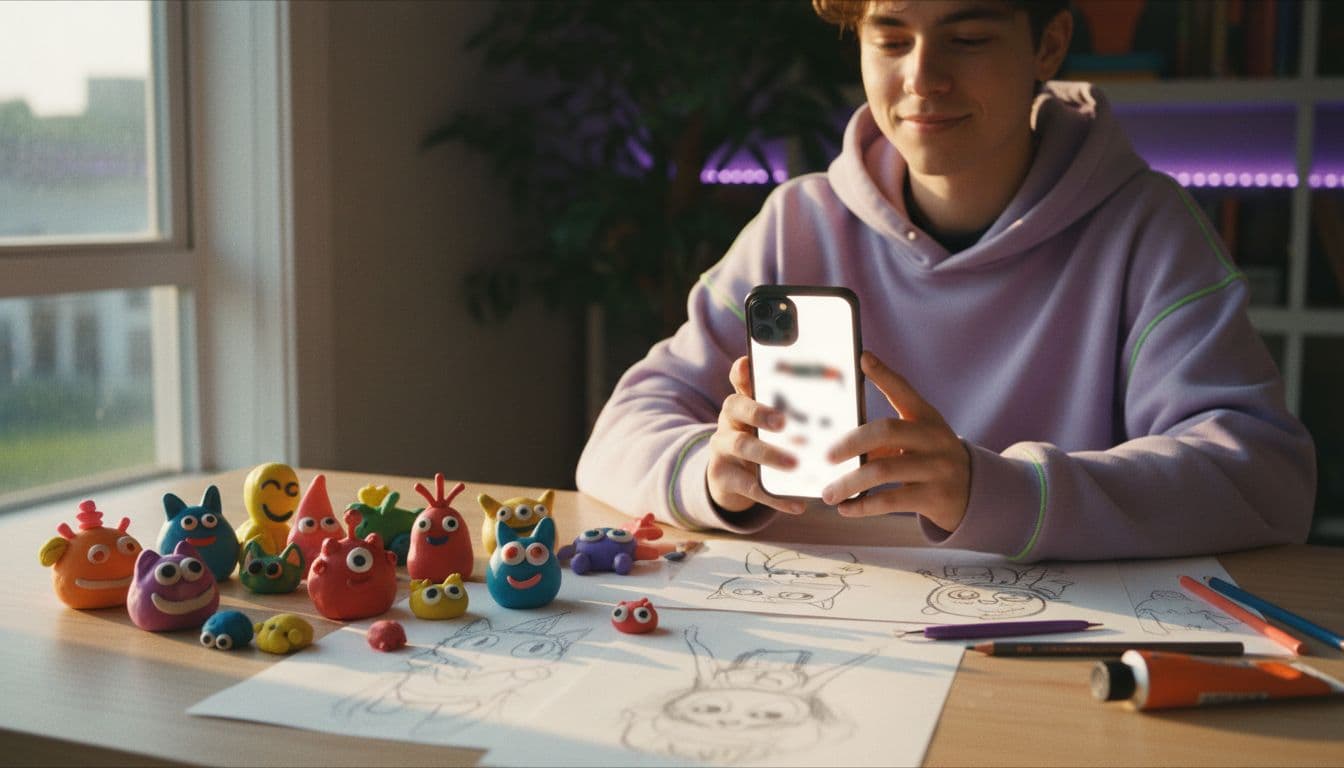
An AI cartoon video generator turns a written prompt or a drawing into a moving cartoon clip, in the style you name: flat 2D, glossy 3D, hand-made claymation or paper cut-out. In VIBE, three free models handle stylised output well, Wan 2.6, PixVerse and Seedance Pro Fast, and Kling 3 Pro is the premium step up for longer takes. This guide covers the vocabulary for each look, which model to pick, four copy-ready prompts and how to keep kids' content safe and original.
In one sentence
An AI cartoon video generator is a text-to-video or image-to-video tool that renders original scenes in a cartoon look, such as 2D, 3D or claymation, without anyone animating a frame by hand; in VIBE, Wan 2.6, PixVerse and Seedance Pro Fast are free to try.
What is an AI cartoon video generator?
A cartoon is not a filter on real footage. It is a different visual language: simplified shapes, bold colour, exaggerated motion and characters that look designed rather than photographed. An AI cartoon video generator is a generative video model that produces that language from scratch, frame by frame, the same way a photoreal model produces realistic scenes. The wider craft it borrows from is described in the overview of computer animation.
As of October 2026, the useful difference between tools is not whether they can draw a cartoon, but whether the character and the style stay stable for the whole clip. If you want a sharper, more Japanese look, our AI anime video generator guide covers that branch; this article is about Western-style cartoons, 3D animation and stop-motion looks.
Which cartoon looks can you ask for?
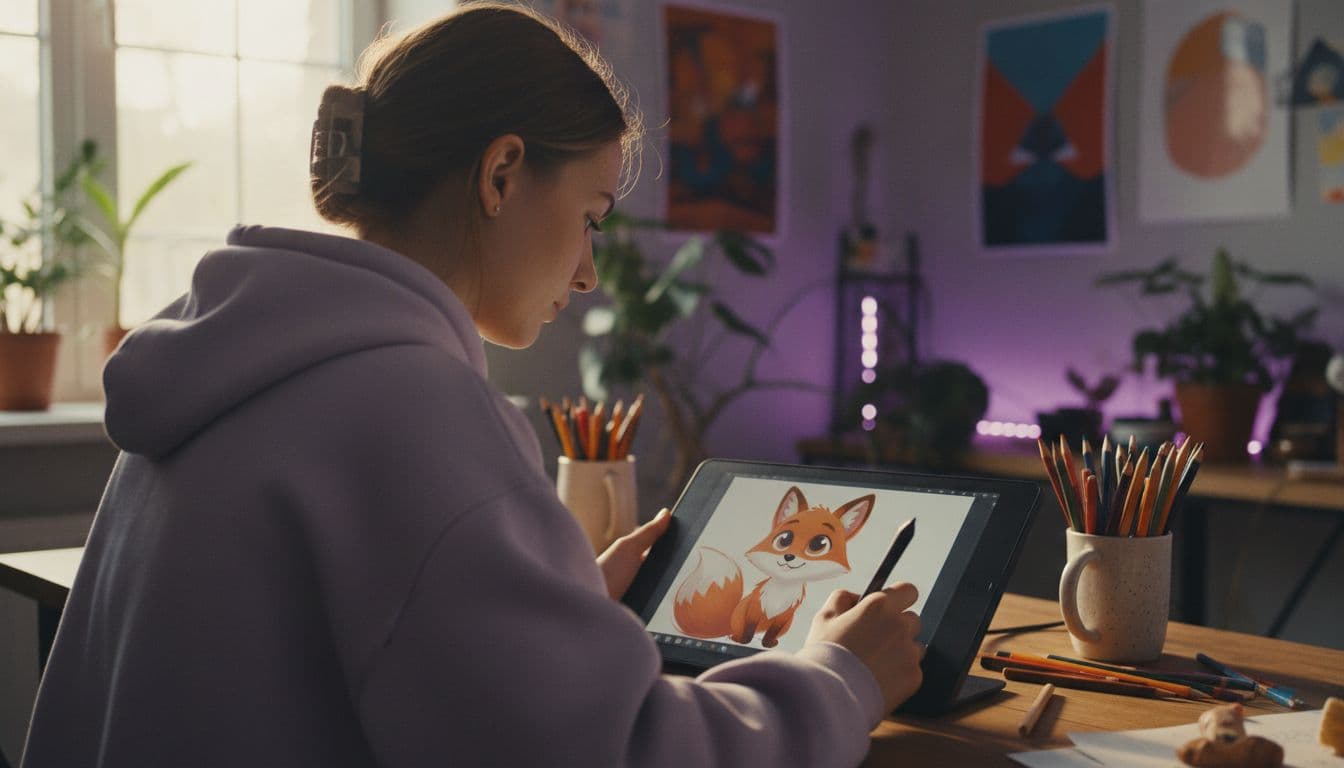
The look comes from the words in your prompt, so it pays to know the vocabulary. Name one look per clip and describe it with the material, the lighting and the movement. The table lists the looks that work best in practice.
| Look | Prompt words that steer it | Best for |
|---|---|---|
| Flat 2D cartoon | flat colours, bold outlines, simple shapes, 2D animation | Explainers, kids' stories, social loops |
| Glossy 3D animation | 3D animated film look, soft rounded shapes, smooth shading | Characters, mascots, short trailers |
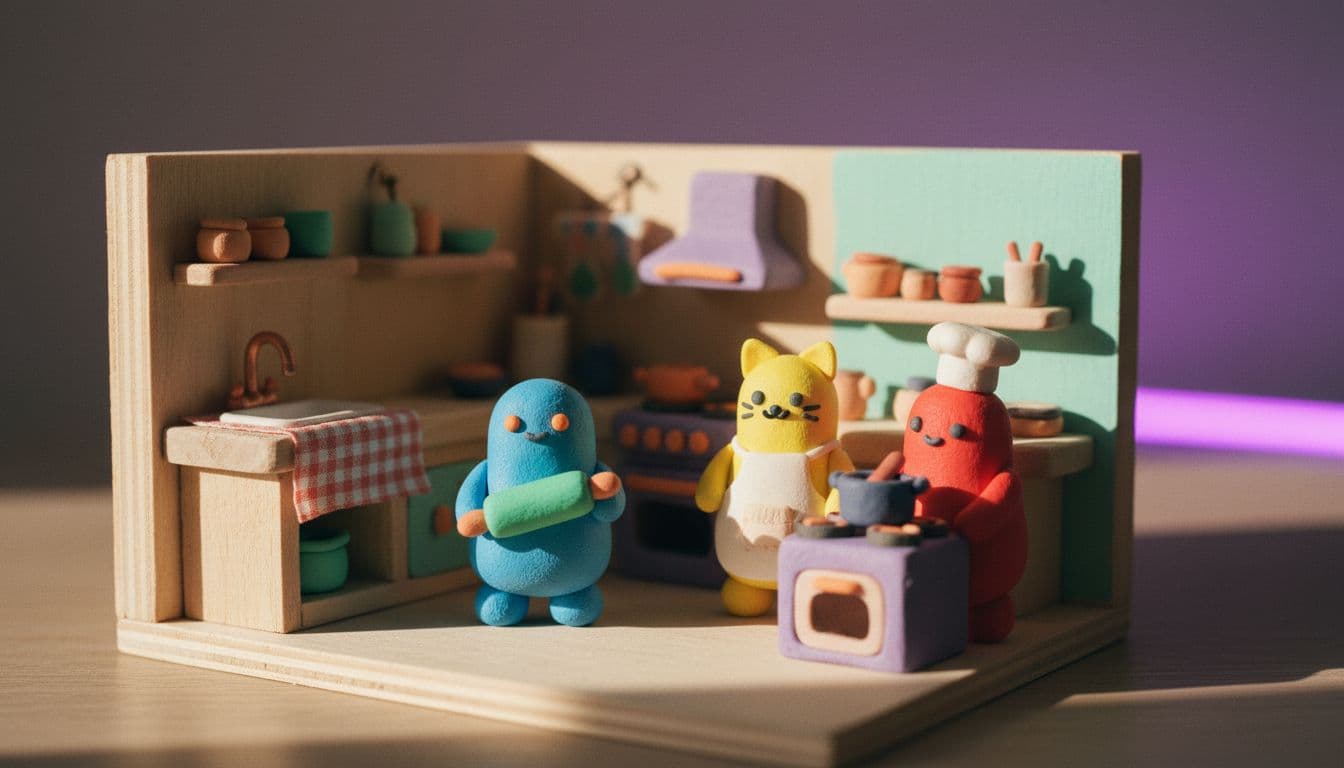
| Claymation | stop-motion clay figures, visible fingerprints, handmade set | Quirky ads, pet and food clips |
| Paper cut-out | layered paper craft, cut-out shapes, soft shadows | Storybook scenes, intros |
| Chibi or mascot | big head, small body, expressive eyes, cute | Stickers, reaction clips |
| Retro cartoon | vintage 1930s rubber-hose style, grainy film | Nostalgic loops, music clips |
The craft behind the clay look is the old technique of clay animation, where figures are moved a tiny amount between photographs. A model cannot copy that process, but it can copy the result: the slightly uneven surfaces and the stepped, handmade feel.
Which VIBE models make the best cartoon clips?
Many video models lean toward realism and quietly drift back to it when you ask for a cartoon. The three free models below hold a stylised look more reliably, and Kling 3 Pro is worth the upgrade when you need a longer, more polished take. Every model is listed under models on the home page.
- Wan 2.6 (free): natural, readable motion and a good grip on flat 2D and cut-out looks. Wan comes from Alibaba, and the Wan model page explains what it is good at.
- PixVerse (free): bright, social-ready stylisation and a strong feel for chibi and mascot looks.
- Seedance Pro Fast (free): quick, smooth tests, handy for checking a character before you spend time on a final version. See the Seedance page.
- Kling 3 Pro (premium): longer, more polished clips and steadier characters, covered on the Kling 3 page.
A practical way to choose: run the same prompt on Wan 2.6 and PixVerse, keep the one whose style you like, and only then consider Kling 3 Pro for the final version.
Treat any model comparison as a starting point. Results vary with the prompt, so a model that wins on a claymation prompt may lose on a flat 2D one.
How do you make a cartoon video in VIBE?
- Open VIBE on iOS, Android or the web. No login is needed to start.
- Choose a free model such as Wan 2.6 or PixVerse.
- Write one sentence that names the look, the character, the action and the camera.
- Optionally upload a drawing or a character image so the model starts from your design.
- Generate, watch the whole clip, and change one thing at a time before you try again.
Starting from a drawing is often the fastest route to a consistent character, and our image-to-video guide explains how to prepare the picture. The steps are also summarised under how it works on the home page.
Each prompt below names the look first, then the subject, then the motion. That order keeps the style from being overruled by the scene.
 Wan 2.6
“Flat 2D cartoon with bold outlines and bright colours: a friendly red fox in a blue scarf waves hello and does a little hop in a sunny meadow, simple background, smooth looping motion, keep the flat 2D cartoon style throughout.”
Which prompts work best for cartoon videos?
Here are four prompts to copy. Each one is labelled with a VIBE model that suits the look. Change the subject and keep the structure.
 PixVerse
“Stop-motion claymation with visible fingerprints on handmade clay figures: a small clay baker kneads dough and sprinkles flour on a miniature kitchen set, slightly stepped movement, warm light, static camera.”
 Kling 3 Pro
“Glossy 3D animated film look, soft rounded shapes and smooth shading: a cheerful round robot mascot rolls across a toy-filled bedroom floor and stops to wave at the camera, gentle push-in, bright colours.”
 Seedance Pro Fast
“Layered paper cut-out storybook style with soft shadows: a paper boat sails across paper waves under a paper moon, the layers drift at slightly different speeds, calm and gentle, vertical 9:16.”
If you want the same character across several clips, read our guide to consistent characters in AI video. The short version: reuse the same description word for word and start from the same reference image.
How do you keep cartoon videos consistent?
Consistency is where cartoons usually fall apart: the fox has three tails in the second second, or the colours shift. These habits help, as of October 2026.
- Describe the character with a short fixed phrase and copy it exactly every time.
- Limit the palette: name two or three colours rather than letting the model choose.
- Keep clips short and simple: one character, one action, one camera move.
- Start from the same reference image when you need the same character again.
- Change one variable per attempt so you can see what caused a difference.
Cartoon looks are forgiving of small errors, which is an advantage. A slightly wobbly outline reads as style, while the same wobble on a photoreal face reads as a flaw.
If a clip drifts toward realism, repeat the look at the end of the prompt, for example "keep the flat 2D cartoon style throughout". That one sentence often brings it back.
Is an AI cartoon video safe for kids, and who owns it?
Cartoon content attracts young viewers, so a few rules matter. Never recreate an existing cartoon character, because a character is protected even when the pose and the scene are new. Invent your own, and review each clip frame by frame for odd or frightening moments before publishing. On YouTube you must tell the platform whether your video is made for kids, and YouTube explains the rules in its help article on setting your audience. In the United States, the FTC guidance on children's privacy covers the COPPA rules that apply to content aimed at children.
Also label AI-made clips as AI-generated where a platform asks for it. This is not legal advice; check the current rules of each platform before you publish.
Frequently asked questions
What is an AI cartoon video generator?
An AI cartoon video generator is a tool that turns a text prompt or an image into a short animated clip in a cartoon style, such as flat 2D, 3D or claymation, without hand animation.
Is there a free AI cartoon video generator?
Yes. In VIBE, Wan 2.6, PixVerse and Seedance Pro Fast are free to use and need no login, and all three can produce cartoon looks.
How do I make a claymation-style video with AI?
Name the look in the prompt with words such as stop-motion clay figures, visible fingerprints and a handmade miniature set, then describe one simple action. Run it on a free model such as Wan 2.6 first.
Can I turn my own drawing into a cartoon video?
Yes. Upload the drawing as the starting image and describe the motion you want, for example a gentle head turn and a blink. Starting from your own design keeps the character consistent.
Can I make cartoon videos for kids?
You can, but create original characters, review every clip, and follow platform rules such as YouTube's made-for-kids setting. Never recreate an existing cartoon character.
Which model is best for 3D cartoon animation?
Try PixVerse and Wan 2.6 first because they are free, and consider Kling 3 Pro when you need a longer, more polished 3D-style clip.
- #aicartoonvideogenerator
- #cartoonaivideo
- #claymationaivideo
- #3danimationai
- #aivideostyles
Start Creating AI Videos Today
Download VIBE for free on iOS and Android. No login required. Access 10+ AI video models and generate videos from text prompts or images.


Keep reading
All articles Video styles
AI Music Video Generator: Turn Your Track Into Visuals in an Afternoon
You do not need a film crew to put pictures to your song. Here is how to plan, generate and cut AI clips to your beat, with four prompts to copy and the rights basics you should know.
Vincent Park9 min read Video styles
AI Product Video: From One Product Photo to a Scroll-Stopping Clip
One clean product photo, one camera move and one lighting word are enough to make a short product clip. Here are the shots, the model picks and four prompts to copy.
Vincent Park9 min read