AI Product Video: From One Product Photo to a Scroll-Stopping Clip
One clean product photo, one camera move and one lighting word are enough to make a short product clip. Here are the shots, the model picks and four prompts to copy.

Written by Vincent Park
Published

An AI product video is a short clip generated from one product photo and a written prompt, so you can show an item turning, being picked up or sitting in a real-life scene without a camera, a studio or a shoot day. The recipe is simple: start with a clean photo, ask for one camera move, name the light, and let the model animate outward from your image. This guide gives you the shots, the lighting words, the model picks and four prompts you can copy.
In one sentence
An AI product video is a short clip in which a video model animates a single product photo, following a written prompt for camera move, setting and light, so a still catalogue image becomes moving footage without filming anything.
What is an AI product video?
Traditional product video means a physical product, a lit surface, a camera, a person to operate it and an editor to cut the result. An AI product video skips the shoot. You give an image-to-video model the photo you already have, describe what should happen, and it generates new frames that start from your picture and move away from it. The product on screen is the product in your photo, which is why the quality of that starting photo matters more than any other single choice.
This is the same photo-first approach that powers every image-to-video workflow, from AI anime video to pets and portraits. It suits small shops, creators who sell merch, marketers who need ten variations of one hook, and anyone who has a good product image and no footage. It does not replace a proper commercial shoot for a flagship launch, but it is very good at the high-volume, fast-turnaround clips that social feeds reward: a rotating hero shot, a reveal, a lifestyle placement, a close-up of a texture. As of October 2026, all of that can be done from a phone.
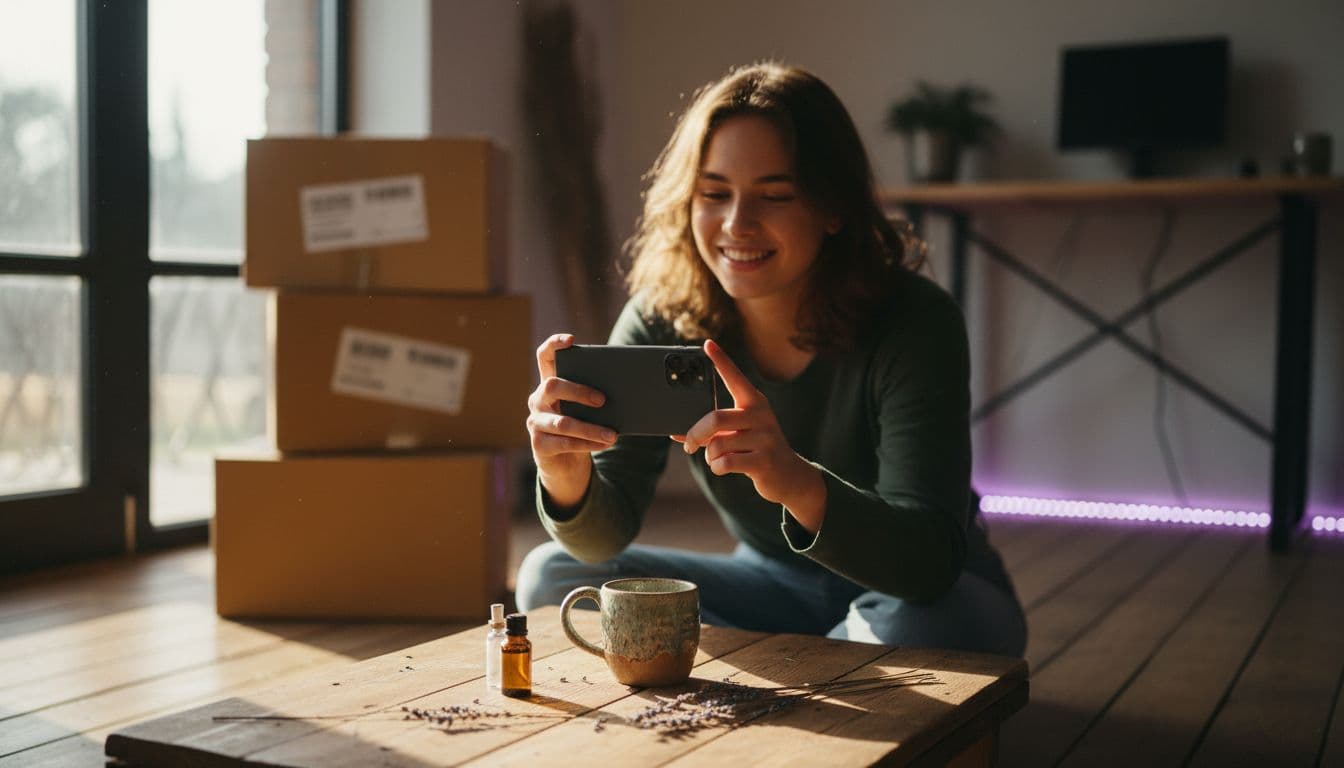
How do I turn a product photo into a video?
Upload one photo, write one sentence of action, pick a model and generate. The details below are what separate a clip that looks like a product ad from one that looks like a warped sticker. If you are new to the app, the how it works section shows the full flow, and the steps here are the product-specific version of it.
- Start with a clean photo. Plain background, the whole product in frame, even light, no motion blur. A cluttered photo gives the model clutter to animate.
- Choose the camera move first. Orbit, push in, pan along or hold still. One move per clip is enough; asking for three usually produces none of them well.
- Describe the action in one sentence. Steam rising, a hand picking the item up, a light sweeping across the surface. Keep it physical and simple.
- Name the light and the surface. Warm morning window light on marble reads very differently from cold studio light on white. Say which you want.
- Generate a few versions and keep the best. Rerunning the same prompt gives different takes, and testing three costs far less than a reshoot.
 Kling 3 Pro
“A ceramic coffee mug on a marble kitchen counter in warm morning light, steam rising from the cup. The camera makes one slow orbit around the mug, keeping the handle and glaze in sharp focus, soft kitchen background blurred, clean minimal commercial look.”
Which shots sell a product best?
Four shot types cover almost every product clip, and each one answers a different question a shopper has. Pick the one that matches the question your listing or ad needs to answer, then write the prompt around that single move.
- The orbit shows the product from every side, so it answers what the item looks like all the way round. It is the default hero shot for mugs, bottles, shoes and gadgets.
- The reveal starts in shadow or behind a hand and lets light uncover the product. It builds a little anticipation and works well as the first second of a social ad.
- The lifestyle placement puts the product in a believable scene, such as a skincare bottle on a bathroom shelf, so the viewer imagines owning it.
- The macro close-up glides along a texture, stitching or finish. It sells quality that a wide shot cannot show.
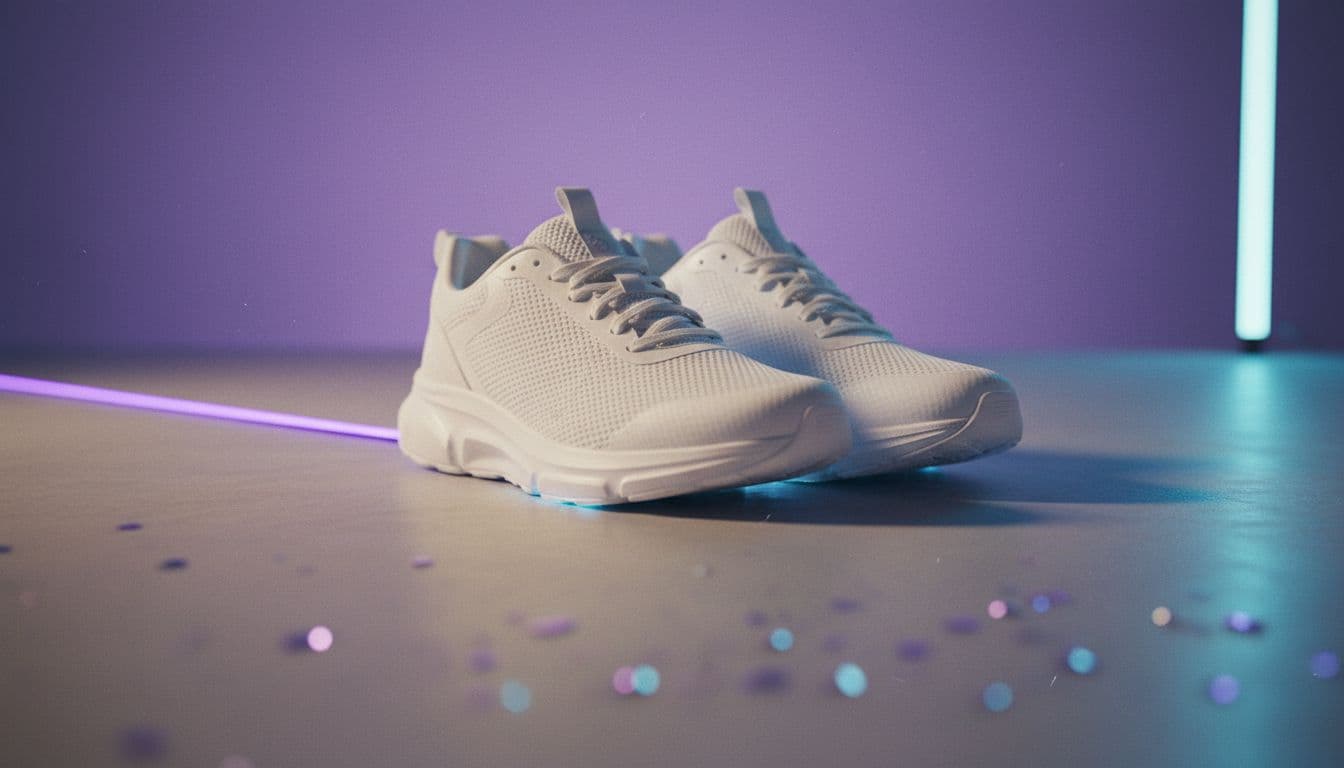
 Seedance Pro Fast
“A white running shoe on a plain light-grey surface. A soft light sweeps across from the left to reveal the shoe slowly out of shadow, the camera pushes in a few centimetres on the stitched upper, studio product photography style, steady and smooth.”
How do lighting words change the result?
Light is the cheapest way to make an AI product video look professional, because the model reads lighting words very literally. Name one light source and one mood rather than stacking six adjectives. The table below lists words that reliably change the look, and the guide to writing AI video prompts explains how to combine them with subject, action and camera.
| Lighting phrase | What it does | Good for |
|---|---|---|
| Soft window light | Gentle shadows and a natural, warm feel | Lifestyle scenes, skincare, food |
| Studio softbox, white background | Clean, even and catalogue-like | Marketplace listings, electronics |
| Hard side light | Strong shadows that emphasise texture | Leather, fabric, metal finishes |
| Golden hour glow | Warm, low and slightly dreamy | Outdoor gear, drinks, fashion |
 Veo 3.1 Fast
“A glass skincare bottle with a pump top on a bathroom shelf beside a folded towel and a small green plant, morning window light, a hand reaches in and presses the pump once, the camera holds a gentle handheld framing, natural lifestyle look.”
Which model should I use for product video?
Use a quick free model to test the angle, then move to a premium model for the clip you plan to publish. Kling 3 Pro is the usual choice when you want several connected shots in one clip, such as a wide, a close-up and a hero finish. Veo 3.1 Fast suits a single take that benefits from sound, like a bottle opening or a keyboard clicking, and Google DeepMind describes the Veo family on its official Veo page.
| Model in VIBE | Good product-video use | Tier |
|---|---|---|
| Kling 3 Pro | Multi-shot sequences, orbits and reveals | Premium |
| Wan 3.0 | Newest Wan model, worth trying for close-up texture shots | Premium |
| Veo 3.1 Fast | Single take with sound effects or ambient audio | Premium |
| Seedance Pro Fast | Fast, free tests of an angle or a prompt | Free |
| Wan 2.6 | A second free model to compare against | Free |
A practical workflow is to run the same photo and prompt on a free model first, check that the product shape holds, and only then spend credits on a premium render. Every model above sits in the model picker, and the Wan family page explains how the open Alibaba models behave. Free models are enough for a first version, but they can show limits on clip length and audio, so plan the final take on a premium one.

How do I keep the product looking the same?
Consistency is the main risk in any AI product video: the shape drifts, the colour shifts or a label turns into soft text. The fixes are mostly about restraint. Small printed text and logos are the first things to blur, so keep them out of the moving part of the shot.
- Keep the move slow. Fast rotations give the model more chances to invent a side it has never seen.
- State what must not change: write the shape, the colour and the finish in the prompt, for example 'the bottle keeps the same shape and colour'.
- Choose short clips. A few seconds of a stable product beats a long clip that slowly mutates.
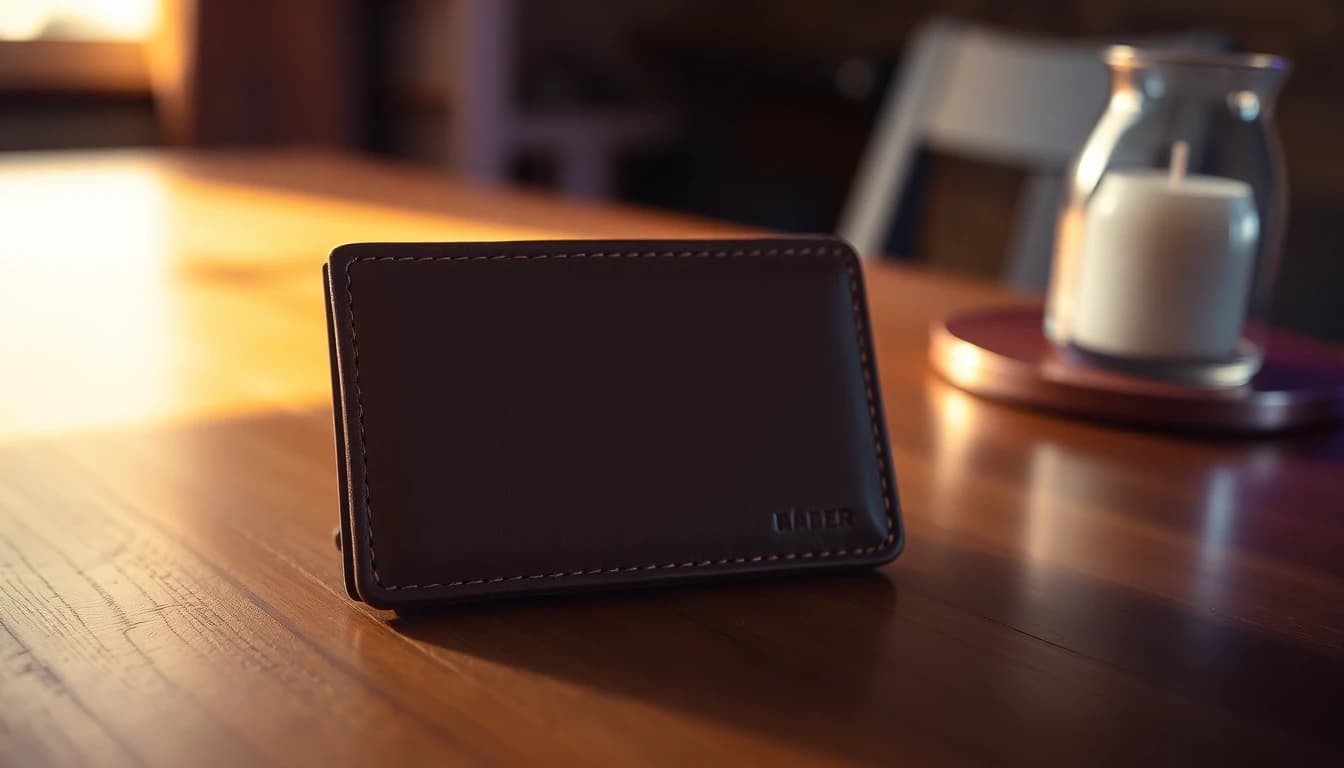
 Wan 3.0
“Extreme close-up of a leather wallet on a wooden table, the camera glides slowly along the stitching from left to right, shallow depth of field, warm side light that picks out the grain of the leather, the product shape and colour stay exactly the same.”
Can I use AI product videos in ads and listings?
Yes, you can use an AI product video in a social post, a store page or a paid ad, as long as it shows the real product accurately and you follow the rules of the platform where it runs. The practical test is simple: if a customer would feel misled by the clip when the box arrives, change the clip. For the ad side of this, the AI video ad generator guide covers hooks, aspect ratios and call-to-action placement.
Advertising law still applies to generated footage. The US Federal Trade Commission publishes general advertising and marketing guidance that sets out the basic expectation that claims must be truthful and not misleading, and the same expectation applies whether a clip was filmed or generated. Check the policy of each platform on labelling AI-generated content too, since rules differ and change.
What mistakes ruin an AI product video?
Most weak clips share the same few problems, and all of them are fixable before you generate.
- Starting from a cluttered or low-resolution photo.
- Asking for several camera moves in one short clip.
- Stacking vague style words instead of naming one light and one surface.
- Showing small text, barcodes or logos in motion.
- Publishing the first render without comparing two or three takes.
Frequently asked questions
What is the best way to make an AI product video from a photo?
Use a clean, well-lit photo of the whole product, ask for one camera move such as a slow orbit, name the light, and generate several takes. In VIBE you can do this from the app on iOS, Android or the web, starting with a free model and moving to a premium model for the final clip.
Can I make an AI product video for free?
Yes. VIBE is free to start with no login, and its free models include Seedance Pro Fast and Wan 2.6, which are enough to test a shot. Premium models such as Kling 3 Pro, Veo 3.1 Fast and Wan 3.0 are better for the version you plan to publish.
Which AI model is best for product videos?
Kling 3 Pro is a strong choice for multi-shot clips, Veo 3.1 Fast for a single take with sound, and Wan 3.0 is worth trying for close-up textures. The best model depends on the shot, so compare the same prompt on two models.
Why does my product change shape in the video?
Fast motion, cluttered photos and long clips make the model invent details. Use a slow camera move, a clean starting photo, a short duration and a prompt that says the shape and colour must stay the same.
Do I need a video camera or a studio?
No. One good photo taken with a phone near a window is enough to start. A plain background and even light give the model the cleanest starting frame.
Are AI product videos allowed in ads?
Generally yes, if they show the product truthfully and follow the platform's rules on advertising and AI-generated content. Check the current policy of the platform where you will publish before you run a paid campaign.
Start Creating AI Videos Today
Download VIBE for free on iOS and Android. No login required. Access 10+ AI video models and generate videos from text prompts or images.


Keep reading
All articles Video styles
Cinematic AI Video: Lenses, Lighting and Prompts for a Film Look
Cinematic AI video comes from five choices: lens, light, camera move, colour grade and model. Learn the exact words to use, with five prompts to copy.
Vincent Park9 min read Video styles
AI UGC Videos: How to Make User-Style Clips Without Filming
AI UGC videos look like a real person filmed them on a phone, but a video model generates them. Here is the prompt vocabulary, four copy-ready prompts, the best VIBE model for each shot, and what to disclose.
Vincent Park9 min read