AI Music Video Generator: Turn Your Track Into Visuals in an Afternoon
You do not need a film crew to put pictures to your song. Here is how to plan, generate and cut AI clips to your beat, with four prompts to copy and the rights basics you should know.
Written by Vincent Park
Published
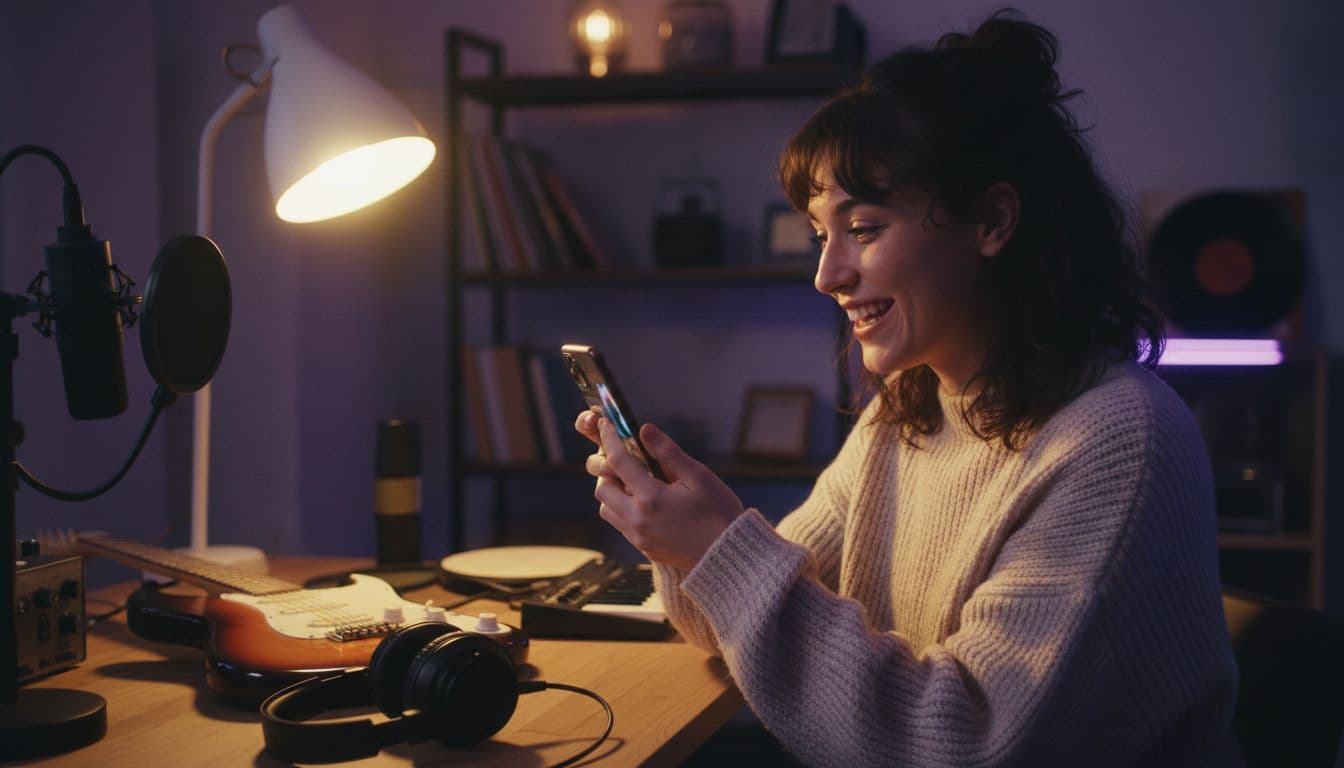
An AI music video generator turns a written description or a still image into short video clips that you cut together over your song, so a solo artist can have visuals for a track without booking a crew, a location or a camera. The honest version of the workflow is this: you generate several 8 to 15 second clips in a consistent style, then cut them to the beat in the editor you already use. This guide shows the styles that work, the model to pick for each, a little beat maths, four prompts to copy and the music-rights basics.
In one sentence
An AI music video generator is a text-to-video and image-to-video tool that creates short clips of performers, scenes or abstract visuals from a prompt, which you then edit to the rhythm of a song to make a complete music video.
What is an AI music video generator?
A music video is a short film made to accompany a song, used to promote it and to give it a visual identity, as the history of the format shows. The expensive parts used to be the shoot and the edit. An AI music video generator replaces the shoot: instead of filming a band, you describe the shot, and a video model renders it. In VIBE you can do that from a prompt alone, or start from a photo such as a cover-art idea or a portrait and animate it.
What it does not do is write the whole video in one click. Current models make clips of a few seconds, so a three-minute track becomes a set of 20 to 30 short shots that you arrange yourself. That is a feature for music: a series of strong, intentional shots cut on the beat usually looks better than one long, drifting render. As of October 2026, VIBE offers ten video models, and several of them suit music visuals, from moody performance shots to abstract motion.
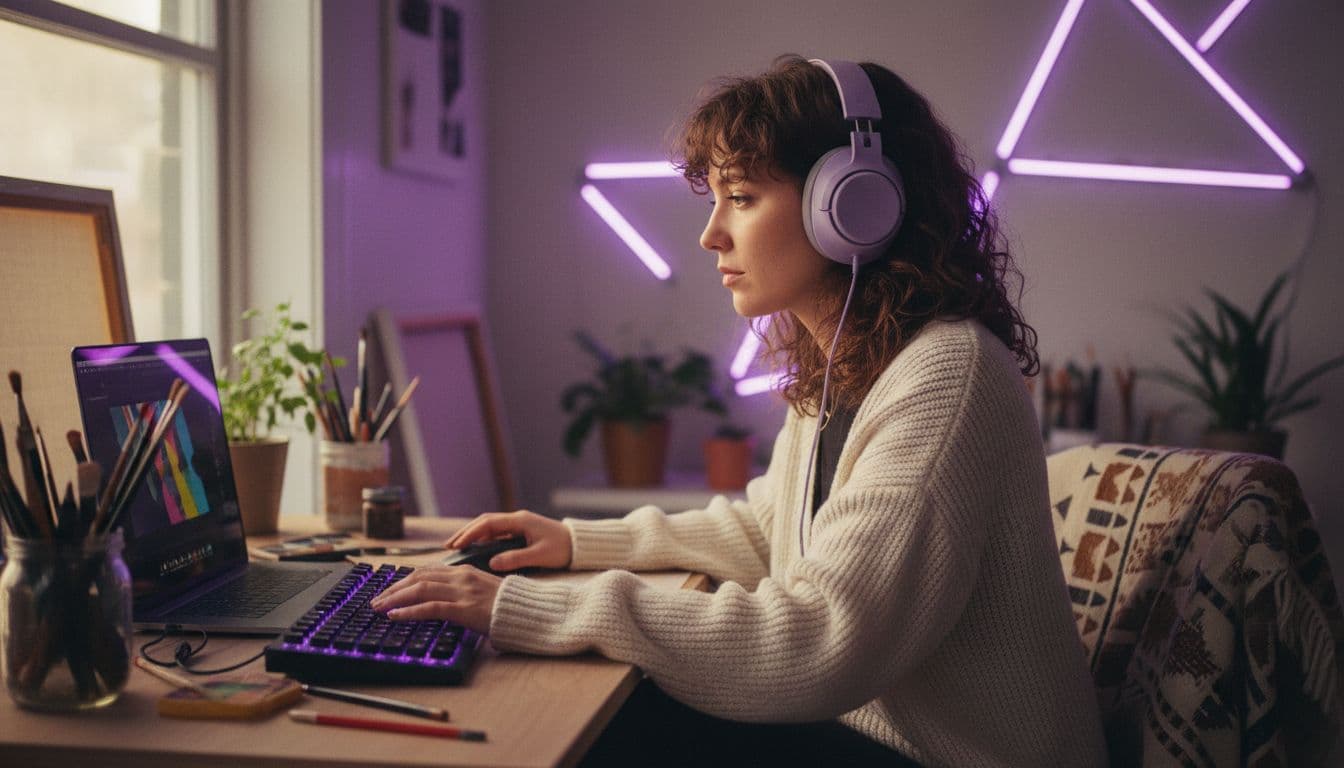
Can an AI music video generator sync visuals to my song?
Not automatically. VIBE generates the picture from your prompt or image; it does not listen to your song and cut to it. Some models, such as Veo 3.1 Fast, create their own sound alongside the picture, but that audio is generated from the prompt, not from your track (our AI video with audio guide covers how it works). So the sync happens in the edit, and the good news is that it is easy once your clips are the right length.
- Generation: VIBE creates each clip from text or an image, in the style and mood you describe.
- Sound: if a model adds its own audio, mute it and lay your own track underneath.
- Sync: drop the clips on a timeline and cut on the kick drum or snare. Because every clip is short, each cut can land on a beat.
Which music video style fits your track?
Pick the style from the song, not from what is trending. Three approaches cover almost every release, and you can mix them across a single video.
- Performance: a singer, a band or a drummer on a stage or in a rehearsal room. Works for rock, pop and hip-hop. Keep it to one performer per shot, which models handle best.
- Abstract and atmospheric: ink in water, light leaks, drifting fog, slow landscapes. Ideal for ambient, electronic and lo-fi tracks, and the most forgiving because nobody notices a small flaw in clouds.
- Narrative: a small story, such as a cyclist crossing a city at night. Needs a consistent look from shot to shot, so reuse the same lighting and colour words in every prompt.
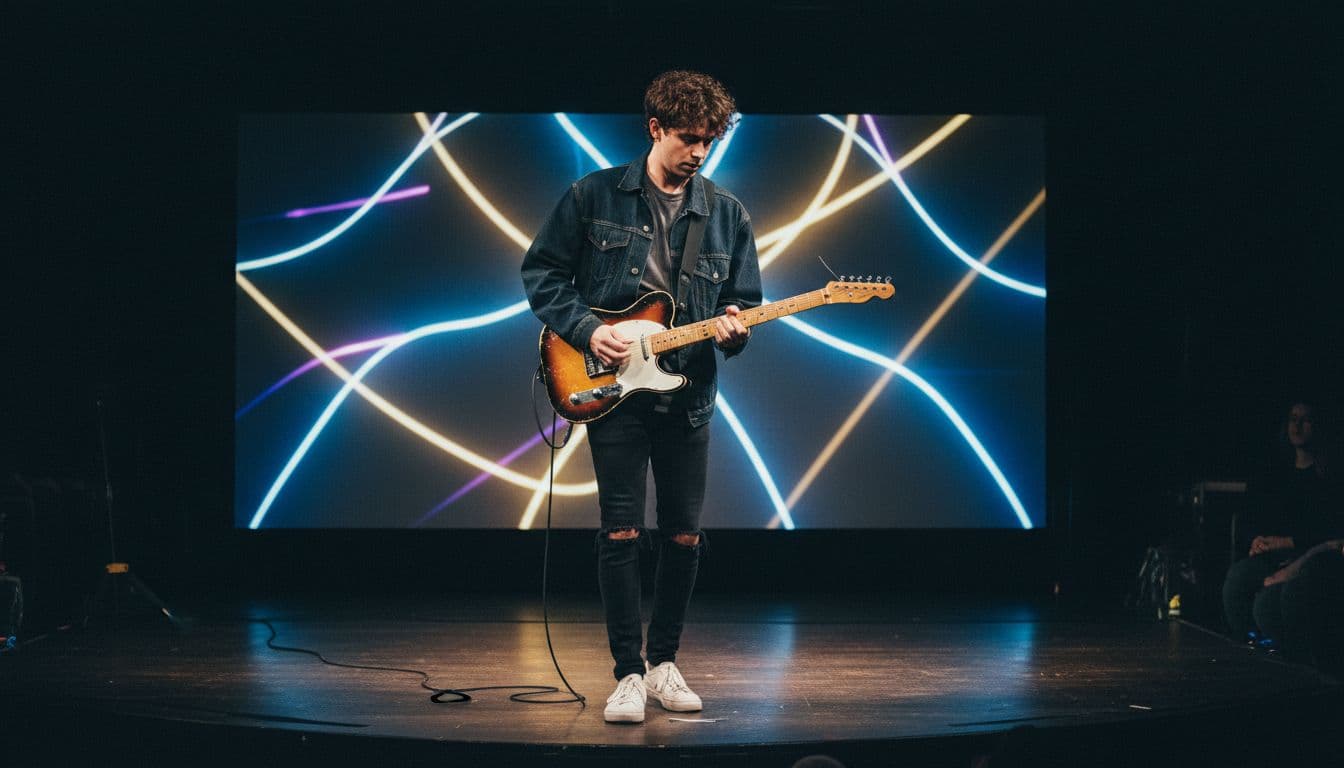
 Kling 3 Pro
“A woman in a black leather jacket sings into a vintage microphone on a small smoky stage, red and blue stage lights pulsing behind her, slow push-in from the crowd to a close-up of her face, shallow depth of field, 35mm film look, handheld energy.”
 Veo 3.1 Fast
“Ink clouds in deep blue and gold drift through water in slow motion, a single paper boat floats through them, soft light rays from above, gentle camera drift to the right, dreamy abstract look, calm and hypnotic mood, no people.”
How do you make an AI music video in VIBE?
- Pick your sections. Split the song into intro, verse, chorus and bridge. Aim for 2 to 3 shots per section.
- Choose one look. Write a single style line, for example "35mm film, teal and orange, shallow depth of field", and paste it into every prompt.
- Generate more than you need. Make two or three takes of each shot and keep the best. Free models make this cheap.
- Set the aspect ratio first. Use 9:16 for TikTok, Reels and Shorts and 16:9 for YouTube; our aspect ratio guide lists the sizes.
- Export and edit. Download the clips, drop your song on the timeline and cut on the beat.
 Seedance Pro Fast
“A lone cyclist rides through an empty neon-lit city at 3 a.m., rain on the street reflecting pink and teal signs, tracking shot from the side, cinematic grade, melancholic mood, steam rising from a drain.”
Which model should you use for a music video?
| Model | Best for music video | Good to know |
|---|---|---|
| Kling 3 Pro | Performance shots, people, longer takes | Up to 15 seconds per clip and image-to-video available in VIBE |
| Veo 3.1 Fast | Cinematic detail, atmospheric scenes | 8-second clips at 1080p, text-to-video in VIBE, generates its own sound |
| Seedance Pro Fast | Fast, free first drafts | Free tier model, ideal for testing a look |
| Wan 2.6 | Free experiments and abstract motion | Free tier model, good for variations |
A sensible routine is to draft every shot with a free model, then regenerate your favourites with Kling 3 Pro or Veo 3.1 Fast for the final cut. For cinematic wording, our cinematic prompt guide has camera and lighting phrases that work well for music visuals, and the anime video guide is a good start if your track suits an illustrated look.
 Wan 2.6
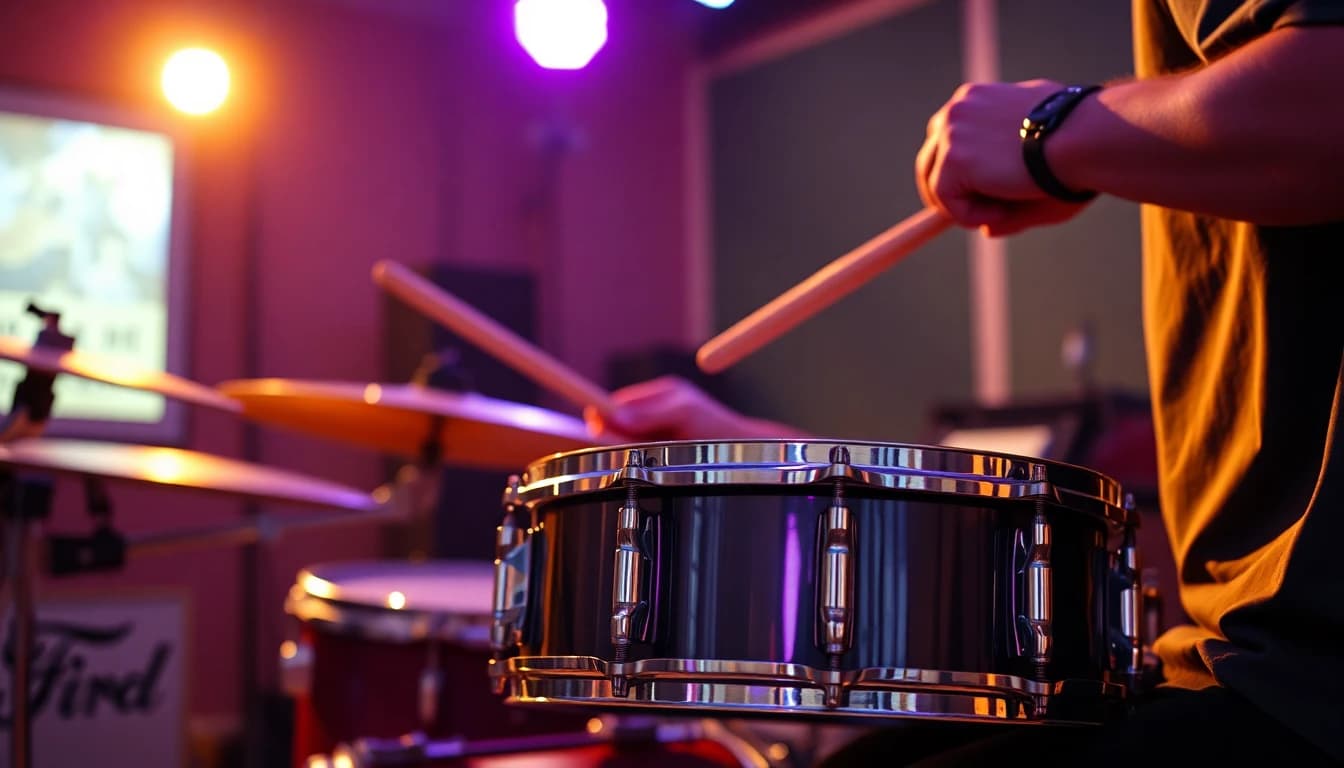
“A drummer in a rehearsal room hits a snare, sweat flying in slow motion, warm tungsten light, close-up on the stick, camera pulls back to reveal the whole band, cinematic, 24fps look.”
How do you cut AI clips to the beat?
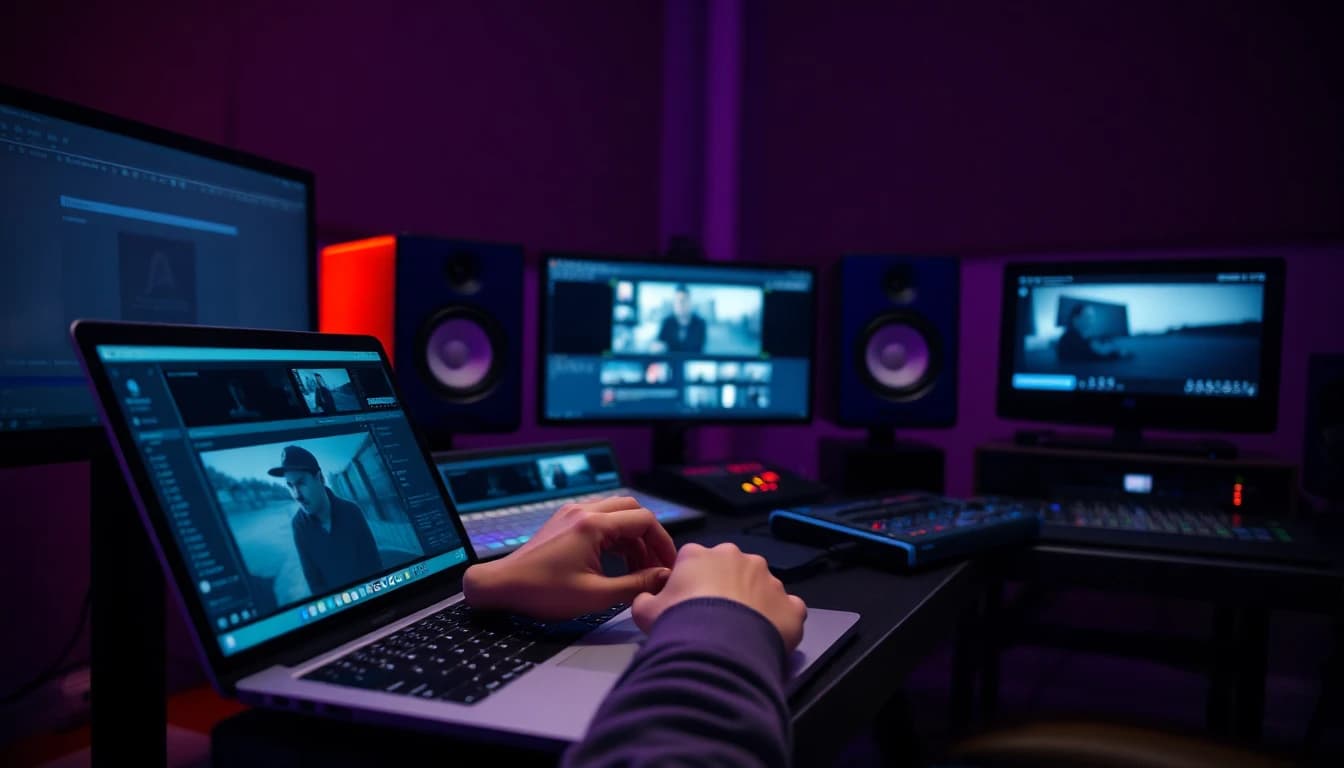
Beats are measured in BPM, beats per minute, and a bar of 4/4 music contains four beats. Divide 60 by the BPM to get the length of one beat in seconds, then multiply by four for a bar. Most editors show your song's waveform, so you can also place a marker on every kick drum and snap each cut to it, which is faster than counting. The table shows why an 8-second clip is so convenient: at 120 BPM it covers exactly four bars.
| Song tempo | One bar (4 beats) | What an 8-second clip covers |
|---|---|---|
| 90 BPM | 2.7 s | 3 bars |
| 120 BPM | 2.0 s | 4 bars |
| 140 BPM | 1.7 s | about 4.7 bars |
- Cut on the downbeat. Start every clip on the first beat of a bar.
- Let big moments breathe. Use a longer 15-second Kling 3 Pro shot for the chorus drop.
- Vary the shots. Alternate wide, medium and close-up so the video does not feel repetitive.
- Trim, do not stretch. Cut away the first and last half second of a clip, where models are least stable.
Can you use copyrighted music in an AI music video?
Generating the visuals with AI does not change who owns the song. If the track is yours, or you have a licence or written permission, you are fine to pair it with your clips. If it belongs to someone else, a platform may flag it: YouTube's Content ID system matches uploads against reference files from rights holders, and a claim can block, monetise or track the video.
The safe options are your own music, music you have licensed, or tracks the owner explicitly allows for reuse. Whatever you pick, check the platform's rules before you upload, and keep a note of where each track came from, because a licence receipt or a written permission is the quickest way to settle a dispute if a claim appears. If you are releasing through a distributor, ask what they require before you publish a video with the song attached. This is general information, not legal advice.
Frequently asked questions
Can AI make a music video from a song?
AI can generate the visual clips for a song, but you cut them together over your track yourself. In VIBE you create short clips from text or images, then edit them to the beat in a video editor.
How do I make an AI music video for free?
Use free models such as Seedance Pro Fast, LTX Video or Wan 2.6 in VIBE to draft your shots at no cost, with no login. Then arrange the clips over your song in any editor.
Does an AI music video generator sync to the beat automatically?
No. VIBE does not analyse your audio. Because clips are short, you can line cuts up with the beat manually: at 120 BPM an 8-second clip is exactly four bars.
Which AI model is best for music videos?
Kling 3 Pro is a strong choice for performers and longer shots, and Veo 3.1 Fast suits cinematic, atmospheric scenes. Start with a free model to test the look.
How long are the clips an AI music video generator makes?
Veo 3.1 Fast makes 8-second clips and Kling 3 Pro can make up to 15 seconds. A full song needs a series of clips cut together.
Is it legal to use a copyrighted song in an AI music video?
Only with permission or a licence. AI visuals do not change the rights to the music, and platforms may block or claim videos that use someone else's track. This is not legal advice.
Start Creating AI Videos Today
Download VIBE for free on iOS and Android. No login required. Access 10+ AI video models and generate videos from text prompts or images.


Keep reading
All articles Video styles
AI Product Video: From One Product Photo to a Scroll-Stopping Clip
One clean product photo, one camera move and one lighting word are enough to make a short product clip. Here are the shots, the model picks and four prompts to copy.
Vincent Park9 min read Video styles
Cinematic AI Video: Lenses, Lighting and Prompts for a Film Look
Cinematic AI video comes from five choices: lens, light, camera move, colour grade and model. Learn the exact words to use, with five prompts to copy.
Vincent Park9 min read