Cinematic AI Video: Lenses, Lighting and Prompts for a Film Look
Cinematic AI video comes from five choices: lens, light, camera move, colour grade and model. Learn the exact words to use, with five prompts to copy.
Written by Vincent Park
Published
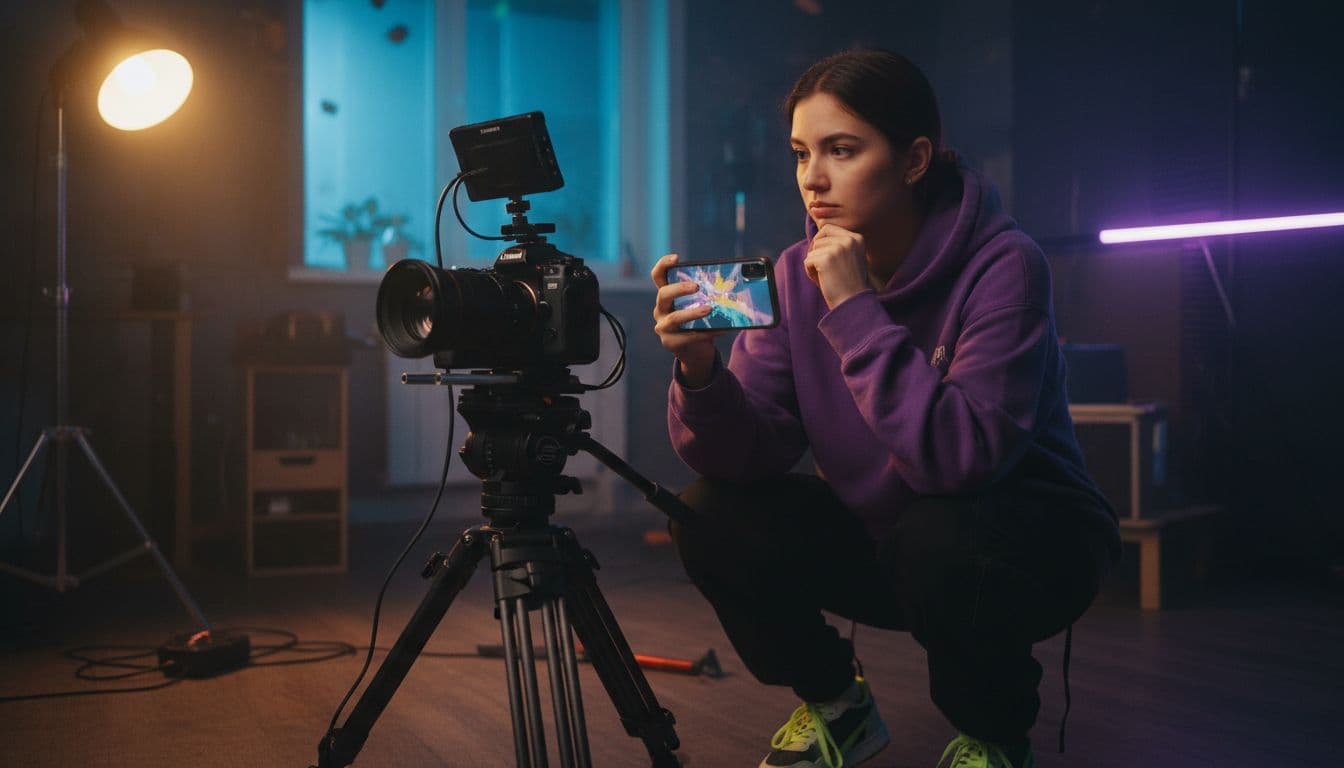
Cinematic AI video is an AI-generated clip that borrows the visual language of cinema: a deliberate lens, motivated lighting, a controlled camera move and a consistent colour grade. You get it by naming those things in your prompt and choosing a model that renders them well. This guide gives you the vocabulary and five prompts to copy into VIBE.
In one sentence
Cinematic AI video is a generated clip whose lens, light, camera movement and colour grade are specified on purpose, so it reads like a shot from a film instead of a random animated clip.
What is cinematic AI video and what makes it look like film?
A film shot looks cinematic because someone made choices: how wide the lens is, where the light comes from, how the camera moves and how the colours are graded afterwards. Cinematography is the craft of making those choices on purpose. AI video models have learned the patterns of that craft from huge amounts of footage, so when your prompt uses its terms, the model answers with those patterns.
When a prompt only describes what happens, such as a woman walking down a street, the model fills every visual decision with an average guess. That is why vague prompts give flat, generic clips. If you want a stylised look instead of a realistic one, our guide to the AI anime video generator covers the illustrated side of the same idea.
How do you write a cinematic AI video prompt?
Use one repeatable order. Google's own prompting guide for Veo recommends a formula of cinematography, subject, action, context and style, and the same order works well across the other models in VIBE. For the wider basics, see our guide on how to write AI video prompts.
- Shot and camera: wide, medium or close-up, plus one camera move.
- Subject: who or what is in frame, in one clear phrase.
- Action: one simple action that fits the clip length.
- Setting and light: where it is, the time of day and where the light comes from.
- Look: lens, depth of field, colour grade and film grain.
 Veo 3.1 Fast
“Cinematic slow dolly-in on a woman in a red coat standing alone on a rain-soaked neon street at night, 35mm lens, shallow depth of field, reflections on wet asphalt, teal and orange colour grade, soft film grain. Ambient noise: distant traffic and rain. SFX: faint neon buzz.”
Keep one idea per clip. Models follow a single clear shot far better than a paragraph of events, and a short, specific prompt beats a long, mixed one.
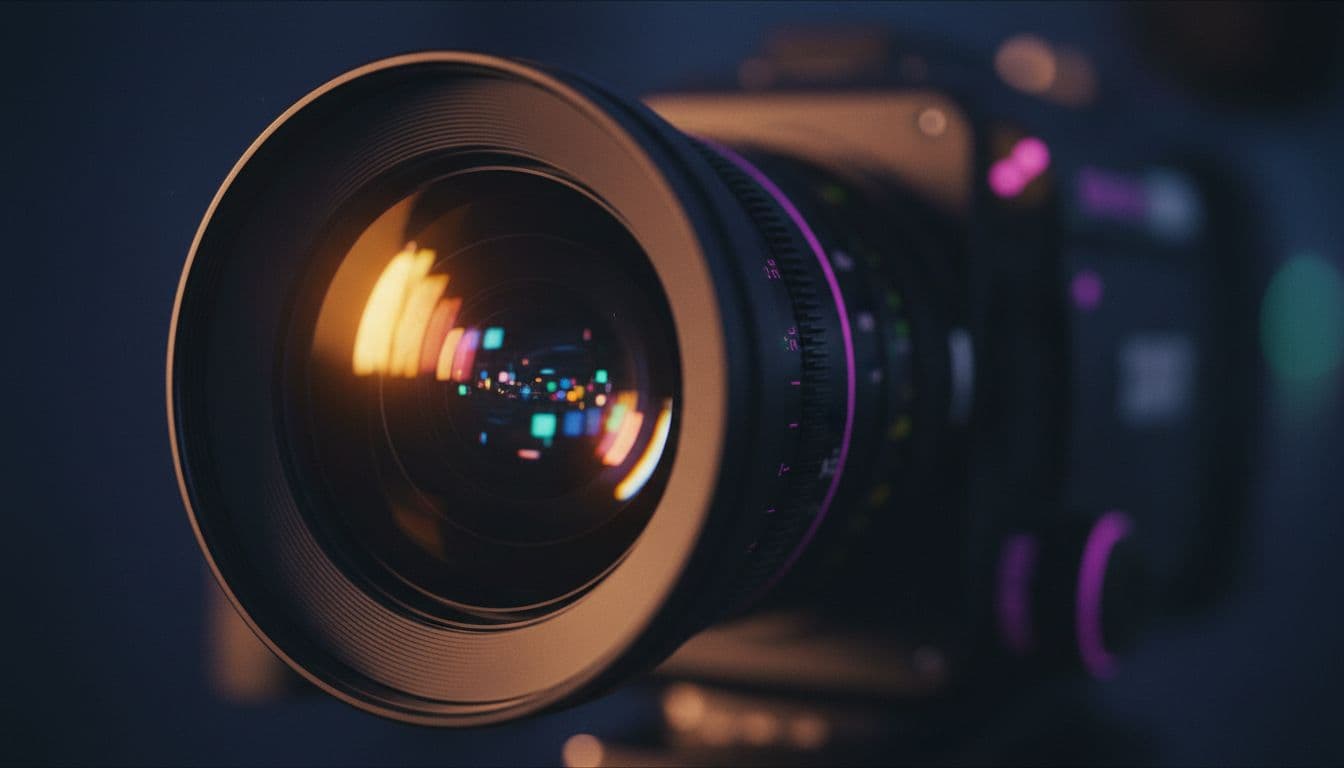
Which lenses and focal lengths give a film look?
Focal length changes how space feels, and models understand the shorthand. Use these as starting points:
- 24–28 mm wide: big environments and a sense of scale. Good for establishing shots.
- 35 mm: the natural storytelling lens, close to how people see a scene.
- 50 mm: neutral and intimate, a safe default for dialogue-style shots.
- 85 mm and longer: compressed background, flattering close-ups and strong subject separation.
- Shallow depth of field: add this phrase for a softly blurred background behind a sharp subject.
For the widescreen cinema look, ask for an anamorphic lens feel: horizontal lens flares, oval background highlights and a 2.39:1 composition. Most apps generate 16:9, so generate wide and crop the bars in an editor if you want the true scope ratio.
What lighting words create a cinematic look?
Light does more than anything else to separate a film shot from a phone clip. Name the source and its quality, not just the mood:
| Lighting phrase | What it does | Best for |
|---|---|---|
| Golden hour, low sun, backlight | Warm glow, long shadows and a rim of light on the subject | Romance, road trips, landscapes |
| Blue hour, soft diffused light | Cool, calm, moody ambient colour | Establishing shots, quiet drama |
| Hard side light, deep shadows | High contrast and dramatic texture | Thrillers, noir, portraits |
| Practical lights, tungsten lamps | Warm pools of light from objects in the scene | Interiors, restaurants, night scenes |
| Neon reflections on wet streets | Colourful glow and reflective surfaces | Cyberpunk, city nights |
| Overcast, soft window light | Even, gentle light with no harsh shadows | Intimate portraits, documentary |
Pair every light with a time of day and a direction, such as low sun from the left. Models place shadows more convincingly when they know where the light starts.
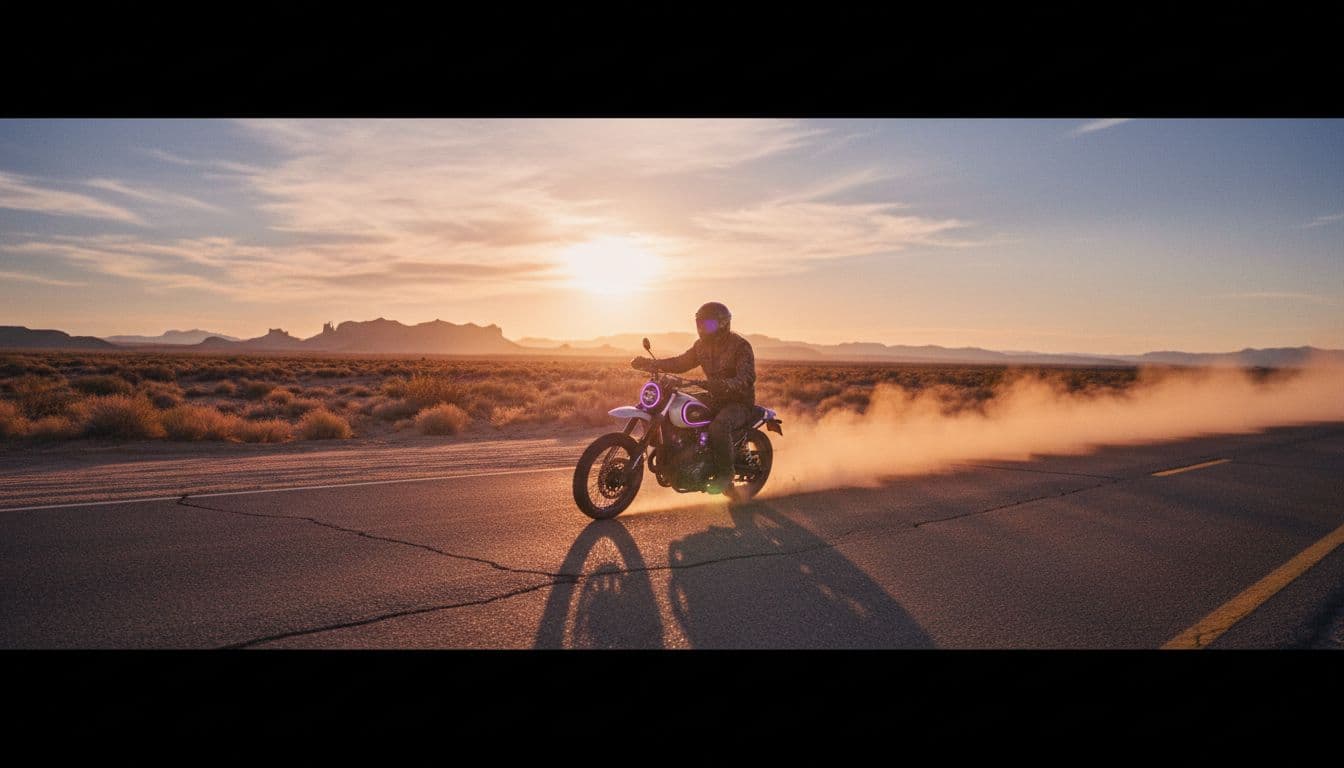
 Kling 3 Pro
“Golden hour wide shot of a lone rider on a motorbike crossing a desert highway, anamorphic lens look with horizontal lens flare, long shadows, warm backlight, slow tracking shot from the side, dust glowing in the air, 2.39:1 widescreen composition, filmic colour grade.”
Which camera moves work best in AI video?
The safest rule is one camera move per clip. Stacking a pan, a zoom and a tilt is the most common reason AI shots look wobbly. These moves are well understood by current models:
- Slow dolly-in or push-in: adds tension and focuses attention on the subject.
- Tracking shot: the camera moves alongside or behind the subject, ideal for walking and driving.
- Crane or aerial pull-back: reveals the setting, great for opening shots.
- Orbit or 180-degree arc: circles the subject for a premium, product-style feel.
- Static locked-off shot: no camera move at all, which often looks the most film-like for portraits.
A tracking shot is also where longer clip lengths pay off, because the model has time to finish the move.
 Wan 3.0
“One continuous 20-second take: a tracking shot follows a chef through a candle-lit restaurant kitchen into a quiet dining room, 50mm lens, practical lighting from warm tungsten lamps, shallow depth of field, steam drifting through the light, muted film colour palette.”
How do you describe colour grading and film grain?
Colour grade is the final layer of the cinematic look. Describe it as a palette, not a filter, and keep it to one idea:
- Teal and orange: cool shadows against warm skin tones, the classic blockbuster palette.
- Muted, desaturated palette: a restrained, serious, indie-drama feel.
- Warm vintage tones with film grain: nostalgia, memory and period pieces.
- High-contrast black and white: noir, with strong shadows and clean highlights.
Add soft film grain at the end of the prompt for texture. Avoid piling on words such as hyper-detailed or 8K, which can push a model toward a cleaner, more digital look.
 Seedance Pro Fast
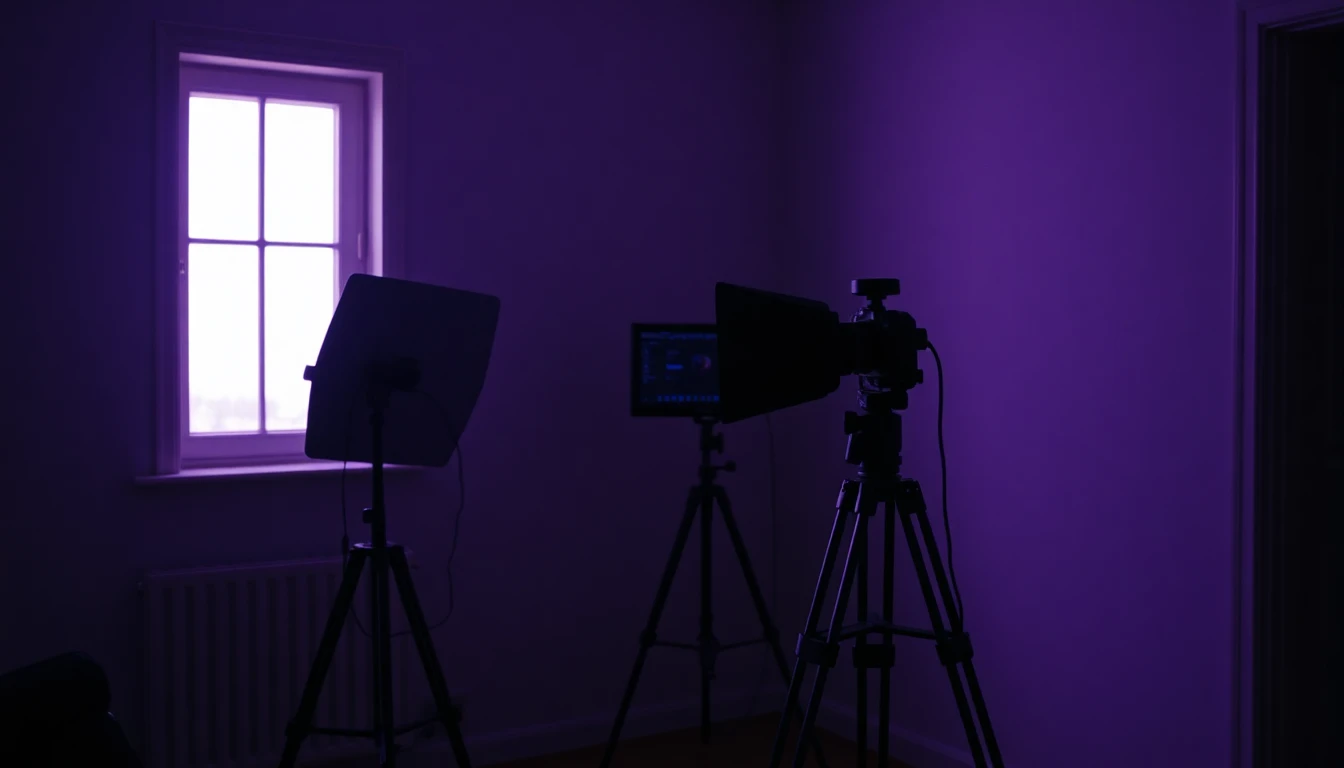
“Low-angle close-up of a detective lifting an old photograph from a dark office desk, hard side light through window blinds, deep shadows, 85mm lens, shallow focus, slow push-in, high-contrast black and white film noir look.”
Which AI model is best for cinematic AI video?
As of October 2026, VIBE lets you run the same cinematic prompt through several models, which is the fastest way to find the one that suits your shot. Here is how they compare:
| Model | Maker | Best for | Max length | Native audio |
|---|---|---|---|---|
| Veo 3.1 Fast | Google DeepMind | Precise camera and lens direction with sound | 8 s | Yes |
| Kling 3 Pro | Kuaishou | Realistic motion and filmic lighting | 15 s | Yes |
| Wan 3.0 | Alibaba / Tongyi Lab | Long continuous takes | 30 s | Yes |
| Seedance Pro Fast | ByteDance / Seed | Free drafts and quick tests | 8 s | No |
Veo 3.1 Fast follows camera and lens language closely and generates matching sound, while Kling 3 Pro is a strong choice for realistic motion. Wan 2.6 is free and good for testing a look. A practical workflow is to draft in a free model, then render the winner in a premium one. Every model is listed in the VIBE model lineup.
 LTX Video
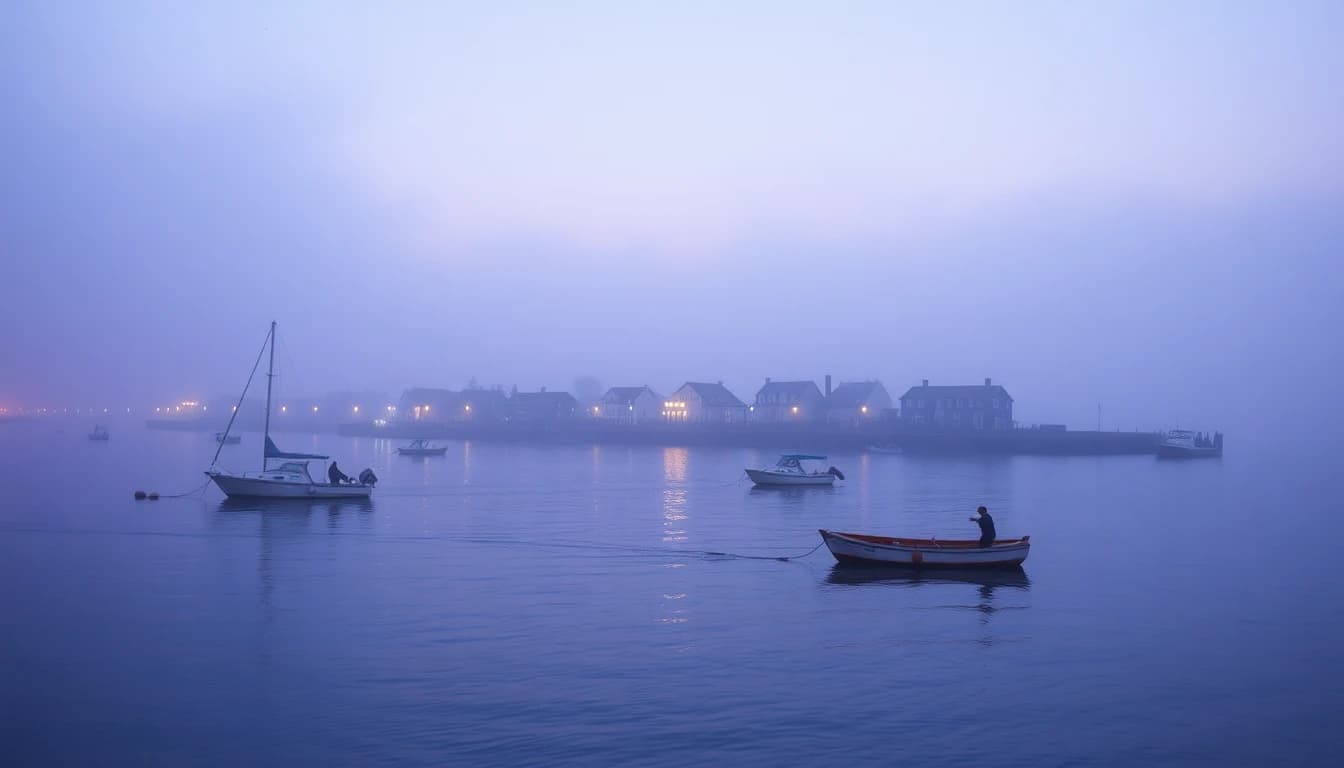
“Slow aerial pull-back over a fishing village on a misty coast at blue hour, soft diffused light, muted palette, gentle camera drift, cinematic wide establishing shot.”
What mistakes make AI video look un-cinematic?
Most failed attempts come from the same few habits:
- Too many ideas: several actions and camera moves in one clip confuse the model. Split them into separate shots.
- No light source: without a named light, the model defaults to flat, even lighting.
- Contradictory looks: asking for golden hour and a neon night in one prompt gives muddy results.
- Ignoring clip length: a long action in a short clip gets rushed, so match the action to the duration.
- Skipping the edit: film is built from cuts. Generate three or four short shots and join them; the how it works steps in VIBE show the flow.
Think like a director: decide the shot, generate it, review it, then change one variable at a time.
Frequently asked questions
What is cinematic AI video?
Cinematic AI video is a clip generated by an AI model where the lens, lighting, camera movement and colour grade are specified, so the result looks like a shot from a film. It is made by adding cinematography terms to a normal text-to-video prompt.
How do I make AI video look like a movie?
Name a shot size and one camera move, add a lens such as 35 mm or 85 mm, describe the light source and time of day, and finish with a colour palette and film grain. Keep it to one scene per clip.
Which AI model is best for cinematic video?
There is no single best model. Veo 3.1 Fast follows camera language closely and adds sound, Kling 3 Pro is strong on realistic motion, and Wan 3.0 supports long takes of up to 30 seconds in VIBE. Test the same prompt in several.
Can I make cinematic AI video for free?
Yes. VIBE includes free models such as Seedance Pro Fast, LTX Video, Luma Dream Machine, Wan 2.6 and PixVerse, so you can draft shots at no cost before using a premium model.
What aspect ratio is cinematic?
Widescreen cinema often uses about 2.39:1. Most AI video apps output 16:9, so generate in 16:9 and crop in an editor, or use 9:16 for vertical platforms such as TikTok and Instagram Reels.
Does cinematic AI video need sound?
Sound adds much of the film feel. Veo 3.1 Fast, Kling 3 Pro and Wan 3.0 generate audio together with the picture, and you can describe ambient noise or effects directly in the prompt.
Start Creating AI Videos Today
Download VIBE for free on iOS and Android. No login required. Access 10+ AI video models and generate videos from text prompts or images.


Keep reading
All articles Video styles
AI UGC Videos: How to Make User-Style Clips Without Filming
AI UGC videos look like a real person filmed them on a phone, but a video model generates them. Here is the prompt vocabulary, four copy-ready prompts, the best VIBE model for each shot, and what to disclose.
Vincent Park9 min read Video styles
AI Video Ad Generator: Turn One Product Photo Into a Ready-to-Post Ad
An AI video ad generator turns a product photo or a short brief into a finished ad — hook, demo and call to action — without a shoot day. Here's which VIBE model to use, five copy-ready prompts, and the exact aspect ratio each platform expects.
Vincent Park9 min read