AI Video Aspect Ratio Guide: 9:16, 16:9 or 1:1 for Every Platform
Which ratio fits TikTok, Reels, Shorts and YouTube? A practical guide to choosing your aspect ratio before you generate, with safe zones and copy-ready prompts.
Written by Vincent Park
Published
The right AI video aspect ratio is 9:16 for TikTok, Instagram Reels and YouTube Shorts, 16:9 for standard YouTube and widescreen playback, and 1:1 when a square feed post is the goal. The most important rule is to choose it before you generate, because cropping a finished clip later throws away most of the picture. This guide gives you the ratio for every platform, the safe zones that keep faces and text visible, and three copy-ready prompts you can run in VIBE.
In one sentence
An AI video aspect ratio is the width-to-height shape of a generated clip, written as 9:16 (vertical), 16:9 (horizontal) or 1:1 (square), and it decides how the shot is framed, which platforms show it full-screen and how much of it survives a crop.
What is an AI video aspect ratio and why does it matter?
Aspect ratio is the proportion between a video's width and its height. A 9:16 clip is tall, like a phone held upright. A 16:9 clip is wide, like a television or a laptop screen. A 1:1 clip is a perfect square. The ratio is not a cosmetic setting: an AI model composes the whole shot for the frame it is given, deciding where the subject stands, how much sky or floor to include and which way the camera moves.
That makes the choice more important for AI video than for filmed footage. A phone camera records a wide scene and you can crop it afterwards. An AI model invents every pixel for one specific frame, so a clip generated for 16:9 has no extra material above and below to fill a vertical screen. As of October 2026, the ratio you pick at the start still decides how professional the result looks on TikTok, Reels, Shorts or a website.
Which aspect ratio should you use for each platform?
Use 9:16 for any short-form feed that scrolls vertically, 16:9 for long-form and desktop viewing, and 1:1 or 4:5 only when you specifically want a compact feed post. The table below summarises the formats that matter most. For a deeper platform walkthrough, see our guide to the AI video generator for TikTok.
| Platform | Best ratio | Typical size | What to know |
|---|---|---|---|
| TikTok | 9:16 | 1080 × 1920 | Vertical fills the screen. Other shapes play with bars. |
| Instagram Reels | 9:16 | 1080 × 1920 | Profile grid thumbnails now show a 3:4 crop, so keep key details central. |
| YouTube Shorts | 9:16 | 1080 × 1920 | Vertical uploads, up to 3 minutes according to YouTube Help. |
| YouTube (standard) | 16:9 | 1920 × 1080 | 16:9 is the standard player shape; other ratios are adapted by the player. |
| Instagram or Facebook feed | 1:1 or 4:5 | 1080 × 1080 | Compact shapes that take up more of a scrolling feed than 16:9. |
YouTube Help states that the standard aspect ratio for YouTube on a computer is 16:9 and that other shapes such as vertical or square are adapted by the player, while Shorts are vertical videos up to 3 minutes long. For Instagram's current upload rules, check the Instagram Help Center, because Meta adjusts the grid and feed formats from time to time.
Should you choose the ratio before or after you generate?
Choose it before. Cropping a finished clip sounds harmless, but the arithmetic is unforgiving. Taking a 9:16 slice from the centre of a 1920 × 1080 widescreen clip leaves a strip about 607 pixels wide, which is roughly 32 percent of the original width and has to be enlarged by about 1.8 times to fill a vertical screen. A 1:1 crop of the same clip keeps about 56 percent. The subject also tends to be composed for the wide frame, so a crop can cut off a face or a product at the edge.
- Decide where the clip will be watched first: vertical feed, widescreen player or square post.
- Pick the matching ratio before writing the prompt, so you can describe framing in the same breath.
- Generate the clip in that ratio and check the first and last second for cut-off subjects.
- Export the clip in the ratio you generated. VIBE's export options cover 9:16, 16:9 and 1:1.
- If you need a second platform, generate a new version in its native ratio instead of cropping the first.
This one habit saves more credits than any prompt trick, because a clip generated in the right shape rarely needs a second attempt. You can see every model and start free from the VIBE model list, and the step-by-step flow takes about a minute from prompt to export.
How do you prompt for vertical, horizontal and square video?
State the ratio in the prompt and then describe a composition that suits it. The ratio word tells the model the shape of the frame; the composition words tell it where to put the subject. Our guide on how to write AI video prompts covers the full prompt structure, and the framing rules below are the part that is specific to aspect ratio.
- Vertical 9:16: put the subject in the middle of the frame, leave headroom above, and prefer tall subjects such as people standing, buildings, waterfalls and pouring liquids.
- Horizontal 16:9: use the width. Place the subject on a third, add depth with foreground and background, and use camera moves such as a slow dolly or pan.
- Square 1:1: centre the subject and favour symmetrical or top-down compositions, which look deliberate in a square.
- All ratios: avoid asking for a vertical subject in a wide frame or a wide landscape in a vertical frame, because the model will have to compromise.
 Seedance Pro Fast
“Vertical 9:16 shot of a barista pouring latte art into a white cup, camera locked off at chest height, the cup and hands centred in the middle of the frame, empty headroom above and open space below, steam rising, warm morning window light, no camera zoom.”
 Veo 3.1 Fast
“Wide 16:9 cinematic establishing shot of a lone hiker crossing a mountain ridge at sunrise, peaks stretching across the whole frame, the hiker on the left third, slow dolly to the right, golden light, ambient wind and distant birds.”
 Kling 3 Pro
“Square 1:1 top-down shot of two hands arranging sliced oranges, figs and berries on a wooden table, centred symmetrical composition, even soft daylight, slow clockwise rotation of the camera.”
Seedance Pro Fast is free to start and quick, which makes it a good model for testing a vertical composition, while Veo 3.1 Fast from Google DeepMind suits cinematic widescreen shots with sound. Kling 3 Pro from Kuaishou handles detailed, longer clips. Copy a prompt, paste it into VIBE and change only the subject.
What are safe zones and how do you keep faces and text clear?
A safe zone is the part of the frame that stays clear of app buttons, captions and interface overlays. On a vertical platform the app draws its own username, caption, sound label and like or share buttons on top of your video, usually along the bottom and the right edge. Exact margins differ by app, device and caption length, so treat them as approximate and test on your own phone.
- Keep faces, hands and products in the middle of a 9:16 frame, away from the bottom third where captions sit.
- Leave a margin on the right edge, where the action buttons stack.
- On Reels, keep important details inside a central 3:4 area so they survive the profile grid crop.
- Generate the visual first and add captions in your editor, rather than asking the model to write text, since AI models often garble lettering.
- Check the first frame as well, because it often becomes the thumbnail.
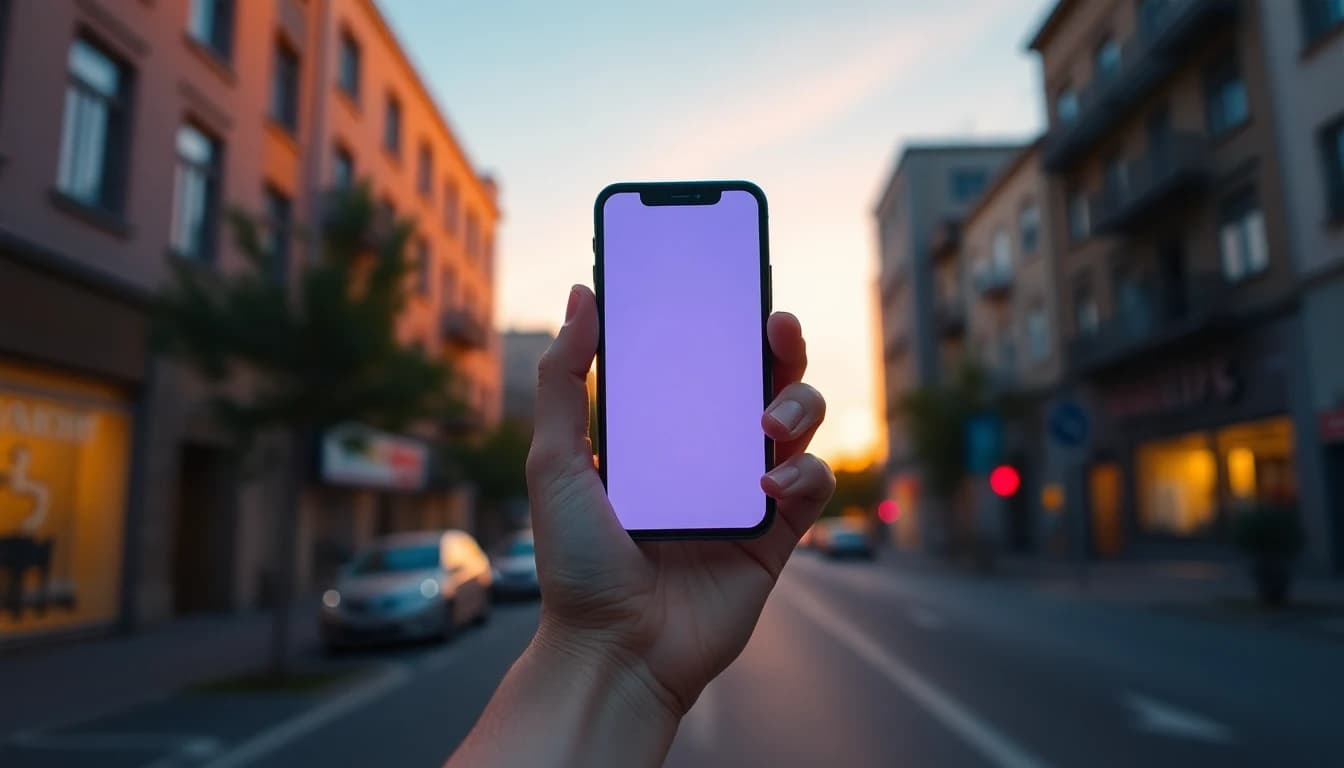
Can one AI clip work in every aspect ratio?
Not well. A single clip can be exported in several shapes, but only the shape it was generated for will look composed. The table compares what each ratio is good at, so you can choose where to spend your generations.
| Ratio | Feel | Best for | Watch out for |
|---|---|---|---|
| 9:16 | Immersive, personal | TikTok, Reels, Shorts, ads | Tight horizontal space; keep text centred |
| 16:9 | Cinematic, spacious | YouTube, websites, presentations | Looks small on a phone held upright |
| 1:1 | Balanced, compact | Feed posts, product loops, thumbnails | Less room for camera movement |
If you publish on several platforms, the efficient path is to generate the hero clip in 9:16, then write a second prompt for 16:9 that reuses the same subject and style words. If your clip needs sound, our guide to AI video with audio explains which models generate it.
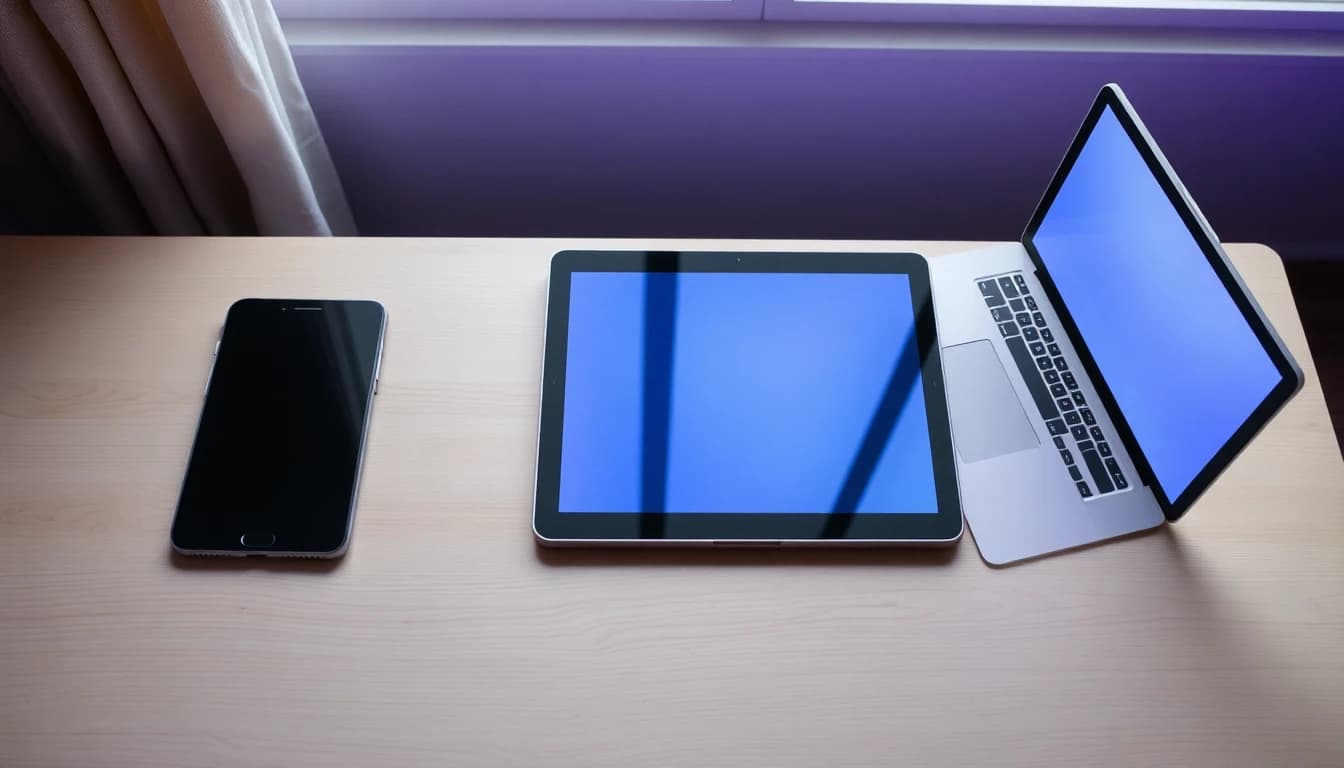
What mistakes do people make with AI video aspect ratio?
Most problems come from deciding the ratio too late or ignoring where the clip will be seen. The mistakes below are the ones that waste the most time.
- Generating in 16:9 and cropping to 9:16 afterwards, which discards roughly two thirds of the picture.
- Uploading a widescreen clip to a vertical feed, so it plays as a small strip with black bars.
- Putting text or a face in the bottom third of a vertical frame where captions cover it.
- Using a square 1:1 clip for a story-style placement and getting padded edges.
- Forgetting the thumbnail, so the first frame is cropped badly by the grid.
- Mixing the ratio word in the prompt with a different export setting.
Frequently asked questions
What aspect ratio is best for AI videos?
It depends on where the video will be watched. Use 9:16 for TikTok, Instagram Reels and YouTube Shorts, 16:9 for standard YouTube and websites, and 1:1 for square feed posts. Choose before you generate, because cropping a finished clip discards much of the picture.
What aspect ratio do TikTok, Reels and Shorts use?
All three are built around vertical 9:16 video, commonly produced at 1080 × 1920 pixels. YouTube Help says Shorts are vertical videos up to 3 minutes long. Other ratios upload but do not fill the screen.
Can I turn a 16:9 AI video into 9:16?
You can crop it, but the result is a narrow slice of about 607 pixels from a 1920 × 1080 frame, enlarged to fill the screen, and the subject may be cut off. A better method is to generate a new clip in 9:16 with a prompt that centres the subject.
Does the aspect ratio change what the AI generates?
Yes. The model composes the scene for the frame it is given, so a vertical frame produces taller framing and a wide frame produces more landscape and depth. Describing a composition that fits the ratio gives cleaner results.
What ratio should I use for Instagram feed posts?
Instagram accepts several shapes in the feed. Square 1:1 and portrait 4:5 take up more of the screen than 16:9, and Reels use 9:16. Check the Instagram Help Center for current rules, as formats change.
Can I make a free AI video in all three ratios in VIBE?
VIBE is free to start with no login, and its export options cover 9:16, 16:9 and 1:1. Free models include Seedance Pro Fast, LTX Video, Luma Dream Machine, Wan 2.6 and PixVerse, so you can test each shape before upgrading to a premium model.
Start Creating AI Videos Today
Download VIBE for free on iOS and Android. No login required. Access 10+ AI video models and generate videos from text prompts or images.


Keep reading
All articles Trends & tutorials
AI Video Trends 2026: What Is Changing and How to Use It
Sound, longer takes, consistent characters, vertical formats and disclosure rules are reshaping AI video this year. Here is what each shift means and how to use it.
Vincent Park9 min read Trends & tutorials
AI Video Generator for TikTok: Formats, Lengths and Prompts That Work
What a TikTok-ready AI clip looks like in 2026: vertical framing, the right length, sound that fits, honest labelling and five prompts you can paste into VIBE today.
Vincent Park9 min read