AI UGC Videos: How to Make User-Style Clips Without Filming
AI UGC videos look like a real person filmed them on a phone, but a video model generates them. Here is the prompt vocabulary, four copy-ready prompts, the best VIBE model for each shot, and what to disclose.
Written by Vincent Park
Published
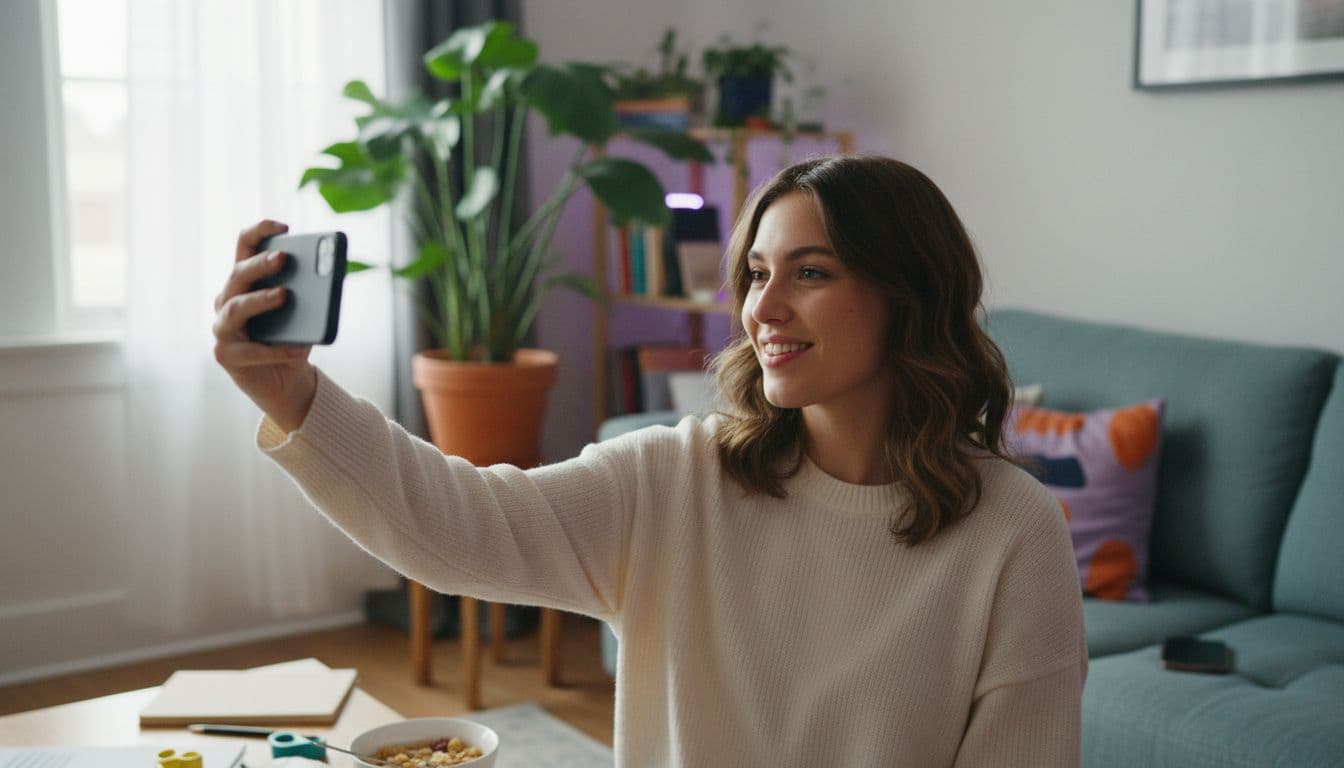
AI UGC videos are short, handheld-looking clips — a person talking to the camera, holding a product, reacting in natural light — that an AI video model generates instead of a customer or creator filming them. In VIBE you can make one in minutes: describe the casual framing, one action and the room, then pick a model such as Kling 3 Pro or Veo 3.1 Fast. This guide covers why the user-style look works, the prompt words that create it, four copy-ready prompts, and the disclosure rules to follow on TikTok, YouTube and in advertising as of October 2026.
In one sentence
AI UGC videos are AI-generated clips styled like user-generated content — handheld framing, natural light, a casual person speaking to camera or showing a product — made with a text-to-video or image-to-video model rather than filmed.
What are AI UGC videos?
UGC stands for user-generated content: the unpolished clips real people post about things they use, wear or visit. The look is recognisable at a glance — a phone held at arm's length, a lived-in room, a slightly uneven frame, speech that sounds like talking rather than reading. AI UGC videos borrow that visual grammar. The footage is rendered by a model from a text prompt or a photo, so there is no shoot, no casting and no editing timeline.
It is one style among several that the same models can produce — our guide to AI anime-style video shows a completely different look from the same tools. One point matters before anything else: an AI UGC clip is a scripted, generated piece of content, not a real customer. It should be treated as a brand-made video in a user-style format, and never presented as an actual person's experience (more on that below).
Why does the UGC style work for short-form video?
On TikTok, Instagram Reels and YouTube Shorts, a glossy spot announces itself as an ad before the first word is spoken. A handheld, casual clip looks like the content around it, so viewers tend to give it a few more seconds. That is the whole advantage of the format, and it is why brands, app makers and small shops keep reaching for it.
- Familiar framing. Selfie angle, natural light and a normal room are what people already scroll past all day, so nothing about the clip feels like an interruption.
- A human first second. A face, a hand or a voice in the opening beat gives the eye something to follow, which a logo or a title card does not.
- Cheap iteration. When a version costs minutes instead of a shoot day, you can test ten different hooks and keep the two that hold attention.
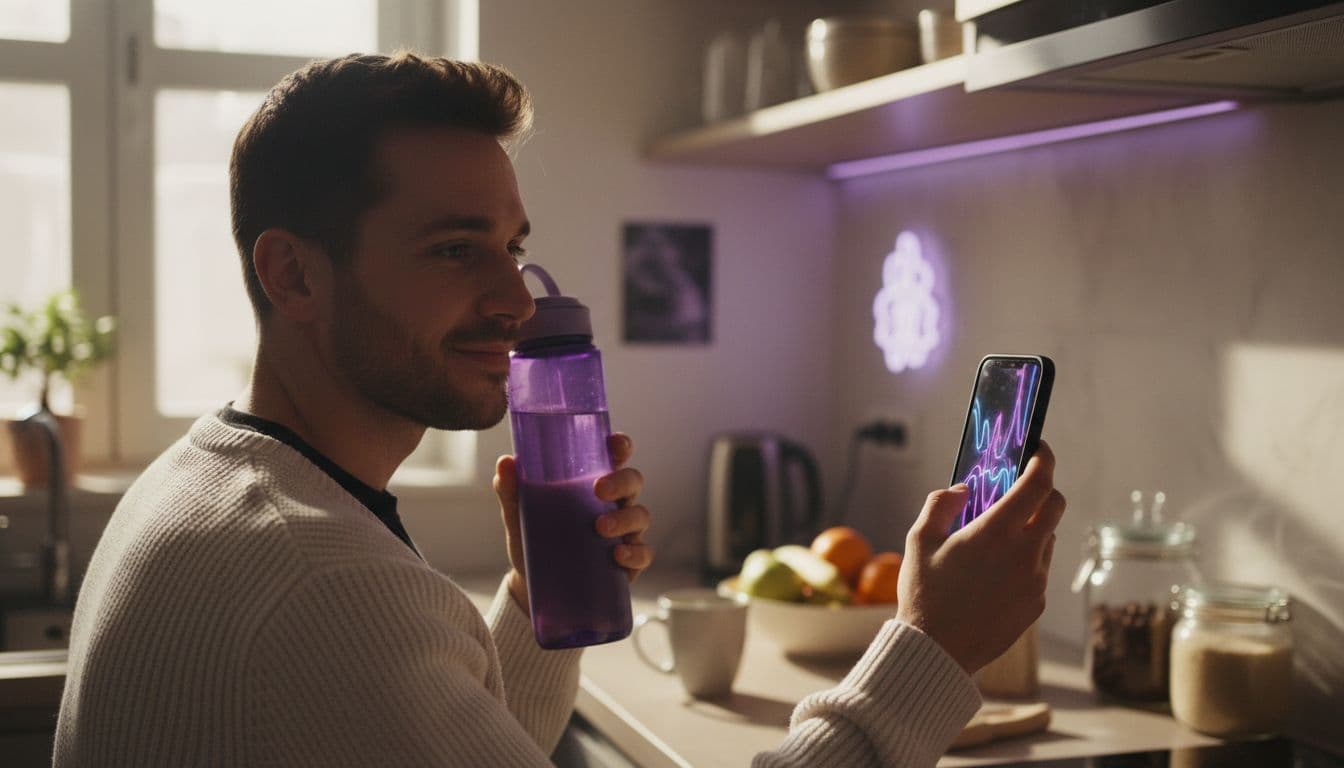
How do I make AI UGC videos in VIBE?
The workflow is the same whether you start from words or from a photo. VIBE is free to start with no login required, so you can run the first test before deciding anything else.
- Decide the one thing the clip shows: a person speaking a single line, a product being picked up, or an unboxing.
- Write the prompt in plain language — who, where, what they do, how the phone is held and what the light looks like.
- Choose the model: Veo 3.1 Fast for one take with dialogue and room sound, Kling 3 Pro for a longer clip that cuts between shots, or a free model such as Seedance Pro Fast to test the framing first.
- Generate in 9:16 vertical so the clip fits TikTok, Reels and Shorts without cropping.
- Watch it twice — once for the picture, once for the sound — then change one thing in the prompt and generate again.
Which prompt words make a clip look like UGC?
The words that make a clip look like UGC are the opposite of the ones that make it look cinematic. A general-purpose prompt describes a polished scene; a user-style prompt describes an ordinary moment filmed badly on purpose. If you want the full prompt anatomy, start with our guide to writing AI video prompts, then use this vocabulary on top.
- Camera: "handheld phone camera", "selfie angle", "slight natural shake", "vertical framing".
- Light: "soft window light", "overhead room light", "daylight from the left" — never "studio lighting" or "rim light".
- Setting: "lived-in living room", "kitchen counter", "parked car", "bedroom desk" — a little clutter helps.
- Performance: "casual tone", "talking mid-thought", "glances at the camera", "small smile" rather than a polished presenter delivery.
- What to leave out: "cinematic", "epic", "perfect", "professional" — each one pushes the model back toward a glossy look.
 Veo 3.1 Fast
“A woman in her late twenties films herself in selfie mode in a bright, slightly messy living room, holding a reusable water bottle near her face. Handheld phone camera with a slight natural shake, soft window light from the left. She says in a casual tone: 'Quick look at the new bottle — watch how the lid clicks shut.' She glances at the bottle, then back at the camera and smiles. Room sound only.”
 Kling 3 Pro
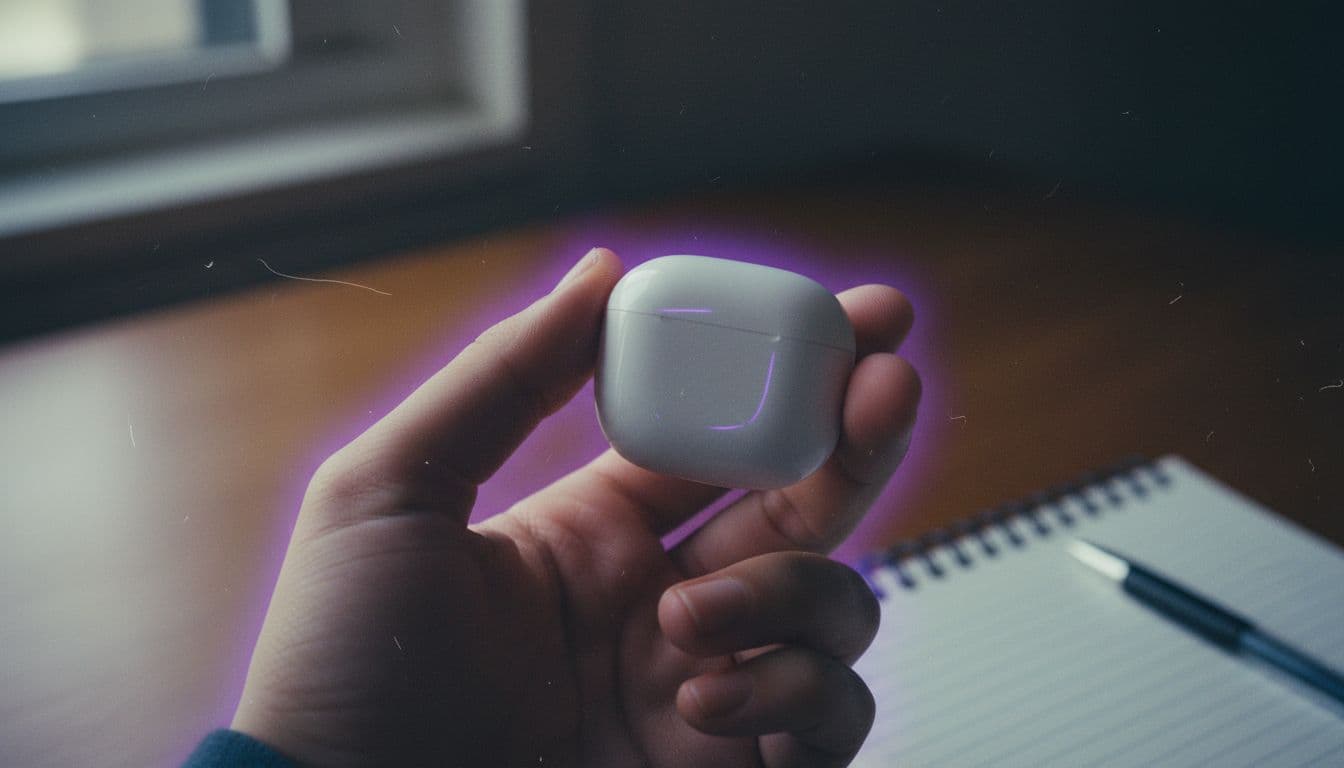
“Shot one: vertical handheld phone footage of a small cardboard shipping box on a kitchen counter, two hands tearing the tape open under warm overhead light. Shot two: the hands lift out a pair of wireless earbuds in a white case and hold them up toward the camera, slight shake, shallow clutter in the background. Casual, unpolished, no music.”
Which model is best for AI UGC videos?
No single model wins every UGC shot, which is why VIBE offers several. A talking-head clip depends on dialogue and lip movement, an unboxing depends on hands and objects staying consistent across cuts, and a quick idea test depends on cost. As of October 2026, these are the two premium models worth reaching for first.
| Model | Tier in VIBE | Max clip length | Native audio | Best UGC use |
|---|---|---|---|---|
| Veo 3.1 Fast | Premium | Up to 8 seconds | Yes — dialogue, sound effects and room ambience | One talking-to-camera take with the line already mixed in |
| Kling 3 Pro | Premium | Up to 15 seconds | Yes — multilingual dialogue and voices | Unboxings and demos that cut between two or three shots |
Start cheaper than you think. A free model such as Seedance Pro Fast is enough to check whether the framing, the room and the action read as user-style before you spend a premium generation — our free AI video generator guide explains what each free tier includes, and every model in VIBE is listed on the home page.
Do I have to disclose AI UGC videos?
Treat disclosure as part of the workflow, not an afterthought. The rules below are summaries of the platforms' own pages as of October 2026; they change, so check the source before you publish, and note that this is general information rather than legal advice.
- TikTok asks creators to label content that is completely generated or significantly edited by AI using the AI-generated content toggle in post settings, and it states that misleadingly labelling unaltered content is a violation. Read TikTok's AI-generated content page before you post.
- YouTube requires creators to disclose realistic altered or synthetic content — for example a realistic scene that did not happen or a real person made to appear to say something they did not — and not clearly unrealistic or animated content. The rules are in YouTube's disclosure guidance.
- Advertising law applies on top of platform rules. The US FTC's Consumer Reviews and Testimonials rule, in force since October 2024, prohibits fake or false testimonials; the FTC says it has no blanket ban on AI avatars, but presenting one as a real customer can break the rule. See the FTC's questions and answers.
In practice that means three habits: switch the AI label on, write the clip as a brand message or a character rather than a customer review, and never invent a person's claim that they used the product. Do not use a real person's likeness without their permission either.
What mistakes make AI UGC look fake?
Most failed AI UGC clips fail for the same few reasons, and nearly all of them are fixed in the prompt rather than in an editor. The model gives you what you describe, so a vague or glossy brief returns a vague or glossy clip.
- Too polished. Words like cinematic or professional undo the handheld look; replace them with phone, natural light and a real room.
- Too much in one clip. A single line and a single action read as authentic; a ten-point pitch crammed into eight seconds does not.
- Wrong ratio. Generate in 9:16 from the start — cropping a landscape clip afterwards often cuts the product or the face out of frame.
- Invented claims. A generated person saying they used a product, or promising a result, is the fastest route to a platform or regulatory problem.
 Seedance Pro Fast
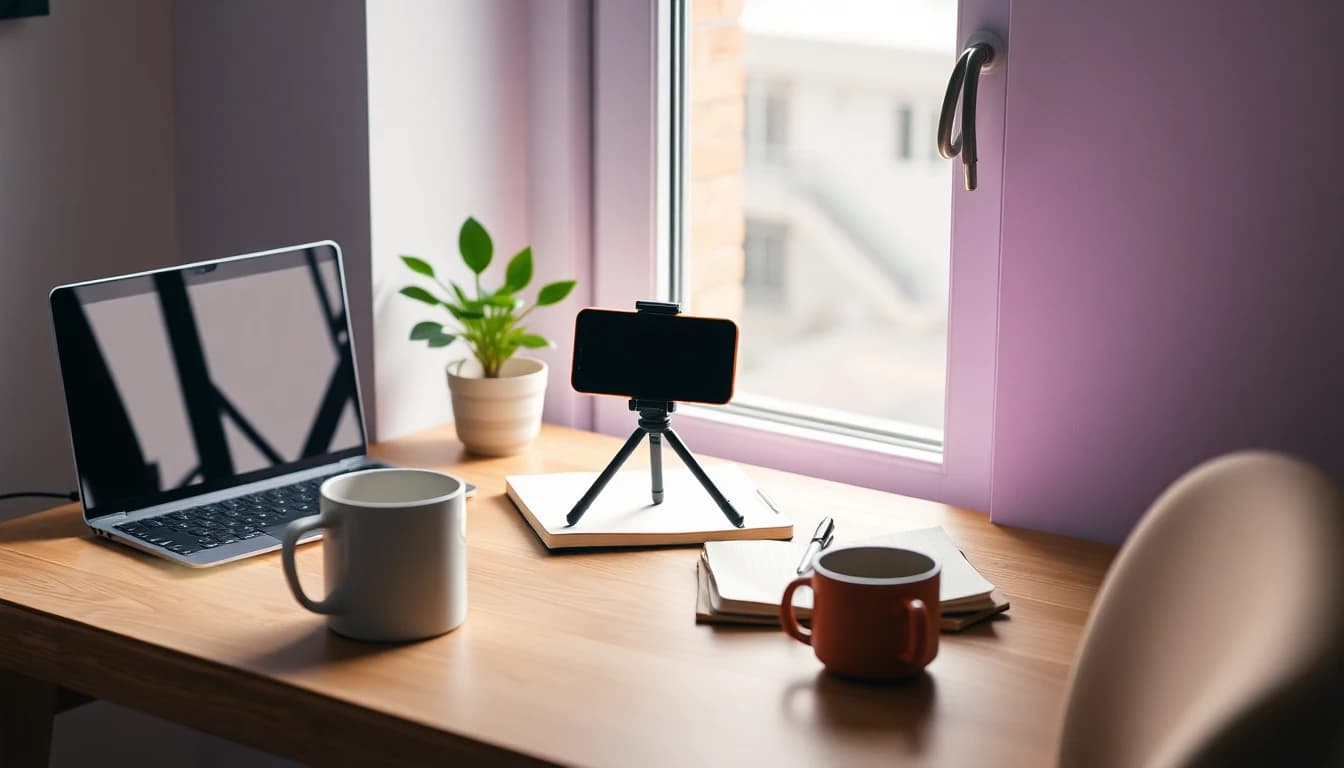
“Close-up of a hand placing a ceramic mug on a wooden desk beside an open notebook and a laptop, handheld phone footage, soft daylight from a window, steam rising, slight natural shake, vertical framing, no people visible beyond the hand.”
Kling 3 Pro“Vertical handheld phone video of a man at a bathroom sink in morning light holding up a travel toiletry bag, unzipping it and tilting it toward the camera to show the compartments. He says casually: 'This is how everything fits.' Slight shake, lived-in background, room sound only.”
For the paid-media version of the same idea, our guide to the AI video ad generator covers hooks, ratios per platform and which model to run as an ad. Generate two or three versions of the first second and compare them before you spend on reach.
Frequently asked questions
What are AI UGC videos?
AI UGC videos are AI-generated clips styled like user-generated content: handheld framing, natural light and a casual person speaking to the camera or showing a product. A text-to-video or image-to-video model renders them instead of anyone filming.
What is the best AI video generator app for creating marketing content like UGC ads?
The best choice offers more than one model, since talking-head clips, unboxings and quick tests suit different ones. VIBE is an AI video generator app that creates videos from text prompts or images using models like Kling, Sora, Veo, Seedance and WAN, free to start with no login required.
Can I make AI UGC videos for free?
Yes. VIBE is free to start with no login required, and its free tier includes models such as Seedance Pro Fast and Wan 2.6, which are enough to test a user-style framing before using a premium model.
Do I have to label AI UGC videos on TikTok and YouTube?
Both platforms ask creators to disclose realistic AI-generated or significantly AI-edited content, TikTok through its AI-generated content label and YouTube through the altered or synthetic content setting in YouTube Studio. Check each platform's current help page before publishing.
Can an AI UGC video be presented as a real customer review?
No. The FTC's Consumer Reviews and Testimonials rule prohibits fake or false testimonials, and an AI-generated person is not a real customer. Present the clip as a brand-made video and never invent a claim of personal use.
What aspect ratio should AI UGC videos use?
Use vertical 9:16, the native shape of TikTok, Instagram Reels and YouTube Shorts. Setting it before you generate avoids cropping the product or face out of frame later.
Which VIBE model is best for a talking-to-camera clip?
Veo 3.1 Fast is a strong first choice because it generates dialogue, sound effects and room ambience in the same pass, for clips of up to 8 seconds. Kling 3 Pro suits longer clips of up to 15 seconds that cut between shots.
Start Creating AI Videos Today
Download VIBE for free on iOS and Android. No login required. Access 10+ AI video models and generate videos from text prompts or images.


Keep reading
All articles Video styles
AI Video Ad Generator: Turn One Product Photo Into a Ready-to-Post Ad
An AI video ad generator turns a product photo or a short brief into a finished ad — hook, demo and call to action — without a shoot day. Here's which VIBE model to use, five copy-ready prompts, and the exact aspect ratio each platform expects.
Vincent Park9 min read Video styles
Dog AI Video: Animate Your Dog or Cat Photo in Seconds
Turn a single dog or cat photo into a few seconds of natural motion — no filming, no editing skills, free to start in VIBE.
Vincent Park8 min read