How to Write AI Video Prompts That Actually Work (With Examples)
AI video prompts are the written instructions that tell a model what to generate — get the structure right and a model like Veo 3.1 Fast turns one sentence into a usable clip. Here's the formula, the vocabulary, and four copy-ready examples.
Written by Vincent Park
Published
AI video prompts are the written instructions — subject, action, camera, light and duration — that tell a text-to-video or image-to-video model exactly what to generate. Get the formula right and a model like Veo 3.1 Fast or Kling 3 Pro turns one sentence into a usable clip on the first try; get it vague and the model guesses, and you burn generations on results nobody can use. This guide breaks down the anatomy of a prompt that works, the camera and lighting vocabulary that actually changes the shot, and copy-ready examples for four VIBE models.
In one sentence
AI video prompts are structured text instructions — who or what is in frame, what it does, how the camera moves and how the scene is lit — written so a video generation model can turn them into a consistent, usable clip in one pass.
What Are AI Video Prompts?
A written prompt is the only steering wheel a text-to-video or image-to-video model gives you. Unlike an image prompt, an AI video prompt has to describe change over time — what moves, how the camera moves, and how long the shot lasts — not just what a single frame looks like. An image-to-video prompt is shorter still: the photo already fixes the subject and setting, so the prompt only needs to describe the action and camera move you want added to it. VIBE's premium models (Veo 3.1 Fast, Kling 3 Pro, Sora 2 Pro) and free models (Seedance Pro Fast, Wan 2.6, PixVerse) all read the same basic prompt structure, but they weight it differently — some lean on your camera language, others infer motion mostly from the action verb. Our complete guide to AI video generator apps covers how to pick a model; this guide covers what to type once you've picked one.

The Anatomy of a Great AI Video Prompt
Every prompt that survives contact with a video model breaks down into the same five parts, written in roughly this order. Skip one and the model fills the gap itself — usually with something generic.
- Subject — who or what is on screen, described the way a casting director would: age, clothing, expression, one distinguishing detail.
- Action — one clear verb phrase per shot. 'Walks toward the camera, then turns and smiles' works; 'does a bunch of cool stuff' does not.
- Camera — the shot type and any movement: wide establishing shot, medium close-up, slow dolly in, handheld tracking shot.
- Light and color — the quality of light (soft window light, harsh noon sun, neon signage) plus two or three palette anchors (amber, teal, warm brown).
- Duration and style — how many seconds the clip runs and the visual register: cinematic, documentary, anime, product photography.
 Veo 3.1 Fast
“Wide establishing shot, eye level: a woman in a yellow raincoat walks briskly across a rain-slicked city crosswalk at dusk, neon signage reflecting in the puddles, then looks up and smiles. Soft blue-and-amber lighting, 8 seconds, cinematic.”
Camera and Lighting Words That Change the Shot
Most prompt failures are vocabulary failures, not idea failures — the concept was fine, the words describing it were too vague to act on. These are the terms that reliably move the needle:
- Wide establishing shot — sets the scene before you cut closer, and reads as intentional rather than accidental framing.
- Medium close-up, slight angle from behind — a natural way to introduce a person without a straight-on stare.
- Slow dolly in / slow push in — builds tension without any subject motion at all.
- Handheld tracking shot — adds the small, human wobble that reads as documentary or UGC style.
- Golden hour rim light — a warm edge around the subject with a darker background; reads as expensive on almost any model.
- Soft window light with warm lamp fill, cool rim from the hallway — layering two light sources instead of one is what separates a flat clip from a lit one.
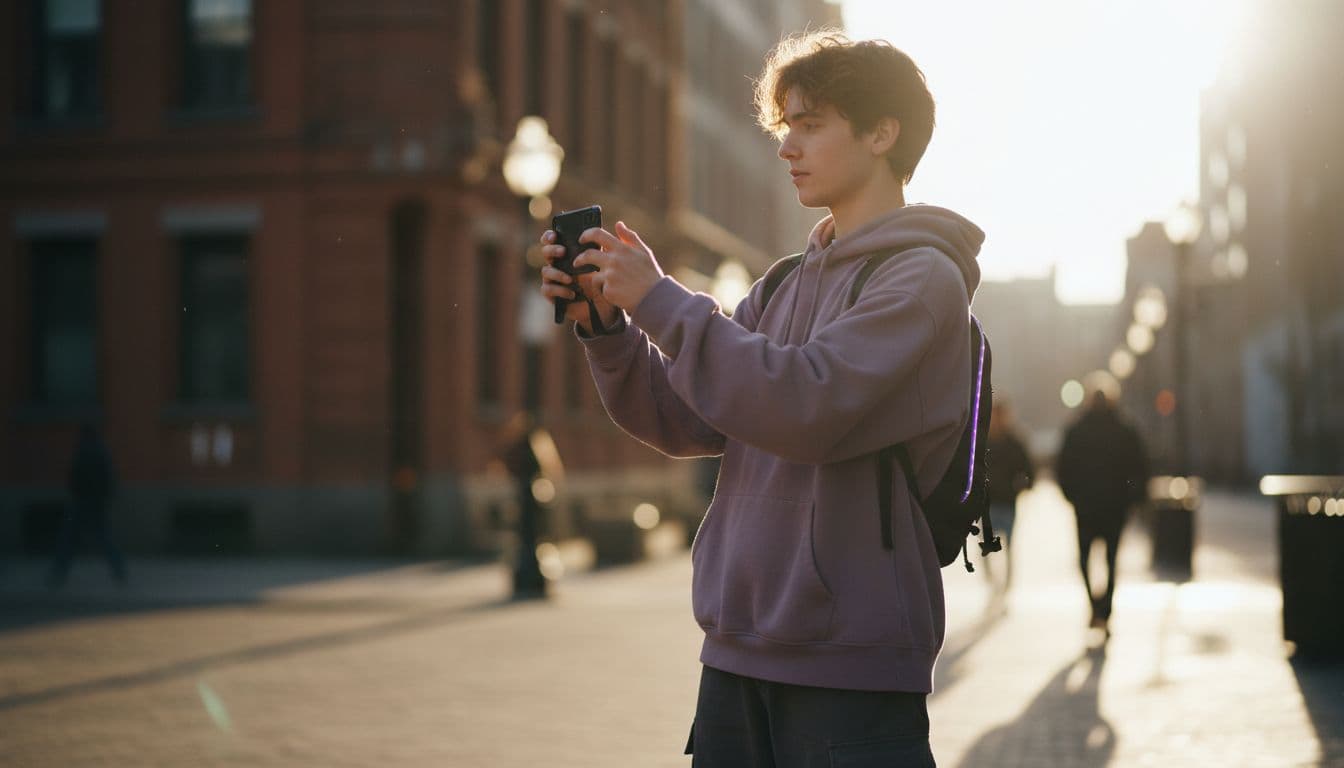
 Kling 3 Pro
“Slow dolly in on a barista steaming milk behind a counter, warm lamp fill, cool blue light from the street window behind her, steam catching the light. She glances up and half-smiles at the camera. 12 seconds, handheld micro-movement.”
How Do AI Video Creation Tools Turn a Prompt Into a Clip?
As of September 2026, every major consumer video model — Veo 3.1 Fast, Kling 3 Pro, Sora 2 Pro and the open Wan and Seedance families — is a diffusion model trained on millions of video-and-caption pairs, the technique first described in Video Diffusion Models, a Google Research paper from 2022. The model starts from noise and denoises it, frame by frame, toward whatever your text describes; your prompt is the only signal it has for what 'correct' looks like. That is why concrete nouns and verbs outperform adjectives like 'amazing' or 'high quality' — the model has nothing visual to denoise toward from a word like that.
- Pick a model based on the shot: Veo 3.1 Fast and Kling 3 Pro for native audio and camera movement, Sora 2 Pro for longer cinematic takes, Seedance Pro Fast or Wan 2.6 to test a prompt for free before spending a premium credit.
- Write the prompt using the subject–action–camera–light–duration formula above, in that order.
- Generate, then watch the result at full speed and frame by frame — most continuity problems only show up in slow motion.
- Change one variable at a time. If the motion is wrong, edit the action phrase; if the mood is wrong, edit the light. Changing everything at once makes it impossible to tell what fixed the shot.
- Export at the aspect ratio your platform expects — 9:16 for TikTok and Reels, 16:9 for YouTube — before you post.
Veo 3.1 Fast vs Kling 3 Pro vs Sora 2 Pro: What to Write for Each
The five-part formula stays the same, but each model rewards a slightly different emphasis. Here's how VIBE's video models compare when you're writing to their strengths:
| Model | Best written for | Max length in VIBE | Native audio | Image-to-video |
|---|---|---|---|---|
| Veo 3.1 Fast | Short, audio-driven scenes — dialogue or ambience | 8 seconds | Yes | No |
| Kling 3 Pro | Longer takes with deliberate camera movement | 15 seconds | Yes | Yes |
| Sora 2 Pro | Cinematic, film-style continuity over a longer shot | 12 seconds | No | No |
| Seedance Pro Fast | Fast, free iteration on a prompt before upgrading | 8 seconds | No | Yes |
OpenAI's own Sora 2 prompting guide recommends separating scene description, camera direction and action into distinct sentences rather than one run-on line, and Google DeepMind's Veo model page shows the same pattern — specific, plain-language description beats stacked adjectives on both models. The same structure works for Kling 3 Pro and Sora 2 Pro inside VIBE.
 Sora 2 Pro
“Static wide shot, golden hour: an empty city rooftop with string lights swaying gently in the wind, skyline softly out of focus behind. A paper lantern drifts across frame in the final two seconds. No dialogue, ambient wind only. 12 seconds, film grain, warm amber palette.”
Common AI Video Prompt Mistakes
The same handful of mistakes account for most wasted generations:
- Stacking adjectives instead of specifics. 'Beautiful, amazing, stunning video' gives the model nothing to denoise toward — replace each adjective with a visible detail.
- Two actions in one clause. 'She runs, then jumps, then waves' asks for three shots in one take. Pick the one action the clip actually has time for.
- No camera instruction. Leave the camera out and most models default to a static mid-shot — fine sometimes, but you're leaving control on the table.
- Contradicting duration and action. An 8-second shot cannot fit a full conversation. Match the action to the seconds you're generating.
- Changing five things at once when a result is close. You can't tell which edit fixed — or broke — the shot, so you end up guessing instead of iterating.
Which Model Should You Start With for Free?
You do not need a premium credit to learn this formula. Seedance Pro Fast, Wan 2.6 and PixVerse are free in VIBE, no login required, and they read the same subject–action–camera–light structure as the premium models — so it's the cheapest place to fail fast and learn what your phrasing actually does before you spend a Veo 3.1 Fast or Kling 3 Pro credit on it. Every model is listed with its credit cost and tier in VIBE's model lineup, and the complete AI video generator app guide walks through free versus paid in more depth. If you want style-specific vocabulary next — anime line work, cel shading, cinematic grading — see our guide to the AI anime video generator.
 Seedance Pro Fast
“Medium shot, eye level: a golden retriever puppy chases a rolling tennis ball across a sunlit backyard lawn, ears flopping. Bright midday sun, shallow depth of field, 6 seconds.”

Frequently Asked Questions
What is the best formula for AI video prompts?
Subject, action, camera, light and duration, written in that order: describe who or what is on screen, the one thing it does, how the camera is framed or moving, how the scene is lit, and how many seconds the clip should run. This structure works across VIBE's premium and free models alike.
How long should an AI video prompt be?
One to three sentences is usually enough. A prompt that runs a full paragraph tends to bury the one action and one camera move a model can actually execute in an 8–15 second clip, so keep each sentence to a single, visible instruction rather than a full scene description.
Do I need different prompts for Veo 3.1 Fast, Kling 3 Pro and Sora 2 Pro?
The same subject-action-camera-light structure works for all three, but weight it to each model's strength: lean on sound cues for Veo 3.1 Fast and Kling 3 Pro, since both generate native audio in VIBE, and lean on camera and lighting detail for Sora 2 Pro, which does not generate audio.
Can I write AI video prompts for free?
Yes. Seedance Pro Fast, Wan 2.6 and PixVerse are free in VIBE with no login required, and they read the same subject-action-camera-light formula as the premium models, so you can learn what your phrasing does before spending a premium credit on Veo 3.1 Fast, Kling 3 Pro or Sora 2 Pro.
Why does my AI video generator ignore part of my prompt?
Usually because the prompt asks for more than the clip's duration allows, or stacks two actions in one sentence. Match one action to the seconds you're generating, and if a detail keeps getting dropped, move it earlier in the sentence so it carries more weight.
What camera words actually work in AI video prompts?
Concrete shot types and movements: wide establishing shot, medium close-up, slow dolly in, handheld tracking shot. Vague direction like 'cinematic camera work' is far less reliable than naming the actual shot type and movement you want the model to render.
Start Creating AI Videos Today
Download VIBE for free on iOS and Android. No login required. Access 10+ AI video models and generate videos from text prompts or images.


Keep reading
All articles Trends & tutorials
Image to Video AI Tutorial: A Beginner's Step-by-Step Walkthrough
Turn one photo into a short video in four steps: prepare the photo, pick a model, write one motion sentence and refine. Includes three prompts to copy.
Vincent Park9 min read Trends & tutorials
Faceless YouTube Channel AI Video: A Realistic 2026 Playbook
A faceless YouTube channel needs no on-camera host: AI video supplies the visuals, a voiceover supplies the story. Here is the workflow, the niches, and YouTube's rules.
Vincent Park9 min read