AI Fitness Video Generator: Workout and Motivation Clips From a Prompt
Coaches, gyms and fitness creators no longer need a film crew for every promo. Here is how to make workout and motivation clips from a prompt, with four prompts to copy.
Written by Vincent Park
Published
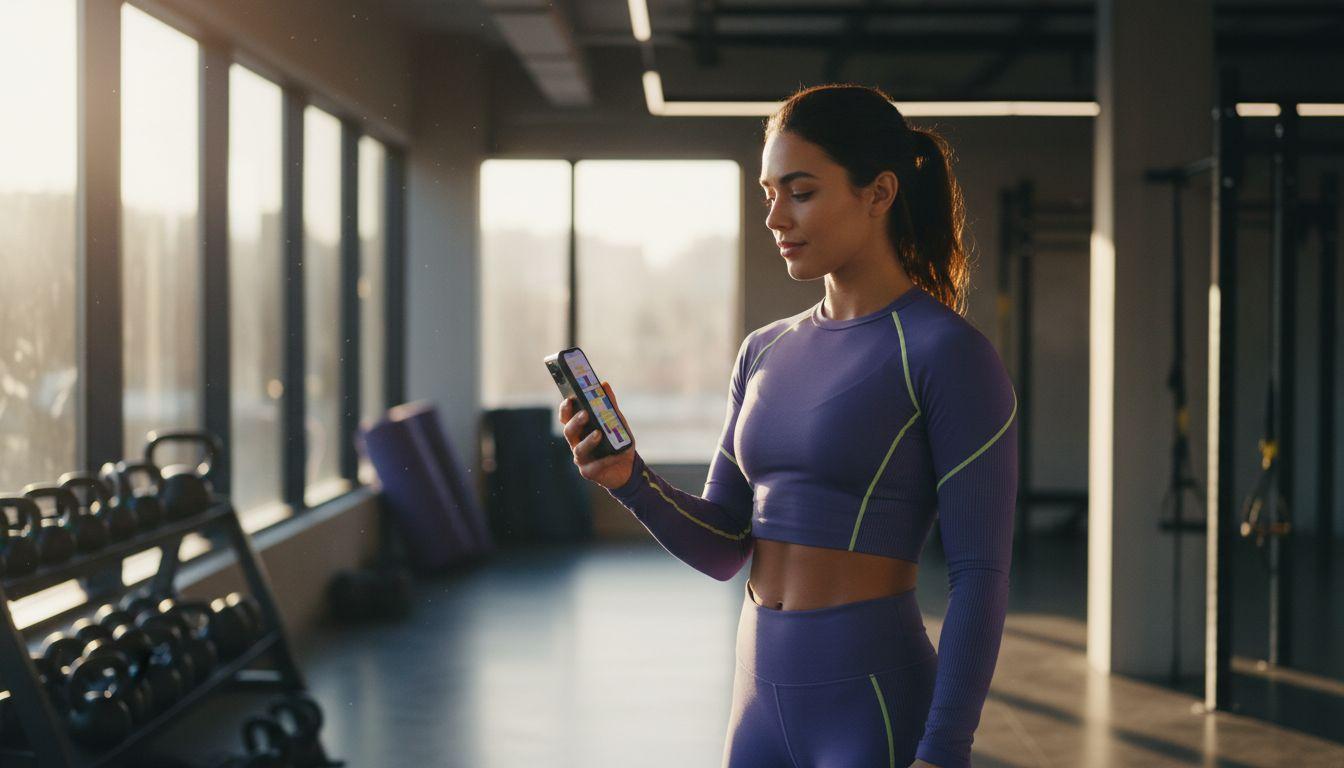
An AI fitness video generator turns a short text prompt or a single photo into a finished workout clip in a minute or two, with no camera, crew or editing timeline. In VIBE you can make exercise demos, class promos and motivation reels from your phone, and this guide shows the exact steps, the best models and four prompts to copy.
In one sentence
An AI fitness video generator is an app that uses a video model to create short training, studio and motivation clips from a written description or a still photo, so coaches and gyms can publish consistent content without filming it.
What is an AI fitness video generator?
It is the same technology behind any modern text-to-video tool, applied to training content. You describe a scene such as a kettlebell swing in a sunlit garage gym, the model predicts the frames, and you get a short vertical clip ready for Instagram Reels, TikTok or YouTube Shorts. Fitness suits AI video well because the scenes are simple: one person, one space, one repeating movement, and a strong mood.
The most common uses are class and membership promos, motivational reels, atmosphere clips for a studio's website, and visual hooks that sit before a real coaching tip. If you already make product or promo clips, our guide to the AI product video generator covers the shared workflow, and this post focuses on what is different for fitness.
How do you make a workout video with AI?
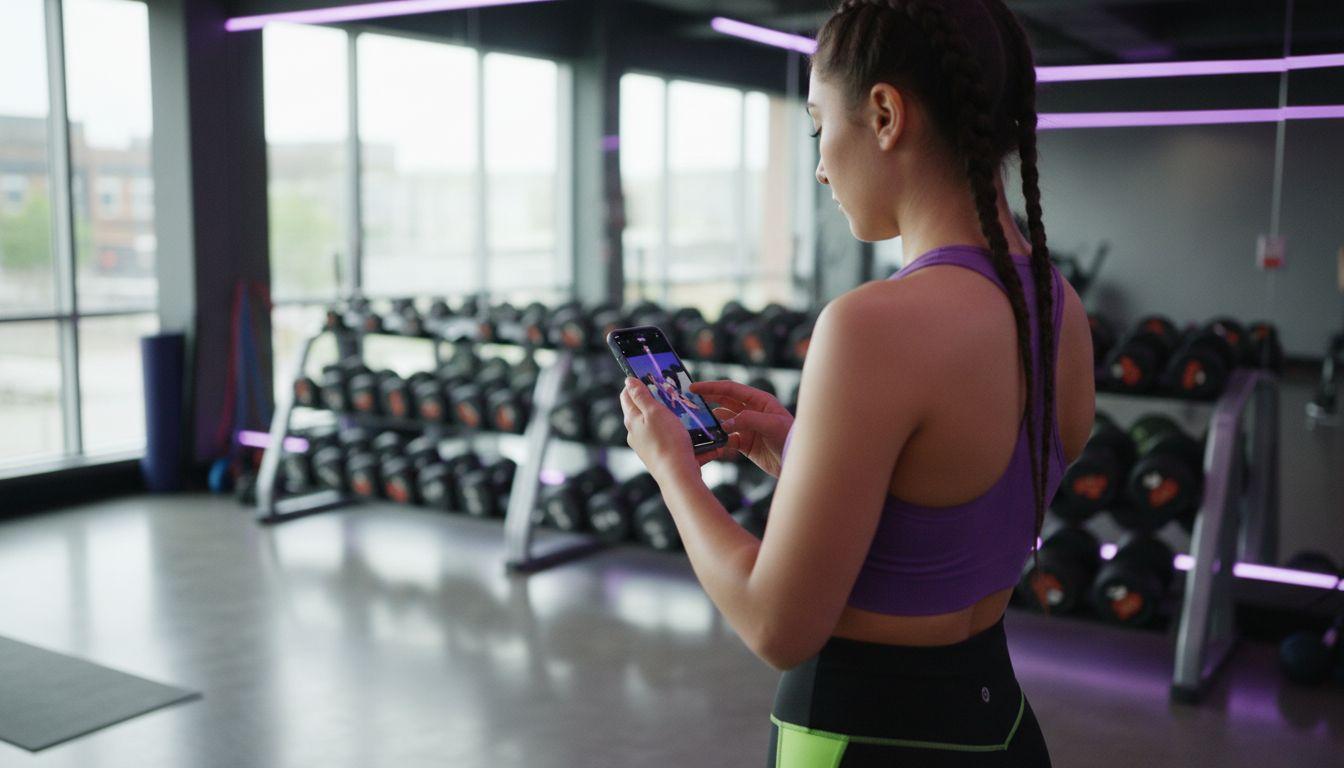
You can go from idea to finished clip in five steps inside the VIBE app, on iOS, Android or the web:
- Pick the goal of the clip: a class promo, a motivation reel, or a visual hook for a coaching tip.
- Write one scene in one or two sentences: the place, the person, the single movement, the light and the camera move.
- Choose a model in VIBE. Use Veo 3.1 Fast when you want ambient sound, and Seedance Pro Fast for quick, free-tier drafts.
- Generate two or three variations and keep the one with the cleanest movement.
- Add your own caption, logo and call to action in your usual editor, then post in 9:16.
Keep each prompt to a single action. Models handle one clear movement far better than a full routine, so make a separate clip for every exercise or mood and cut them together afterwards. Our prompt writing guide explains the structure in detail.
For a consistent look across a series, reuse the same wording for the setting and the light in every prompt, for example "sunlit garage gym, chalk dust, warm morning light", and only change the movement. Viewers then read the clips as one brand rather than a random collection, and your feed looks planned even though every clip took minutes to make.
 Veo 3.1 Fast
“A woman performs a slow kettlebell swing in a sunlit garage gym, chalk dust floating in the light, steady handheld camera at hip height, natural gym ambience, vertical 9:16, realistic.”
Which AI video model is best for fitness clips?
There is no single best model, because each one has a strength. VIBE lets you switch between them with the same prompt, so you can test and keep the winner. As of November 2026, these are the ones coaches reach for most:
| Model | Best fitness use | Tier in VIBE |
|---|---|---|
| Veo 3.1 Fast | Clips where gym sound, breathing or music cues add atmosphere | Premium |
| Seedance Pro Fast | Fast drafts, motivation montages and testing ideas | Free |
| Kling 3 Pro | Smooth camera moves and polished hero shots for a class promo | Premium |
| Wan 2.6 | Simple, low-effort variations of a scene | Free |
Google DeepMind describes how its Veo models combine video and audio, which is why Veo suits scenes with a clear soundscape. You can try the model directly on the Veo 3.1 page, or explore the Seedance page for the free-tier route.
What fitness videos can a coach or gym make?
Think in repeatable content types rather than one-off videos. These formats are quick to produce and easy to keep consistent:
- Class and membership promos that show the space, the light and the mood of a session.
- Motivation reels for Monday mornings, challenges and milestones, built around a short caption.
- Visual hooks, a three-second striking opening clip before a real coaching tip you filmed yourself.
- Seasonal campaigns such as a January reset, an outdoor summer series or a new studio opening.
- Story backgrounds and website banners that match your brand colours and setting.
 Seedance Pro Fast
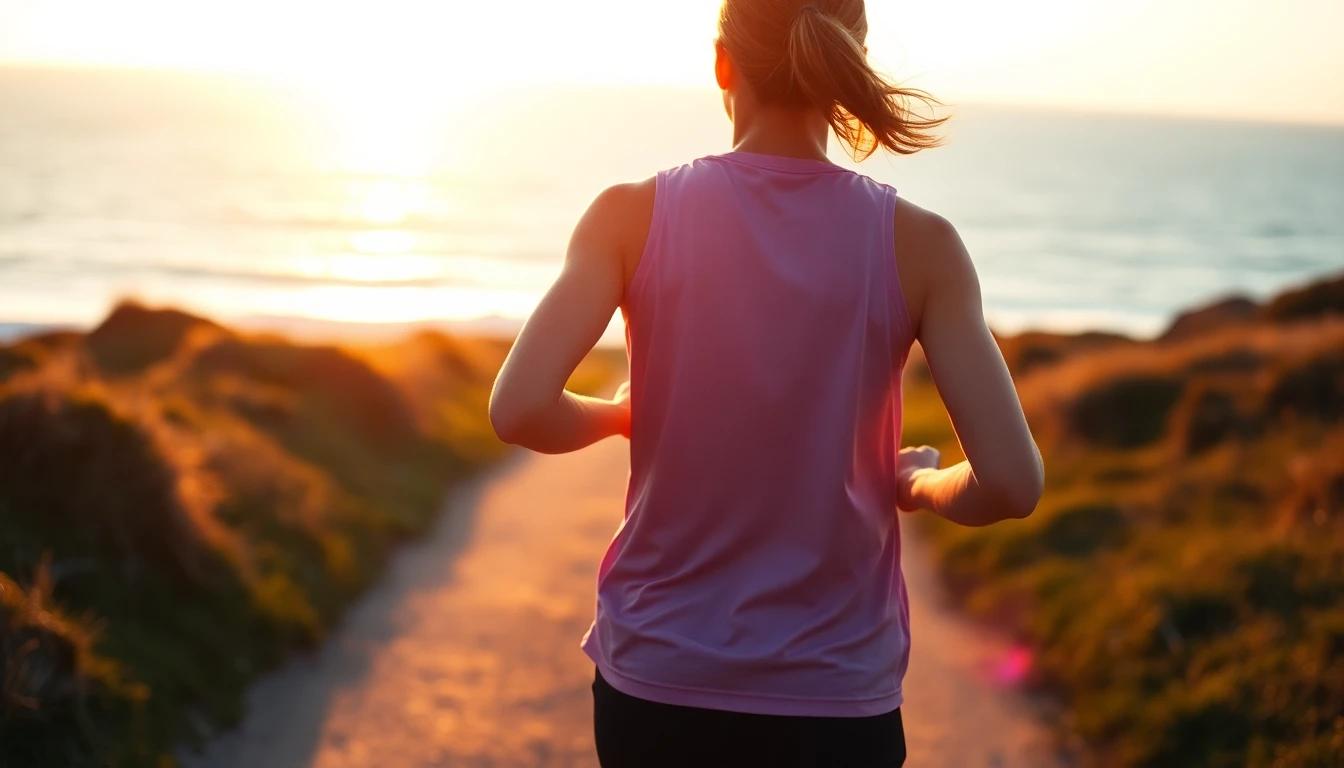
“A runner climbs a coastal path at sunrise, golden light, breath visible in cool air, tracking shot from behind, shallow depth of field, calm and determined mood, vertical 9:16.”
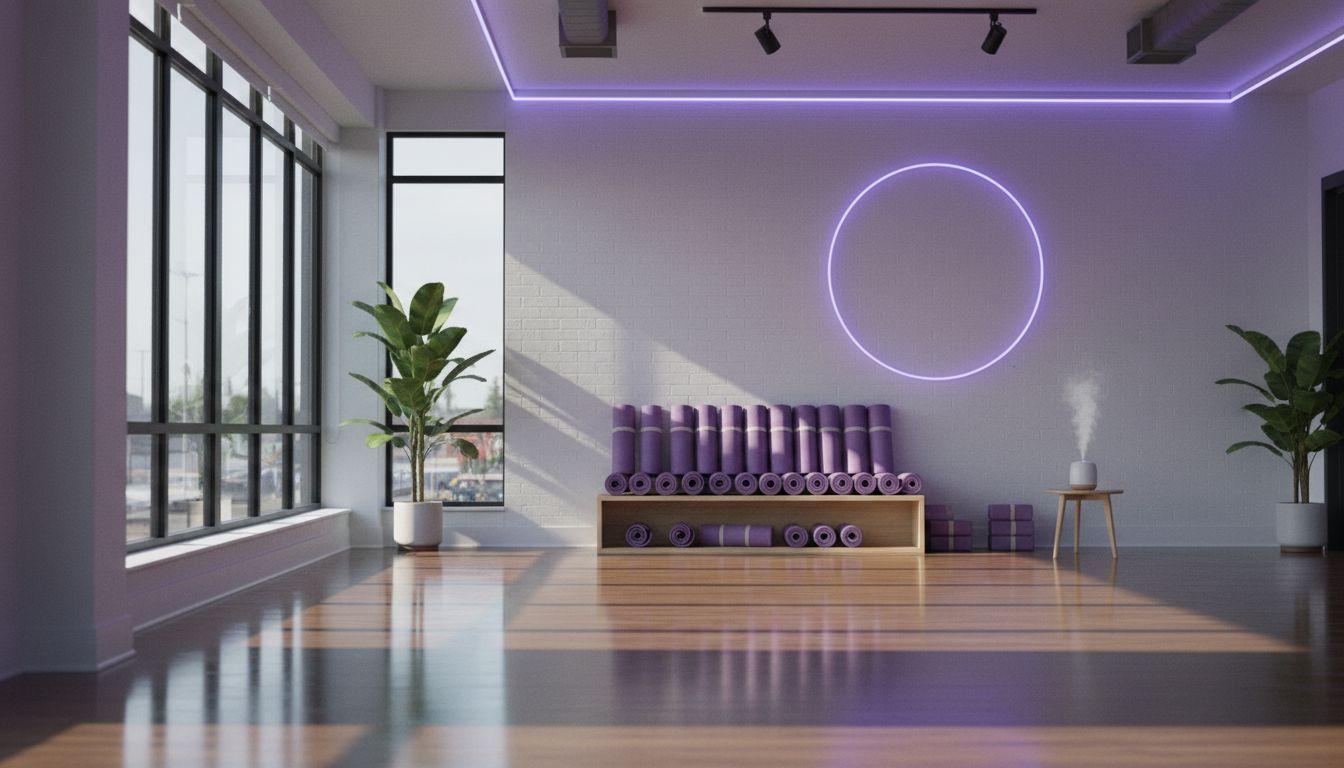
Veo 3.1 Fast“A small yoga class holds a warrior pose in a bright wooden studio, soft morning light through tall windows, slow push-in camera, quiet ambient room sound, realistic and calm.”
Can AI show correct exercise form?
Not reliably, and this is the most important limit to know. Video models generate plausible motion, not biomechanics, so limbs, grip and joint angles can look right and still be wrong. Use AI clips for mood, promotion and visual hooks, and film real demonstrations for anything that teaches technique.
- Never present an AI-generated clip as proof of correct form or as a coaching instruction.
- Keep teaching content real, filmed with a qualified coach who is actually performing the movement.
- Prefer slow, simple, low-risk movements in generated scenes and avoid heavy lifts.
- Skip before-and-after body claims and any promise of a result, which AI footage cannot support.
Which formats work on Reels, TikTok and Shorts?
Vertical 9:16 is the default for all three, and the first second decides whether people keep watching. Put the striking visual at the start, keep the clip short, and add a clear on-screen line. Our aspect ratio guide explains when to use 9:16, 1:1 or 16:9, so you can match each platform.
- Open on motion or a strong close-up in the first second, never on a logo.
- Keep generated clips short and let the caption carry the message.
- Add a single call to action, such as booking a trial class, at the end of the caption.
- Post at a steady rhythm, for example three clips a week, rather than a burst once a month.
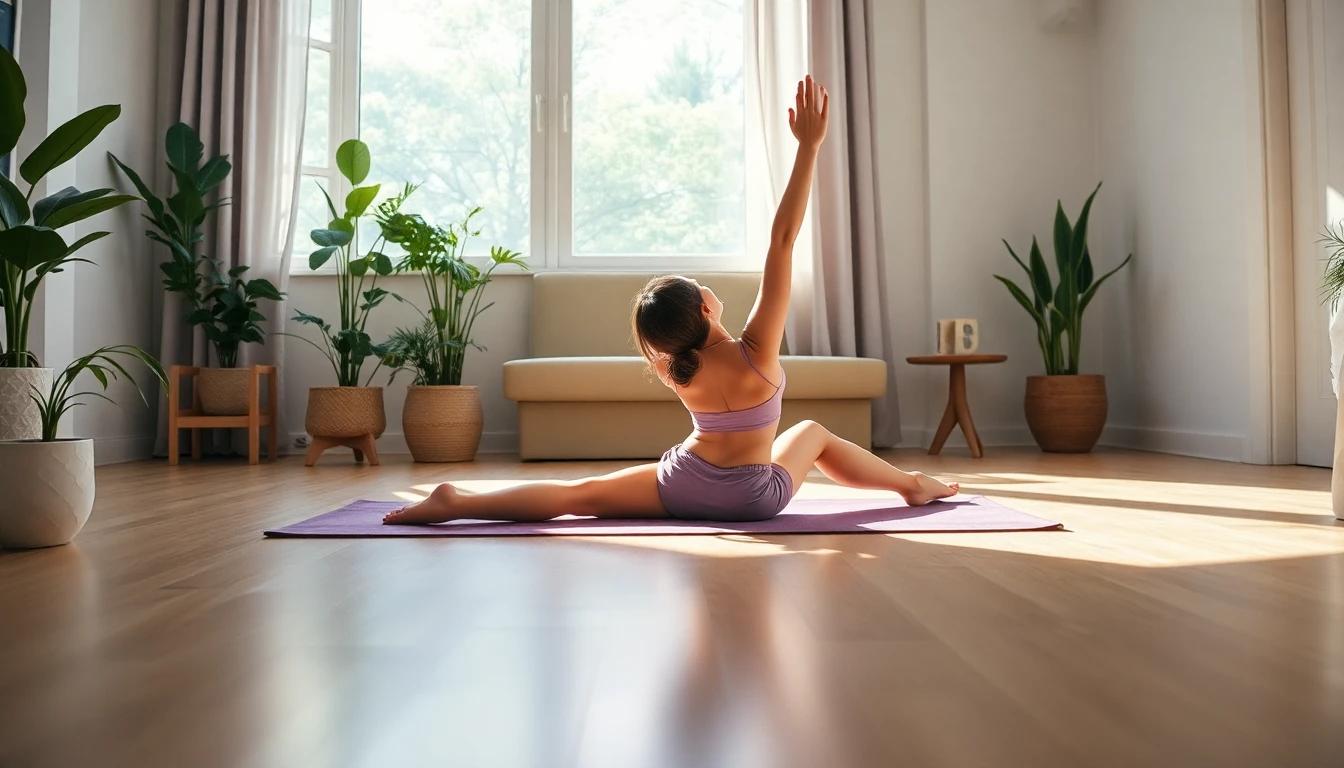
Seedance Pro Fast“A person stretches on a yoga mat in a sunny living room, plants in the background, gentle morning light, static camera at floor level, relaxed mood, vertical 9:16.”
If you already have a real photo of your studio, turn it into motion with the steps in our image to video guide. Starting from a real room keeps the setting accurate to your brand.
Is it free, and what should you disclose?
You can start free in VIBE: Seedance Pro Fast, LTX Video, Luma Dream Machine, Wan 2.6 and PixVerse are on the free tier, while Veo 3.1 Fast and Kling 3 Pro are Premium. Check the app for current limits. If a clip promotes a paid programme, follow the advertising guidance for your country, such as the US FTC advertising and marketing rules, and label anything that could be mistaken for a real client result.
Transparency also protects your reputation. Followers trust a gym that says "this is an atmosphere clip" far more than one that quietly passes generated footage off as a member's real session, and it keeps your promotion on the right side of platform and advertising rules.
Frequently asked questions
What is the best AI fitness video generator?
The best AI fitness video generator is one that lets you switch between several models, makes vertical clips and starts free. VIBE offers Veo 3.1 Fast, Kling 3 Pro and Seedance Pro Fast in one app, so you can test the same prompt on each.
How do I make a workout video with AI?
Write one scene in one or two sentences, choose a model, generate two or three variations and keep the best one. Then add your caption and logo and post it in 9:16.
Can AI create exercise demonstration videos?
It can create plausible-looking movement, but not reliably correct form. Use AI clips for mood and promotion, and film real demonstrations with a qualified coach for anything that teaches technique.
Is there a free AI fitness video generator?
Yes. VIBE has a free tier with Seedance Pro Fast, LTX Video, Luma Dream Machine, Wan 2.6 and PixVerse, and you can start without logging in.
Which model is best for gym clips with sound?
Veo 3.1 Fast is a strong choice when ambient sound such as gym noise or a quiet studio adds atmosphere. For quick drafts and testing ideas, Seedance Pro Fast is a good starting point.
What format should fitness clips be?
Use vertical 9:16 for Instagram Reels, TikTok and YouTube Shorts, with a striking first second and a short on-screen caption.
Do I need to label AI fitness videos?
Be transparent, especially in paid promotion. Do not present generated footage as a real client result, and follow the advertising rules where you operate.
Start Creating AI Videos Today
Download VIBE for free on iOS and Android. No login required. Access 10+ AI video models and generate videos from text prompts or images.


Keep reading
All articles Video styles
AI Real Estate Video Generator: Turn Listing Photos Into Property Tour Clips
Listing photos you already have can become short, walkthrough-style clips for Reels, TikTok and Shorts. Here are the shots, the model picks, four prompts to copy and the disclosure rules to respect.
Vincent Park9 min read Video styles
AI Travel Video Generator: Destination and Hotel Clips From a Prompt
Aerial coastlines, lantern-lit streets and golden-hour hotel pools used to need a crew and a drone. Here is how to make them from a prompt, with five prompts to copy.
Vincent Park8 min read