AI Real Estate Video Generator: Turn Listing Photos Into Property Tour Clips
Listing photos you already have can become short, walkthrough-style clips for Reels, TikTok and Shorts. Here are the shots, the model picks, four prompts to copy and the disclosure rules to respect.

Written by Vincent Park
Published

An AI real estate video generator turns the listing photos you already have into short, walkthrough-style property clips, with a slow push-in through a living room, a drift across a kitchen island or a rise over a garden, and no camera crew, drone or gimbal. As of November 2026, a free phone app is enough to do it: upload a clean photo, ask for one gentle camera move, and the model animates outward from your picture. This guide shows the shots that work, which model to pick, four prompts to copy and the disclosure rules agents should follow.
In one sentence
An AI real estate video generator is a text-and-image-to-video tool that animates a listing photo into a short property tour clip, following a written prompt for camera move, light and mood, so one still image becomes moving footage without a shoot.
What is an AI real estate video generator?
Traditional property video means a shoot day: a videographer, a stabiliser, good light and an editor. An AI real estate video generator skips most of that. You give an image-to-video model a listing photo, describe one camera move, and it generates new frames that start from your picture and move through the space. The room on screen is the room in your photo, so the result is a short clip in the style of a walkthrough rather than a full tour.
It is the same photo-first approach used for AI product videos and travel clips, applied to rooms, facades and gardens. It suits agents who need a fresh hook for every listing, landlords and short-let hosts with a handful of good photos, and developers who want teaser clips before a building is finished. It does not replace a proper tour for a flagship listing, but it is a fast, cheap way to make a property stop a scroll.
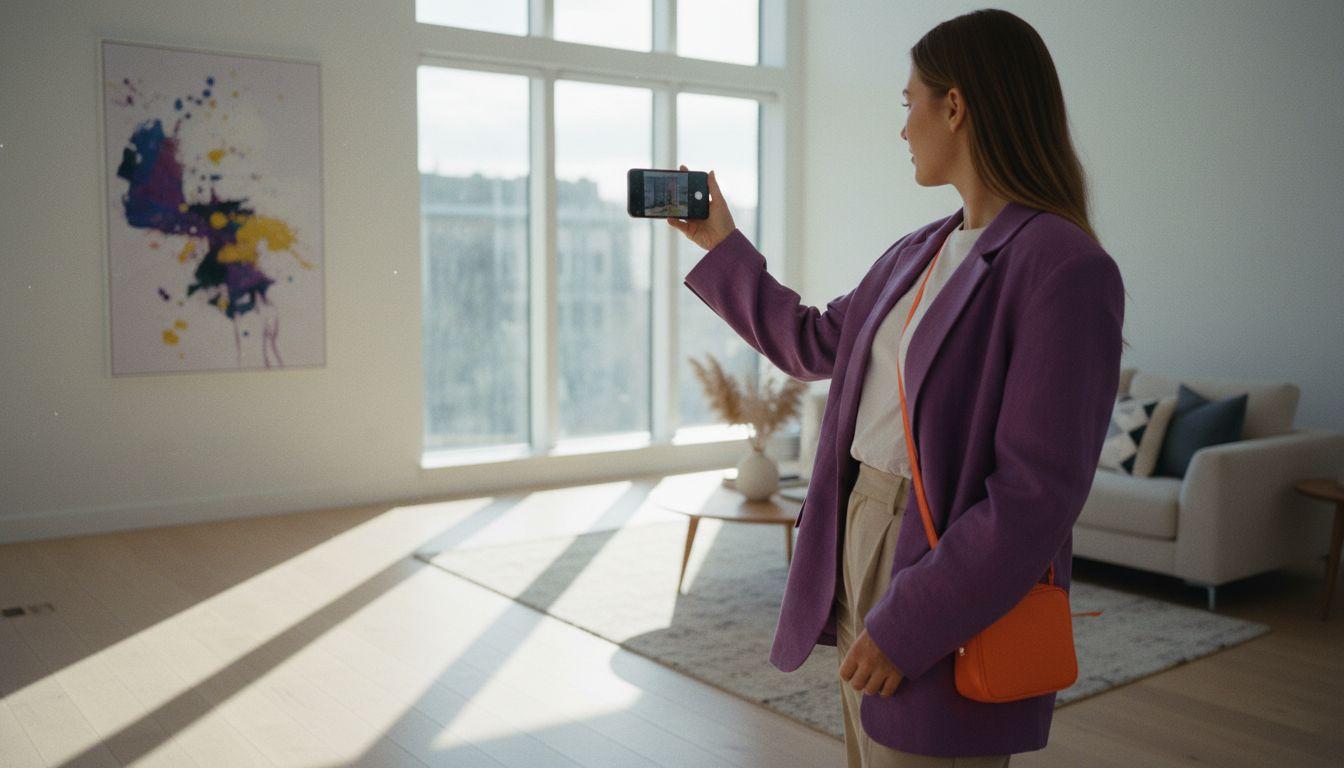
What is the best AI video generator app for real estate video tours?
The best AI video generator app for real estate tours is one that accepts a photo as the first frame, offers several models, exports in vertical 9:16 for social feeds and lets you try it free before you commit. Those four things matter more than any template library, because listing photos vary wildly and different models handle interiors, daylight and glass differently.
VIBE meets that bar. It is a free-to-start AI video app for iOS, Android and web with no login needed to try it, and it puts several models behind one prompt box, so you can run the same listing photo through a fast free model and a premium one and keep the better clip. You can see the full lineup in the model list.
- Image-to-video input: the model must start from your photo so the layout, furniture and finishes stay true to the property.
- Several models in one place: interiors, exteriors and twilight shots each suit a different model.
- Vertical export: 9:16 is the format of Reels, TikTok and Shorts, where most listing teasers now live.
- A free tier: test a listing photo before you spend anything, and upgrade only for hero shots.
How do you turn listing photos into a property tour clip?
You turn listing photos into a property tour clip by choosing your best images, animating each with one simple camera move, and cutting the results together in the order a buyer would walk through the home. Keep every clip short; a few seconds per room is plenty, and the pacing comes from the edit.
- Pick five to eight photos: facade, living area, kitchen, main bedroom, bathroom, outdoor space, and one detail such as a fireplace or view.
- Choose the cleanest, brightest, most level version of each; a straight-on, well-lit photo animates far better than a crooked or dark one.
- Open VIBE, select image to video, upload the photo and paste a one-move prompt (examples below).
- Generate two takes per room and keep the one where walls, windows and furniture stay stable.
- Join the clips in your editor in walk-through order and export in 9:16 for social, or 16:9 for a listing page. The aspect ratio guide explains which to use where.
If you have never run an image-to-video generation, the image-to-video guide walks through the basics, and the How it works section of the app shows the same flow on a phone.
Which prompts work for property tour clips?
The prompts that work best describe one camera move, one lighting condition and one calm mood, and they say nothing about changing the room. Real estate is the one genre where the model should invent as little as possible, so lean on verbs like push, drift and rise rather than adding objects. Here are four prompts to paste in, each labelled with a model that suits the shot.
 Kling 3 Pro
“Slow smooth push-in through a bright modern living room, soft daylight from large windows, sofa and coffee table stay perfectly still, realistic interior, steady gimbal feel, no people.”
 Wan 3.0
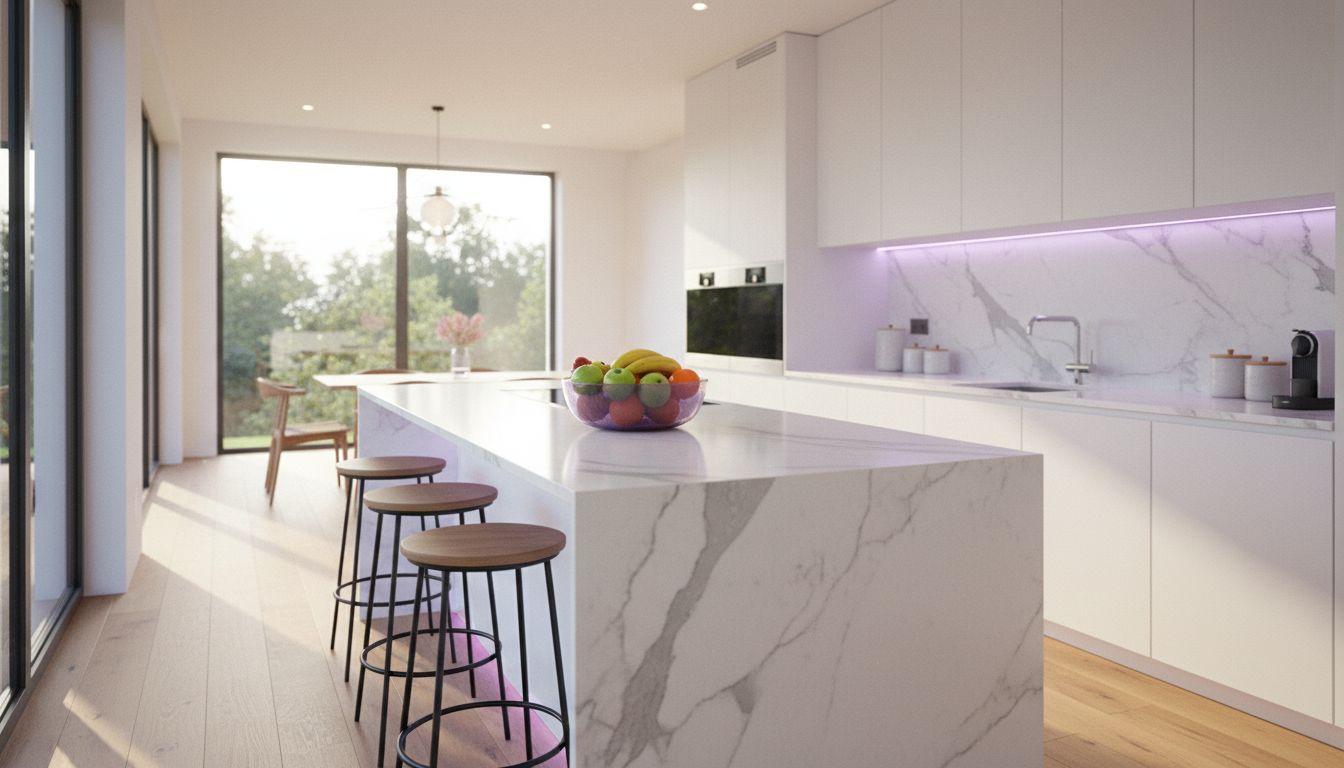
“Gentle sideways drift along a marble kitchen island, morning sunlight on the counters, fruit bowl and stools remain unchanged, shallow depth of field, calm and clean, realistic real estate video.”
 Veo 3.1 Fast
“Camera rises slowly from a patio table to reveal a green back garden and a house behind it, late afternoon light, leaves moving slightly in a soft breeze, quiet birdsong, realistic and natural.”
 Seedance Pro Fast
“Slow push-in toward the front door of a modern house at dusk, warm lights glowing in the windows, deep blue sky, still and elegant, realistic exterior real estate shot.”
Notice what the prompts leave out: no extra furniture, no decorating, no people walking through. If a model adds something that is not in the home, regenerate; a buyer who arrives and finds a different room will remember it for the wrong reasons.
Which AI model should you use for property videos?
Use a premium model for the hero shot and a free one for the rest. Kling 3 Pro and Wan 3.0 handle smooth camera moves through interiors well, Veo 3.1 Fast adds native ambient audio, and the free models are good enough for testing a photo and for lower-stakes clips. You can read more about the Kling 3 and WAN models on their pages.
| Model in VIBE | Tier | Best property use | Note |
|---|---|---|---|
| Kling 3 Pro | Premium | Interior push-ins and smooth walkthrough moves | Strong camera control; use for hero rooms |
| Wan 3.0 | Premium | Kitchens, bedrooms and detailed interiors | Good at keeping materials and textures stable |
| Veo 3.1 Fast | Premium | Garden and exterior reveals | Can add ambient sound in the same generation |
| Seedance Pro Fast | Free | Twilight exteriors and quick tests | Fast way to check a photo before using a premium model |
| Wan 2.6 | Free | Everyday room clips | Reliable free option for simple moves |
Do you have to disclose AI in real estate listing videos?
In many places, yes: you should disclose when a listing image or video has been digitally altered or generated with AI. As of November 2026, California's AB 723, which took effect on 1 January 2026, requires agents to disclose AI-altered listing images and to make the originals available, and a growing number of MLS boards publish their own virtual staging and AI photo rules. Rules differ by state, board and portal, so check yours; this is general information, not legal advice.
The principle is simple and mirrors the FTC's guidance on truthful advertising: do not mislead a buyer about what they will see. Camera moves, light and mood are presentation. Adding a room, removing a power line, enlarging a window or changing the view is misrepresentation, and it can cost you a deal or a licence. Virtual staging has a long-standing norm of labelling, described in general terms on Wikipedia, and the same habit applies to AI clips.
- Label it: add a short line such as AI-animated from listing photos in the caption or description.
- Keep originals available: link or attach the unedited photos so a buyer can compare.
- Do not alter the property: no added rooms, no moved walls, no changed views or neighbourhood.
- Check your board: MLS and portal rules can be stricter than the law.
What mistakes make AI property videos look fake?
AI property videos look fake when the move is too fast, the source photo is dark or distorted, or the model is allowed to invent. Generative models tend to wobble straight lines, warp wide-angle corners and smooth out fine detail, and real estate buyers are experts at noticing a wall that is not square. A short, slow, single move is the cure.
- Starting from a wide-angle, tilted photo: shoot level and at chest height so verticals stay straight.
- Asking for a fast fly-through: speed amplifies warping; ask for slow and smooth.
- Piling on adjectives: luxury, stunning, cinematic and dramatic tempt the model to restyle the room.
- Using one long clip: a few seconds per room, cut together, looks more real than one long generation.
- Skipping the second take: generate twice and keep the clip where the walls stay put.
For a deeper look at how models are chosen and prompted, see our guide to how to choose an AI video generator, and the Google DeepMind page on Veo for the maker's own description of that model.
Frequently asked questions
What is an AI real estate video generator?
An AI real estate video generator is a tool that animates listing photos into short property tour clips using a written prompt for camera move, light and mood. It removes the need for a camera crew for teaser videos.
What is the best AI video generator app for real estate video tours?
The best app accepts a photo as the first frame, offers several models, exports in 9:16 and lets you try it free. VIBE offers all of that on iOS, Android and web, with free models and no login needed to start.
Can AI make a real estate video from photos?
Yes. Upload a clean listing photo, ask for one slow camera move such as a push-in, and the image-to-video model animates it. Join several room clips in an editor to build a walkthrough-style teaser.
Is it free to make a property video with AI?
You can start free. VIBE includes free models such as Seedance Pro Fast and Wan 2.6, which are enough to test a photo; premium models like Kling 3 Pro and Wan 3.0 are best kept for hero shots.
Do I have to disclose AI in listing videos?
Often yes. California's AB 723 requires disclosure of AI-altered listing images, and many MLS boards have their own rules. Label AI clips, keep the original photos available and check local rules; this is not legal advice.
Which prompt works best for a property tour clip?
Describe one slow camera move, one lighting condition and a calm mood, and state that furniture stays still. For example: slow push-in through a bright living room, soft daylight, sofa and table unchanged.
Can AI replace a real estate videographer?
Not for flagship listings. AI clips are best for fast social teasers, rentals and early-stage developments; a professional tour is still better for full walkthroughs, floor plan flow and premium marketing.
- #airealestatevideogenerator
- #realestatevideo
- #propertytourvideo
- #imagetovideo
- #listingvideo
Start Creating AI Videos Today
Download VIBE for free on iOS and Android. No login required. Access 10+ AI video models and generate videos from text prompts or images.


Keep reading
All articles Video styles
AI Fitness Video Generator: Workout and Motivation Clips From a Prompt
Coaches, gyms and fitness creators no longer need a film crew for every promo. Here is how to make workout and motivation clips from a prompt, with four prompts to copy.
Vincent Park8 min read Video styles
AI Travel Video Generator: Destination and Hotel Clips From a Prompt
Aerial coastlines, lantern-lit streets and golden-hour hotel pools used to need a crew and a drone. Here is how to make them from a prompt, with five prompts to copy.
Vincent Park8 min read