AI Video Maker: A Beginner's Guide to Your First Clip
An AI video maker turns a sentence or a photo into a short video in minutes. Here is exactly how to make your first clip, which model to pick and what to avoid.

Written by Vincent Park
Published
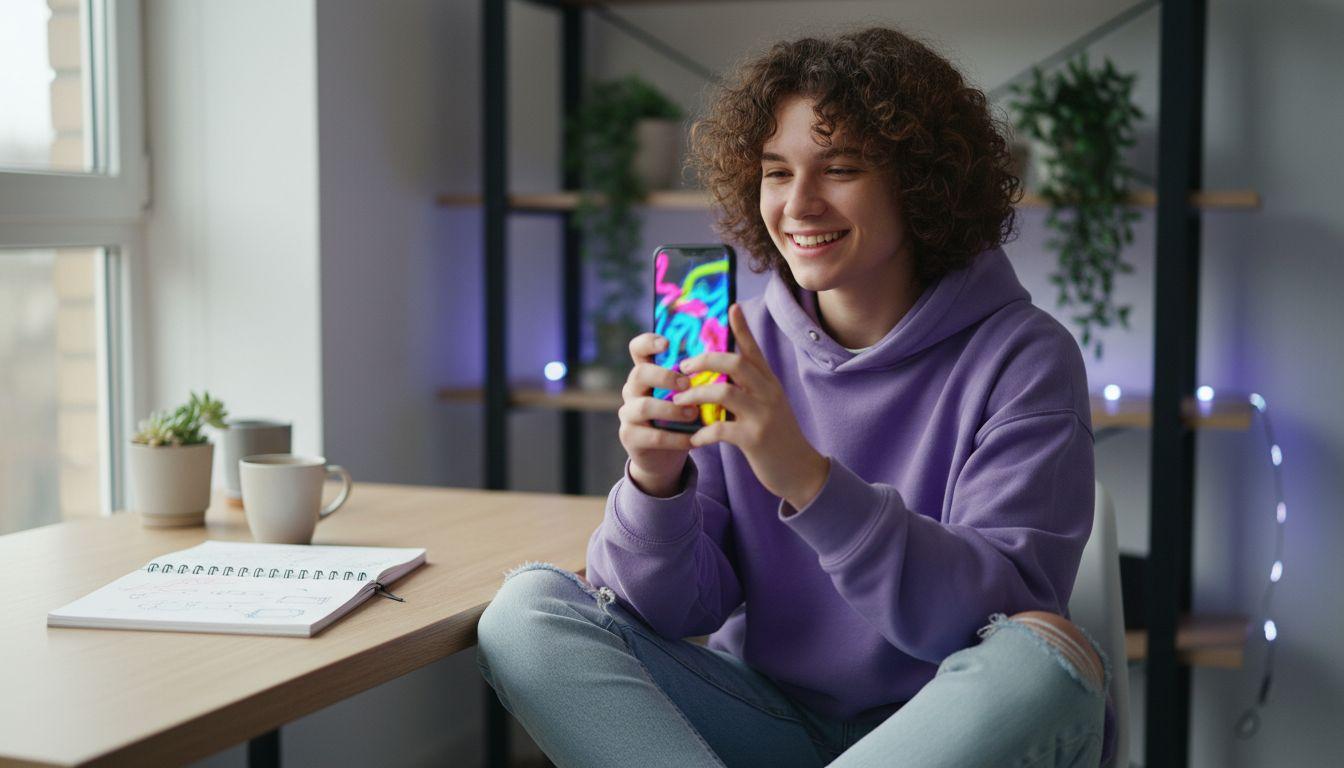
An AI video maker is an app that turns a written prompt or a still photo into a short video clip, and as a beginner you can make your first one in about five minutes: write one sentence, pick a model, choose a vertical or horizontal format and press generate. As of November 2026, VIBE lets you start free and without login, using models such as Seedance Pro Fast, and move up to Veo 3.1 Fast or Kling 3 Pro when you want sound or 1080p. This guide walks you through every step of your first clip.
In one sentence
An AI video maker is software that uses a trained video-generation model to create a new short clip from a text description, a photo or both, so you do not need a camera, footage or editing skills.
What is an AI video maker and how does it work?
An AI video maker sends your prompt to a video-generation model, a neural network trained on large collections of clips and their descriptions. The model does not search for stock footage. It synthesizes every frame from scratch, starting from noise and refining it step by step until motion, light and objects match your words. Most current models follow the diffusion approach described on Wikipedia, and our complete guide to AI video generator apps explains the wider landscape.
For a beginner the practical meaning is simple. You describe what you want to see, the maker returns a clip of roughly 5 to 15 seconds, and you can try again as often as you like. A good AI video maker for beginners should have four things:
- A free way to start, so you can learn without paying first.
- More than one model, because every model reads prompts a little differently.
- Both text and photo input, so you can invent a scene or animate a picture you already own.
- Social-ready formats, such as 9:16 for TikTok, Reels and YouTube Shorts.
VIBE ticks all four boxes: it is available on iOS, Android and the web, offers free models, and puts several models behind one prompt box.
How do I make a video with AI from text, step by step?
To make a video with AI from text, you write a short prompt, choose a model and a format, and generate the clip. Here is the full flow in VIBE:
- Open VIBE in the app or in your browser. You can start without creating an account.
- Choose text-to-video if you want to invent a scene, or image-to-video if you want to animate a photo.
- Write one clear sentence with a subject, an action, a camera move and the lighting.
- Pick a model. For a first try, Seedance Pro Fast is free and quick.
- Choose the format. Use 9:16 for vertical platforms and 16:9 for YouTube or a website.
- Press generate, watch the result, and change one thing in the prompt if it is not right.
The most useful beginner habit is to change only one thing between attempts. If you rewrite the whole prompt each time, you never learn which word caused which effect. Our guide to writing AI video prompts goes deeper once you have your first clip.
 Seedance Pro Fast
“A golden retriever runs along a sunny beach at sunrise, low tracking shot at ground level, waves splashing, warm soft light, cinematic and natural.”

Which AI video model should a beginner pick?
Start with a free model and move to a premium one only when you know what you need. As of November 2026, these are the models most beginners reach for in VIBE; you can browse them all in the VIBE model list.
| Model | Maker | Max length | Resolution | Native audio | VIBE tier |
|---|---|---|---|---|---|
| Seedance Pro Fast | ByteDance | 8 s | 720p | No | Free |
| Wan 2.6 | Alibaba | 8 s | 720p | No | Free |
| Veo 3.1 Fast | Google DeepMind | 8 s | 1080p | Yes | Premium |
| Kling 3 Pro | Kuaishou | 15 s | 1080p | Yes | Premium |
A simple rule of thumb helps you decide:
- Learning and testing ideas: use Seedance Pro Fast, which is free and described on the Seedance page.
- You want dialogue, ambience or music in the clip: use Veo 3.1 Fast, which generates sound together with the picture, as Google DeepMind explains, and see the Veo 3 page.
- You want a longer single take: use Kling 3 Pro, which reaches 15 seconds.
The best workflow for a beginner is to test a prompt on the free model, keep the version you like, and then re-run exactly the same prompt on a premium model to compare.
 Veo 3.1 Fast
“A street musician plays acoustic guitar on a rain-slicked city corner at night, slow dolly in on his hands, soft traffic hum and distant chatter, neon signs reflected in puddles.”
How do I write a prompt an AI video maker understands?
A prompt works best when it answers five questions: who or what is in the shot, what they do, where it happens, how the camera moves and what the light looks like. Models cannot guess what you imagined, so every detail you leave out is chosen for you.
- Subject: one clear subject, such as a red paper boat or a barista.
- Action: one action, such as floating, pouring or walking.
- Camera: a named move like slow dolly in, handheld follow or overhead tilt down.
- Light and mood: golden hour, overcast window light or neon at night.
- Sound (only for models with audio): soft rain, street noise or calm piano.
Keep the sentence under about 40 words. A short prompt with strong nouns beats a long prompt with competing ideas, and crowded scenes usually produce muddled motion.
 Kling 3 Pro
“A ceramic mug rotates slowly on a wooden table as steam rises from the coffee, macro tracking shot, warm window light, calm acoustic background music.”

Which format and length should my first AI video have?
Choose the format for the place you will post, not for the model. Vertical 9:16 fits TikTok, Instagram Reels and YouTube Shorts, while 16:9 fits YouTube and websites. Our aspect ratio guide shows how each ratio changes the framing.
Length matters less than beginners expect. Most models in VIBE return 8 to 15 seconds, which is enough for one clear beat such as a reveal, a reaction or a product turn. If you post to YouTube, note that Shorts can now be up to three minutes long, according to YouTube Help, so you can place several generated clips one after another in any editor. Keep each clip to one idea and cut between them.
What mistakes should beginners avoid with an AI video maker?
Most disappointing first clips come from the same handful of habits, and all of them are easy to fix:
- Asking for too much in one clip. Split a story into several short generations instead of one crowded prompt.
- Skipping the camera. If you do not name a camera move, the model picks one at random.
- Expecting readable text. Video models are still unreliable at spelling, so add titles and captions afterwards.
- Judging the model by one attempt. Generate two or three variations before you decide a prompt is bad.
- Paying too early. Learn on the free models first and upgrade only when you need sound or 1080p.
If you already have a good photo, try image-to-video: the picture fixes the look of the scene, so the result is more predictable. Our free AI video generator guide lists what you can do without paying.

Can I use an AI video maker for free, and when is paid worth it?
Yes, you can make real clips for free. In VIBE, Seedance Pro Fast, LTX Video, Luma Dream Machine, Wan 2.6 and PixVerse are on the free tier, and you can start without logging in. That is plenty to learn prompting, test ideas and make clips for social posts.
Paid models make sense when a specific need appears: native audio, 1080p output, or longer takes. Veo 3.1 Fast and Kling 3 Pro add sound and 1080p, and Wan 3.0 reaches 30 seconds. The sensible order is to prove the idea for free, then spend only on the clips you plan to publish.
Ready to try it yourself? Open the how it works section in VIBE, copy one of the prompts above and make your first clip today.
Frequently asked questions
What is the best AI video maker for beginners?
The best AI video maker for a beginner is one that lets you start free, offers several models and accepts both text and photos. VIBE does all three, with free models such as Seedance Pro Fast and premium models such as Veo 3.1 Fast and Kling 3 Pro.
How do I make a video with AI from text?
Write one sentence that names the subject, the action, the camera move and the lighting, choose a model and a format, then press generate. In VIBE the first clip usually takes only a few minutes, and you can adjust the prompt and try again.
Can I make AI videos for free without logging in?
Yes. As of November 2026, VIBE lets you start without login and offers free models including Seedance Pro Fast, LTX Video, Luma Dream Machine, Wan 2.6 and PixVerse.
How long are AI-made video clips?
Most clips are 8 to 15 seconds. In VIBE, Seedance Pro Fast, Veo 3.1 Fast and Wan 2.6 make 8 seconds, Kling 3 Pro goes up to 15 seconds and Wan 3.0 reaches 30 seconds.
Do AI video makers add sound?
Some do. Veo 3.1 Fast and Kling 3 Pro can generate dialogue, ambience or music with the picture, while the free models Seedance Pro Fast and Wan 2.6 produce silent video that you can score in any editor.
Which format should I choose for TikTok, Reels and Shorts?
Choose vertical 9:16 for TikTok, Instagram Reels and YouTube Shorts, and 16:9 for regular YouTube videos or websites. Pick the format before you generate so the framing is right from the start.
Do I need video editing skills to use an AI video maker?
No. You describe the scene in words or start from a photo and the model creates the footage. Basic editing, such as joining clips or adding captions, is optional and can be done afterwards.
Start Creating AI Videos Today
Download VIBE for free on iOS and Android. No login required. Access 10+ AI video models and generate videos from text prompts or images.


Keep reading
All articles AI Video Generator
AI Video Generation Explained: How It Works in 2026
AI video generation turns random noise into moving pictures guided by your words. Here is how it works, why clips are still short, and which models to try in VIBE.
Vincent Park9 min read AI Video Generator
Best AI Video Generator in 2026: 7 Things to Check Before You Pick One
Every app claims to be the best. This checklist shows what actually separates a good AI video generator from a frustrating one, and how VIBE measures up.
Vincent Park9 min read