Real AI Video Generator: How to Make AI Video That Looks Real
No tool makes realistic video by magic. Here are the models, prompt cues and common mistakes that decide whether an AI clip looks real, plus prompts to copy in VIBE.
Written by Vincent Park
Published
A real AI video generator is an AI video tool whose clips pass for real footage: believable light, physics, motion and sound. No tool does this alone. Realism comes from choosing the right model, writing a photographic prompt and avoiding a handful of tell-tale mistakes. In VIBE, Veo 3.1 Fast, Sora 2 Pro and Kling 3 Pro are the premium picks for realism, and free models such as Seedance Pro Fast and Wan 2.6 get you surprisingly far with no login.
In one sentence
A real AI video generator is a text-to-video or image-to-video tool that produces clips with natural light, believable physics, stable faces and matching sound, so the result reads as camera footage rather than as a render.
What is a real AI video generator and how does it work?
AI video creation tools work by turning your words, or a photo, into a short moving image. A model trained on huge amounts of video learns how light falls, how fabric folds and how people walk, then predicts new frames that match your description. The better it has learned those patterns, the more the output feels filmed instead of generated. That is the whole idea behind a real AI video generator, and it is why model choice matters more than any single setting.
Realism is not one thing. Viewers judge five signals within the first second: lighting that has a source, motion with weight, faces that stay stable, a camera that behaves like a real lens, and sound that matches what is on screen. When one signal breaks, the clip slips into what researchers call the uncanny valley, the uneasy feeling of something almost human but not quite. Our complete guide to AI video generator apps explains how the main features of an app fit together.
Which AI video models look the most real?
There is no single winner for every scene, so it helps to know what each model is built for. As of October 2026, these are the VIBE models most often chosen when realism is the goal.
| Model | Maker | Cost in VIBE | Where it shines |
|---|---|---|---|
| Veo 3.1 Fast | Google DeepMind | Premium | Real-world physics and natively generated sound |
| Sora 2 Pro | OpenAI | Premium | Physical accuracy and synchronised dialogue and effects |
| Kling 3 Pro | Kuaishou | Premium | People, close-ups and controlled camera moves |
| Seedance Pro Fast | ByteDance | Free | Fast, clean realistic tests of people and scenes |
| Wan 2.6 | Alibaba | Free | Natural everyday motion and scenery |
Google DeepMind says Veo is built around real-world physics and generates sound effects, ambient noise and dialogue natively. OpenAI describes Sora 2 as more physically accurate and more controllable than earlier systems, while admitting it is far from perfect. Those are the makers' own claims, so treat them as a starting point and compare clips yourself. Each model has its own page: Veo 3.1, Sora 2 and Kling 3, and the full lineup is under models.
A practical workflow: draft the idea on a free model, then spend premium generations only on the version you plan to publish. Because the prompt stays the same, you can run it on two models and keep the clip with the more believable skin, shadows and hand movement.
How do you write prompts for AI video that looks real?
Write the prompt the way a cinematographer would brief a shoot, not the way an advertiser would describe a dream. Plain, physical words beat superlatives. These cues move the result most:
- Name a real light source. Window light, an overcast sky, a streetlamp at dusk or kitchen spotlights give the model shadows to place.
- Choose a lens and a camera behaviour. A handheld 35mm shot or a slow tripod push-in looks like footage; an impossible swooping camera looks like a render.
- Keep the subject ordinary. A barista, a cyclist or a market stall is more convincing than a glowing fantasy.
- One action per clip. Pouring a coffee is believable; pouring a coffee while turning, laughing and walking is where limbs go wrong.
- Add small imperfections. Slight camera shake, visible skin texture, a stray hair or a crumpled sleeve signal reality.
- Describe sound for models that make it. Street noise, cutlery and footsteps help the clip feel anchored.
For a deeper look at structure, see our guide on how to write AI video prompts. Here is a first prompt to try on Veo 3.1 Fast, which generates audio together with the picture:
 Veo 3.1 Fast
“Handheld 35mm shot of a fruit seller arranging oranges at a morning street market, soft overcast light, natural skin texture, slight camera shake, shallow depth of field, ambient crowd chatter and the rustle of paper bags, no text on screen.”
And a close-up for a model that handles people well:
 Kling 3 Pro
“Medium close-up of a woman in her thirties stirring a latte at a cafe window table, warm window light from the left, subtle breathing and natural blinking, a few strands of hair moving, tripod shot with a very slow push-in, realistic skin, muted colours.”
What mistakes make AI video look fake?
Most fake-looking clips fail for a few repeatable reasons, and all of them can be fixed in the prompt. Check this list before you regenerate:
- Superlative stacking. Words like ultra-realistic, 8K and masterpiece rarely help; they can push a model toward a glossy, over-polished look. Describe the scene instead.
- Too much motion. Fast action, crowds and quick turns multiply errors. Slow, simple movement is more believable.
- Perfect skin and perfect light. Real footage has pores, uneven shadows and a little noise. Ask for texture and natural, imperfect light.
- Hands and small objects. Fingers, cutlery and phones are hard. Keep hands partly out of frame or give them one simple task.
- Readable text. Signs, labels and screens often garble. Say no text on screen and add captions afterwards in an editor.
- Mismatched sound. A silent clip of a dramatic scene feels off; pick a model with native audio or add fitting sound.
One more habit helps: change one thing per regeneration. If you rewrite the whole prompt every time, you cannot tell which change fixed the problem.
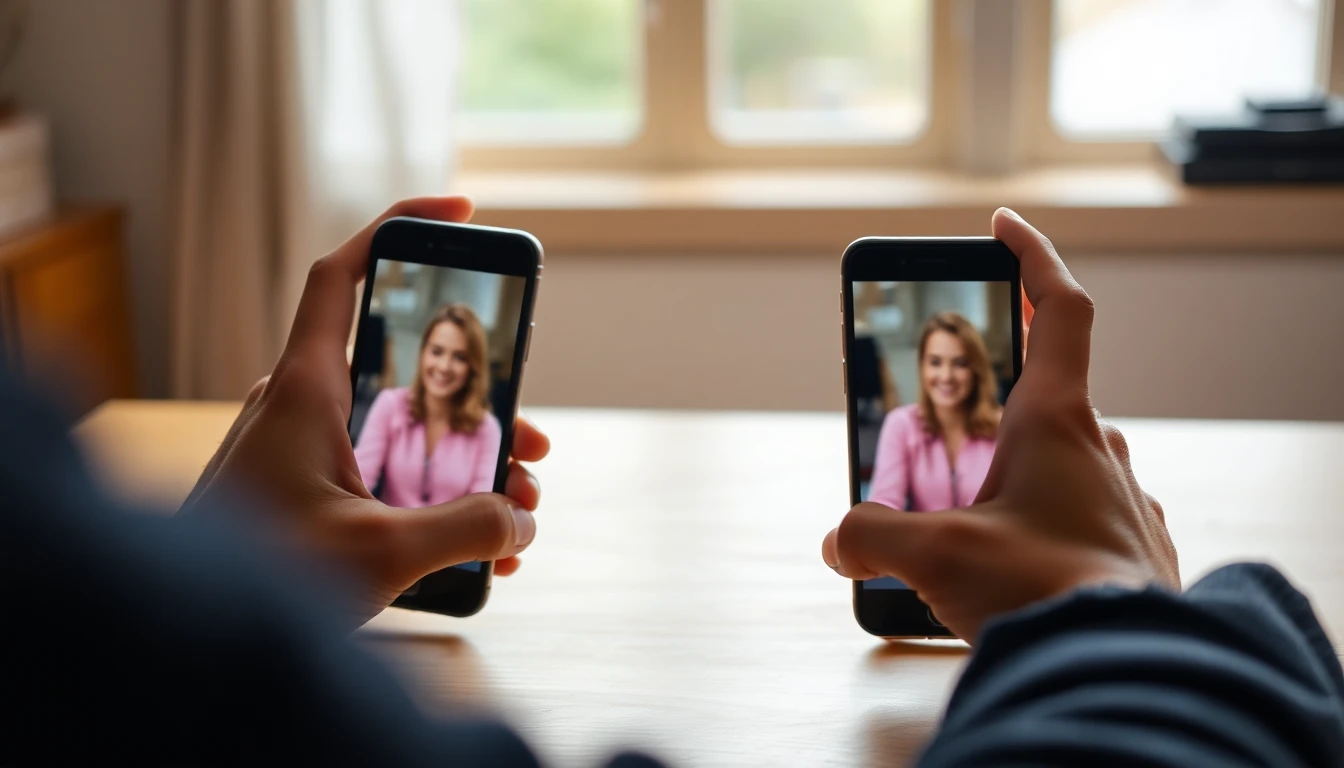
How do you make real-looking AI video in VIBE?
- Open VIBE on iOS, Android or the web; you can start without logging in.
- Choose text-to-video, or image-to-video if you have a real photo to anchor the scene.
- Pick a model: a free one such as Seedance Pro Fast or Wan 2.6 for drafts, or Veo 3.1 Fast, Sora 2 Pro or Kling 3 Pro for the final take.
- Paste a prompt with a light source, a lens, one action and, where supported, sound.
- Generate two takes, compare skin, shadows and hands, and change one detail at a time.
- Download the clip and label it as AI-generated where the platform asks for it.
Image-to-video is the most reliable route to realism, because a real photo fixes the face, the light and the setting, and the model only has to add motion. Our guide to turning a photo into video covers the technique. Here are two more prompts, one free and one premium:
 Seedance Pro Fast
“Overhead shot of hands chopping vegetables on a wooden board in a home kitchen, soft daylight from a side window, steady knife rhythm, a little steam from a pan in the background, natural colour, handheld feel, no text.”
 Sora 2 Pro
“A cyclist waits at a red light on a rainy evening, wet asphalt reflecting car lights, raindrops on the jacket, a slow tracking shot from the side, distant traffic noise and the tick of rain, documentary look.”
Does sound make AI video look more real?
Yes. People forgive imperfect pixels far more readily than sound that does not belong. A footstep that lands a beat late, or ambient noise that does not match the room, breaks the illusion faster than a slightly soft background. Models with native audio, such as Veo 3.1 Fast and Sora 2 Pro, generate sound together with the picture, so the timing is part of the result. Our guide to AI video with audio shows how to describe sound in a prompt.
When you use a model without native sound, keep the clip simple and add a quiet room tone or street ambience in your editor. A low, continuous background is more convincing than a busy soundtrack, because real recordings always have some noise underneath.
Should you label realistic AI video?
Yes, and labelling is increasingly built into platforms. TikTok has said it reads C2PA Content Credentials to label AI-generated content automatically and has required creators to label realistic AI content, as described in its newsroom post on AI transparency. Check the current rules of every platform you post on, because they change.
Realistic output carries responsibility. Only create footage of people who have agreed to it, never present AI clips as real news or evidence, and never imitate a real individual. Labelled, honest AI video builds an audience that trusts you; a clip passed off as real tends to cost more trust than it earns.
Frequently asked questions
What is a real AI video generator?
A real AI video generator is a text-to-video or image-to-video tool that produces clips with natural light, believable physics, stable faces and matching sound, so they read as camera footage. In VIBE, Veo 3.1 Fast, Sora 2 Pro and Kling 3 Pro are the premium models most often used for this.
Which AI video generator looks the most real?
No model wins every scene. As of October 2026, Veo 3.1 Fast and Sora 2 Pro are built around physical realism and native audio, and Kling 3 Pro is a strong choice for people and close-ups. VIBE lets you run the same prompt on several models and keep the best take.
What features should I look for in an AI video app?
For realism, look for several top models in one place, image-to-video, native audio, vertical export for social and a free way to test before paying. VIBE offers these on iOS, Android and the web.
Can I generate videos with AI from images?
Yes. Image-to-video turns one photo into a short clip, and it is usually the most realistic route because the photo fixes the subject, the light and the setting. In VIBE you upload the photo, describe only the motion and pick a model.
Can I make realistic AI video for free?
Yes, within limits. VIBE offers five free models, Seedance Pro Fast, LTX Video, Luma Dream Machine, Wan 2.6 and PixVerse, and you can start without logging in. Premium models give more polished results.
Why does my AI video still look fake?
The usual causes are stacked superlatives like ultra-realistic, too much motion, flawless skin and light, readable text and silent footage. Simplify to one action, name a real light source and lens, and change one detail per attempt.
Do I need to label realistic AI video?
Check each platform's rules. TikTok, for example, asks creators to label realistic AI-generated content, and labelling it is the honest default everywhere.
- #realaivideogenerator
- #aivideothatlooksreal
- #realisticaivideo
- #photorealisticaivideo
- #aivideoprompts
Start Creating AI Videos Today
Download VIBE for free on iOS and Android. No login required. Access 10+ AI video models and generate videos from text prompts or images.


Keep reading
All articles AI Video Generator
AI Video Generator From Image Free: Turn Photos Into Clips Without Paying
You can turn a photo into a short video for free in VIBE, with no login. Here are the free models, the photos that animate best and prompts to copy.
Vincent Park8 min read AI Video Generator
AI Video Generator No Login: How It Works and What to Check
No account, no card, no waiting: here is how a no-login AI video generator works, what you give up, and a checklist for judging any app.
Vincent Park8 min read