Dog AI Video: Animate Your Dog or Cat Photo in Seconds
Turn a single dog or cat photo into a few seconds of natural motion — no filming, no editing skills, free to start in VIBE.

Written by Vincent Park
Published
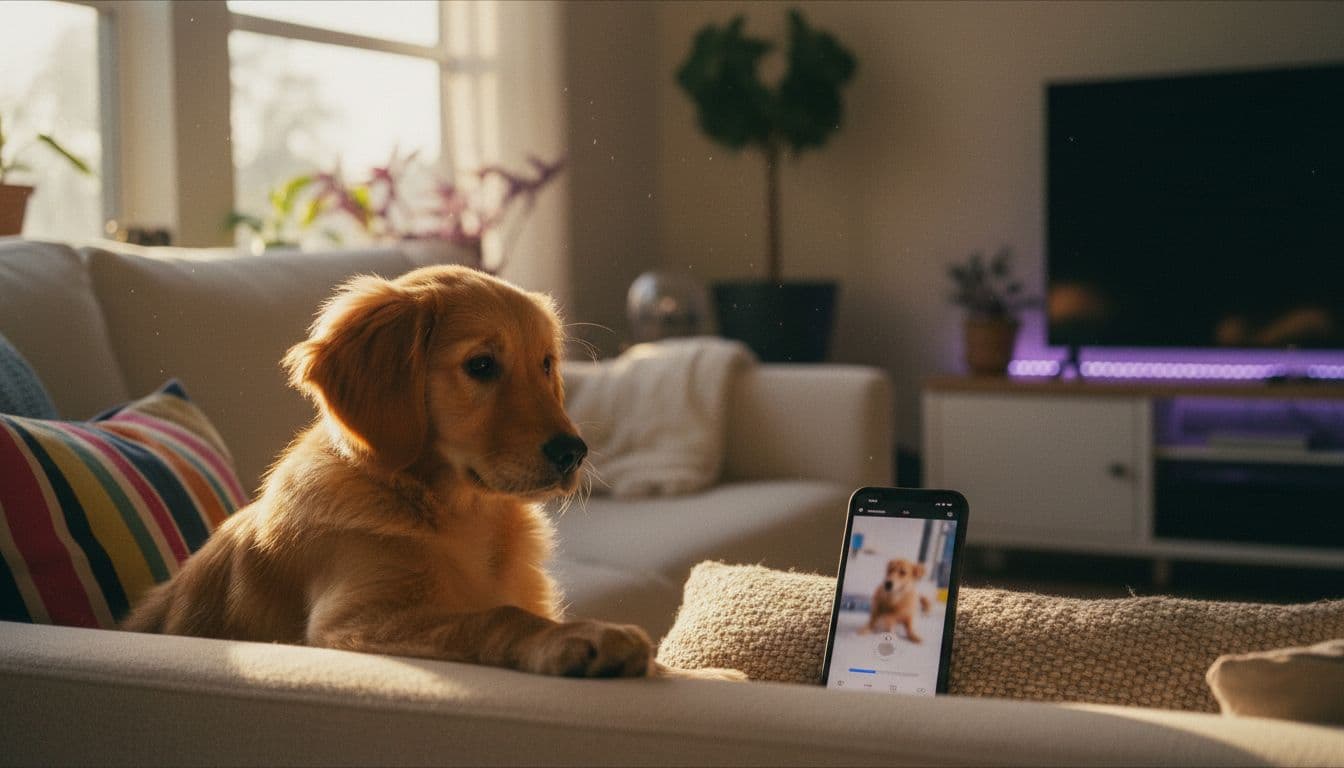
A dog AI video turns a single still photo of your dog or cat into a few seconds of natural-looking motion — a head tilt, a blink, a tail wag, a few slow steps — without filming a single frame yourself. Upload the photo, describe the motion in a sentence, and VIBE's AI video models turn it into a clip you can post straight to TikTok, Instagram Reels or YouTube Shorts.
In one sentence
Upload one clear photo of your dog or cat, describe the motion you want in a sentence, and an AI video model animates it into a short, shareable clip in under a minute.
What Is a Dog AI Video?
A dog AI video is a short clip produced by an image-to-video AI model, starting from one photograph instead of a camera recording. The model reads the photo — the angle of the head, the shape of the ears, the texture of the fur — and generates new frames around it, adding motion that looks like it could have been filmed a second later. The same image-to-video approach shows up across pet, portrait and even anime video content: one still image in, a few seconds of believable motion out.
Pet clips are some of the most widely watched and shared content on TikTok and Instagram Reels — a head tilt or a slow blink holds attention in a way a static photo can't. A dog AI video gives you that moving clip without setting up a shoot: no waiting for your dog to actually tilt its head on command, no chasing a cat around with a phone camera. You already have the photo. The model supplies the motion.
How Do You Animate a Dog or Cat Photo With AI?
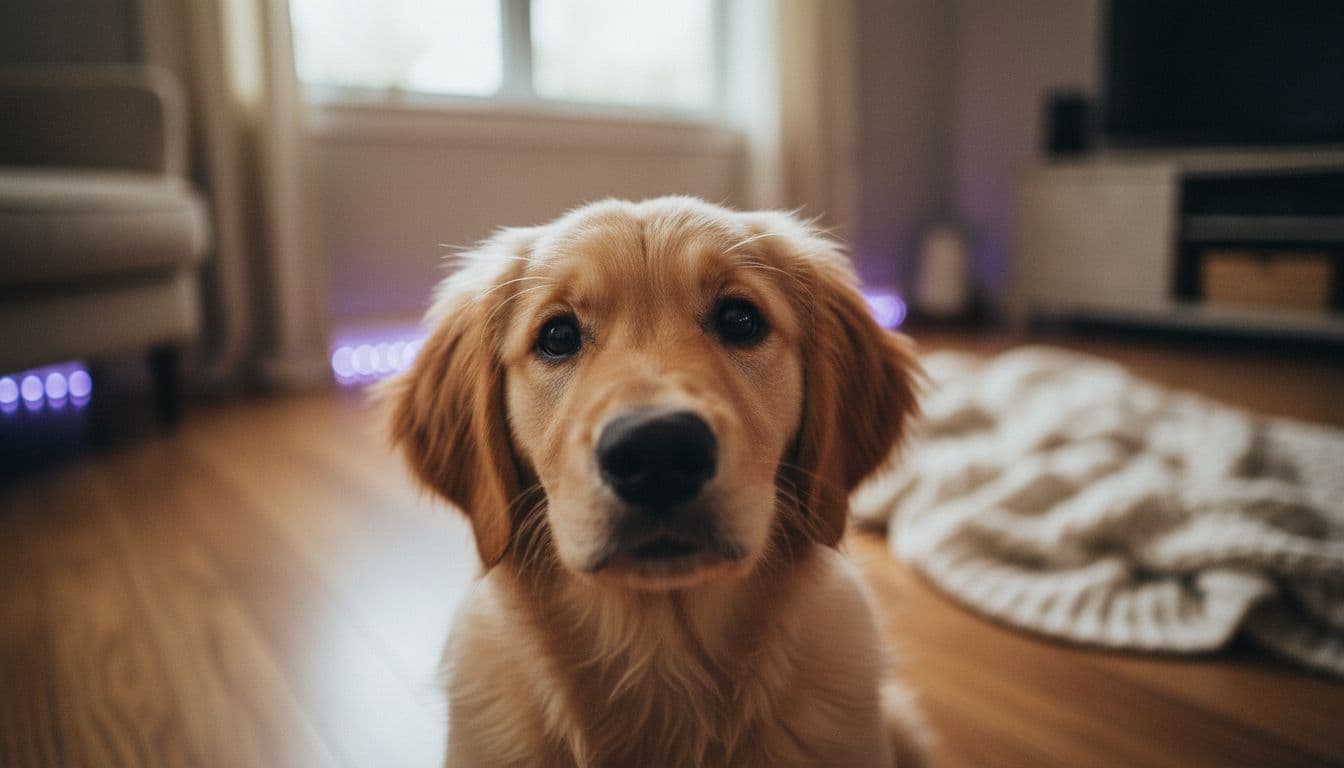
Turning a still photo of your dog or cat into a moving clip in VIBE takes three steps, and none of them require any video editing experience or special software. The whole process runs in the app or the browser, from upload to a finished, downloadable clip.
- Upload a sharp, well-lit photo that shows your pet's whole head — or head and front body — facing roughly toward the camera. This is the single biggest factor in how natural the result looks.
- Write a short motion prompt describing three things: the motion itself (a head tilt, a blink, a tail wag), how the camera behaves (static or a gentle handheld sway), and the light in the scene.
- Generate the clip with Wan 2.6 or Seedance Pro Fast, VIBE's two free-tier models, then export it directly in a format ready for TikTok, Instagram Reels or YouTube Shorts.
Which Photo Should You Start From?
The source photo matters more than the prompt. A blurry, dark or tightly cropped photo gives the model too little information to work with, and the result shows it — warped ears, a jaw that moves strangely, fur that blurs into the background instead of moving with the head. A sharp, well-lit photo is the single best thing you can do to improve the result, more than any amount of prompt tweaking.
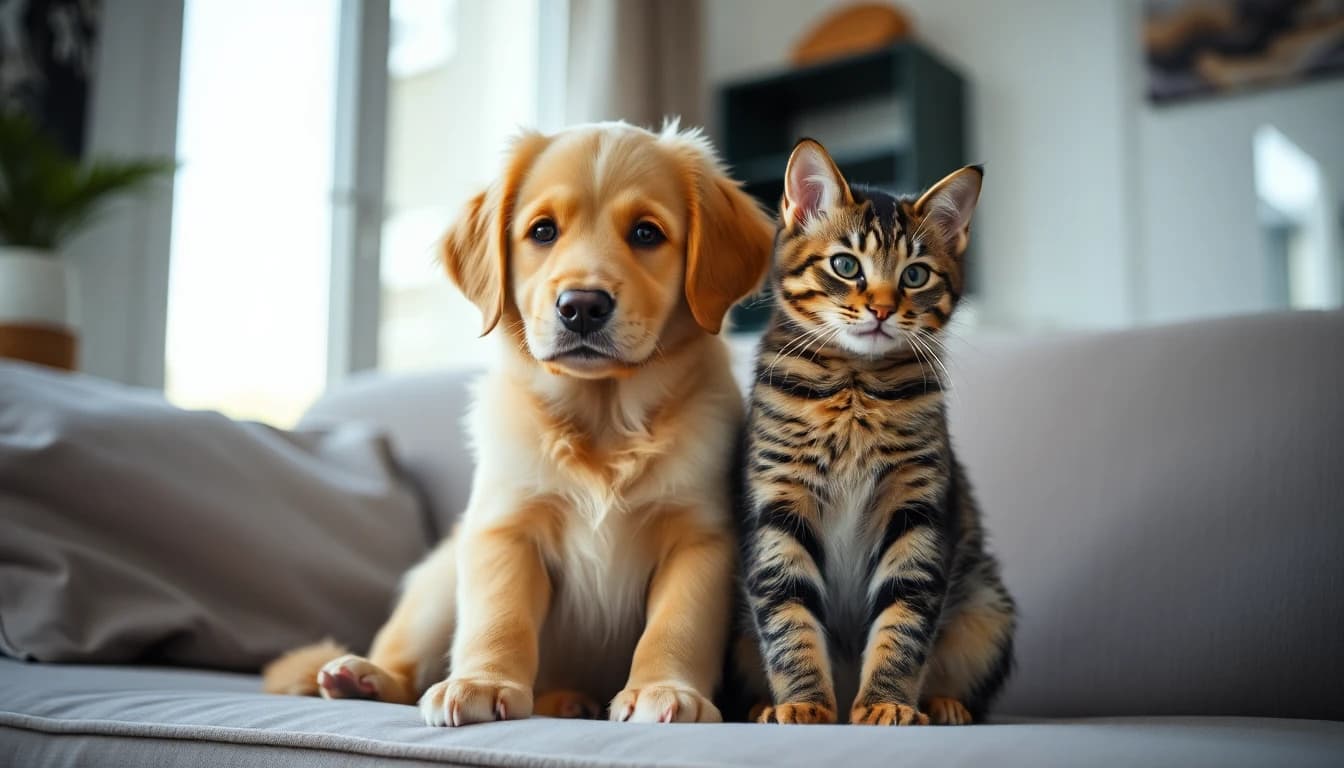
You don't need a special camera or a studio setup — a normal photo taken on your phone works fine, as long as it's in focus and reasonably well lit. Animate one pet per photo rather than a group shot; if you have two dogs or a dog and a cat, run each one through as a separate photo and edit the clips together afterward if you want them in the same video.
- Shoot in daylight or bright, even indoor light — dim rooms produce grainy, less stable motion.
- Keep the whole head in frame, facing toward the camera rather than in full profile.
- Avoid hands, a leash or a toy covering the face or ears; the model needs to see them clearly.
- Use one pet per photo — a group shot confuses which animal should move.
- A plain or gently blurred background helps the model separate your pet from its surroundings.
Wan 2.6 or Seedance Pro Fast: Which Model Fits a Pet Video?
VIBE gives you two free-tier models well suited to a pet clip. Wan 2.6, from Alibaba, renders at up to 1080p for as long as 10 seconds and can add synchronized audio — useful when you want a bark, a purr or simple room tone instead of a silent clip. Seedance Pro Fast, from ByteDance, also renders up to 1080p and is tuned for speed and smooth, natural motion, which makes it a good pick when you just want a clip out fast. Both are free to use in VIBE, and the full model lineup is free to browse and try.
| Model | Tier in VIBE | Resolution | Best for a pet video |
|---|---|---|---|
| Wan 2.6 | Free | Up to 1080p, up to 10s, synced audio | A pet clip with sound — a bark, purr or room tone |
| Seedance Pro Fast | Free | Up to 1080p, fast render | A quick, smooth head-turn or tail-wag clip |
Prompts and Motion Words That Actually Work for Pets
Pet motion reads as fake fastest when it's too big. A dog doing a backflip or a cat leaping across a room in one fluid motion looks obviously synthetic, because that's not the kind of movement the model has the most reference for. Small, believable movements hold up far better: a blink, an ear twitch, a slow head tilt, a tail wag, a few steady steps toward the camera.
Name three things in every prompt: the motion, what the camera does, and the light in the scene. 'The dog tilts its head and blinks, camera still, warm afternoon light' gives the model much more to work with than 'dog moving.' For more on building out motion and camera vocabulary, see our guide on how to write AI video prompts.
 Wan 2.6
“The dog tilts its head slowly and blinks twice, ears perking up as if hearing a sound off-camera, camera completely still, warm afternoon light through a window.”
 Seedance Pro Fast
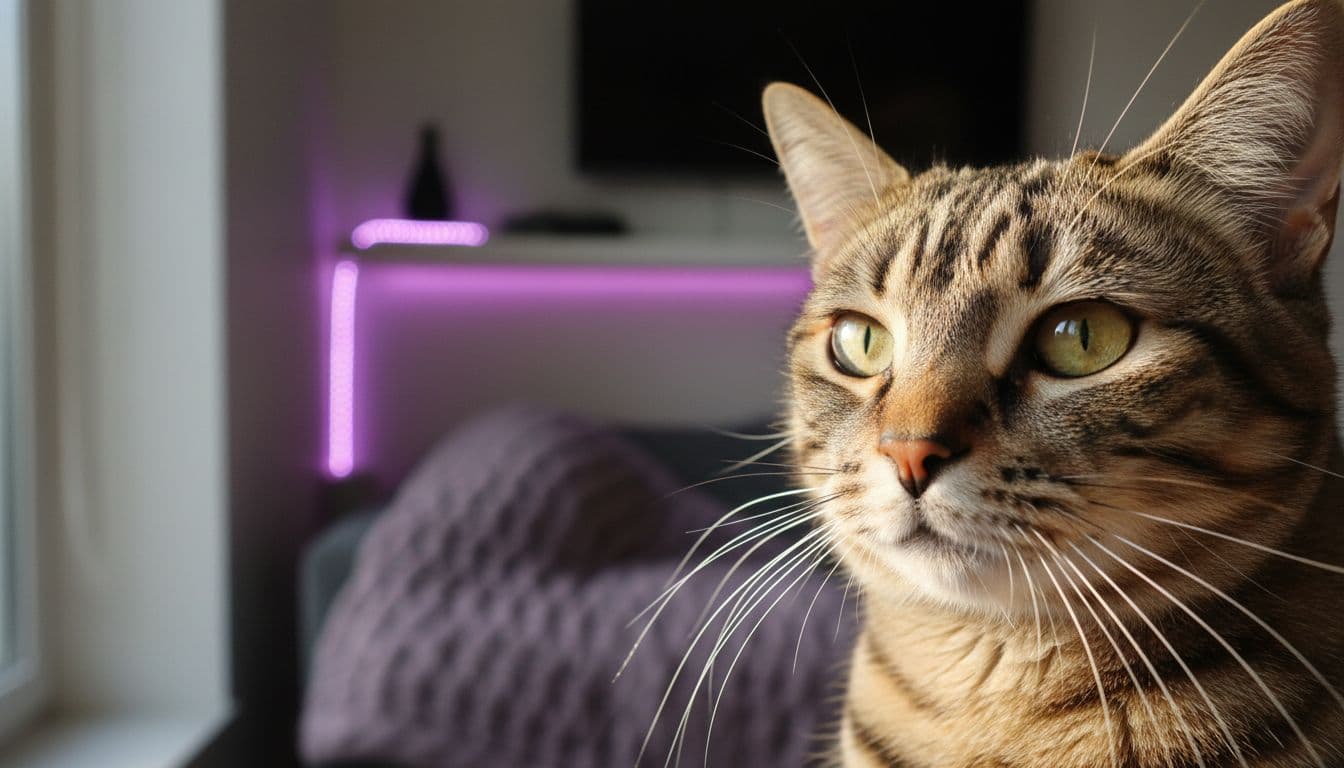
“The cat's tail flicks slowly side to side while it stares directly at the camera, whiskers twitching, soft indoor lighting, no camera movement.”
Wan 2.6“The puppy takes three slow steps toward the camera on a wooden floor, tail wagging, gentle handheld camera sway, natural daylight.”
Seedance Pro Fast“The dog's ears twitch and it turns its head toward an off-screen sound, mouth opening in a slow yawn, static camera, golden-hour light.”
Five Pet Video Formats Worth Trying
Once you've made one clip, these five formats are worth trying next:
- The reaction clip — head turns and ears perk up, as if the pet just heard its name.
- The slow walk-in — a few steady steps toward the camera, tail wagging, good for an intro/hook shot.
- The sleepy blink — a long slow blink and small head tilt, good for a calm cozy post.
- The before-and-after — the still photo plays for the first second, then the animation begins, so viewers see exactly what changed.
- The paired pets — two separate photos of housemates animated the same way, then edited together as a split screen.
Is Animating a Pet Photo With AI Okay to Post?
Yes, with one condition: don't let a viewer mistake a generated clip for real footage of something that didn't happen. Animating your own dog's head-tilt or a cat's tail-wag is a clearly fun, low-stakes edit of a photo you took yourself — nobody watching is misled about a real event. It gets murkier if the motion implies something false, like a pet appearing to 'talk' in a way meant to look like a real recorded moment, or if the photo isn't yours to begin with.
As of September 2026, platforms and regulators are converging on one basic rule for AI-altered media: label it when a viewer could reasonably mistake it for unedited footage. The FTC's guidance on AI focuses on deception, not on banning synthetic content outright, and a captioned 'AI video' or a platform's built-in AI label comfortably covers a pet clip made for fun. When in doubt, say so in the caption.
One more consideration: only animate a pet photo that's actually yours, or one you have clear permission to use. And if kids are likely to see the clip, a quick caption noting it's AI-generated avoids any confusion about whether the pet actually did that.
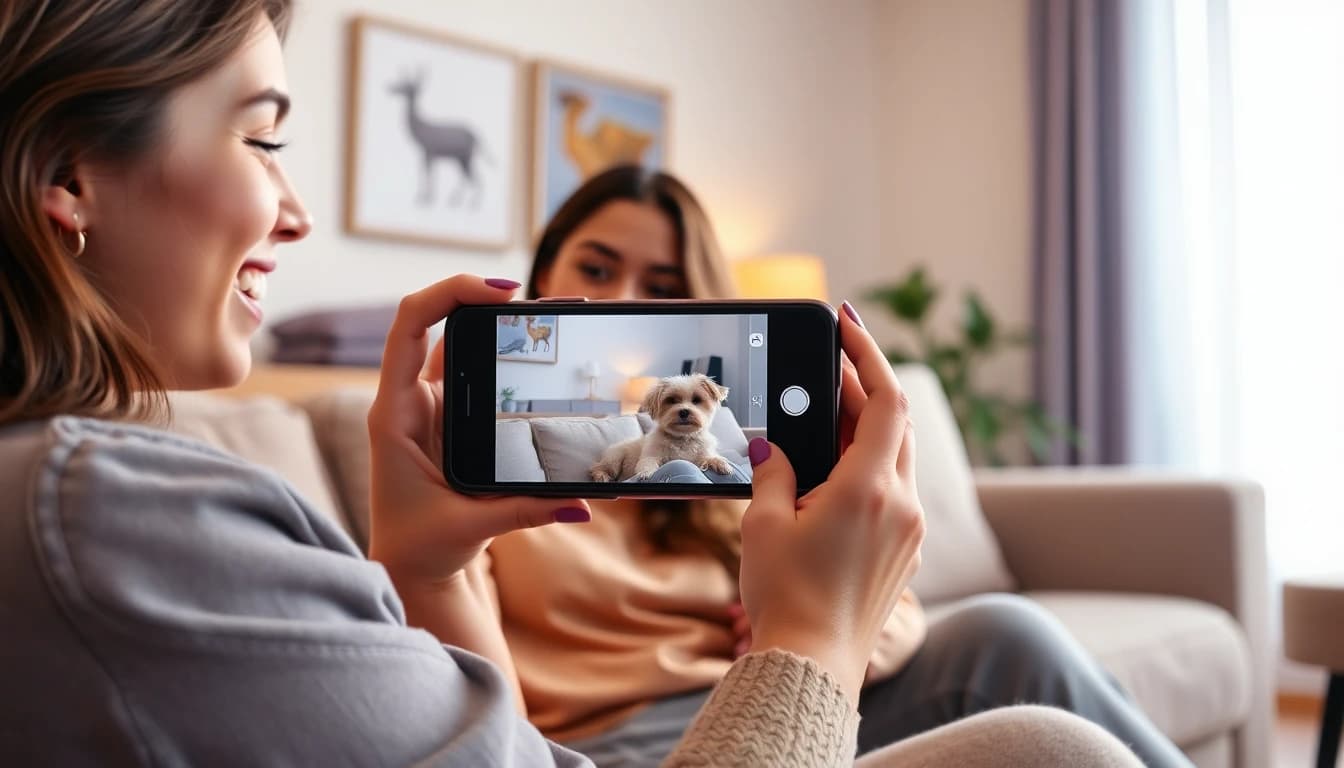
Frequently Asked Questions
What is a dog AI video?
It's a short clip generated by an image-to-video AI model from a single photo of your dog or cat. The model adds realistic motion — a head tilt, a blink, a tail wag — while keeping the animal's real appearance intact.
Can I animate a photo of my cat too?
Yes. The same process works for cats and other pets, not just dogs. VIBE's Wan 2.6 and Seedance Pro Fast models aren't limited to dog photos.
Do I need editing skill to make one?
No. Upload a clear photo, describe the motion in a sentence, and generate the clip — there's no timeline, no frame-by-frame editing involved.
Which VIBE model is better for a pet video, Wan 2.6 or Seedance Pro Fast?
Wan 2.6 supports clips up to 10 seconds with synchronized audio, so it's the better pick when you want sound. Seedance Pro Fast renders faster with smooth, natural motion, so it's the better pick when you want a clip quickly.
Is it free to animate a pet photo in VIBE?
Yes. Both Wan 2.6 and Seedance Pro Fast are free tier in VIBE, and no login is required to start.
Should I disclose that a pet video was made with AI?
It's good practice, especially if the motion could be mistaken for real footage. Most platforms now offer a built-in AI-content label you can attach, or you can simply caption the clip as AI-generated.
Start Creating AI Videos Today
Download VIBE for free on iOS and Android. No login required. Access 10+ AI video models and generate videos from text prompts or images.


Keep reading
All articles Video styles
AI Anime Video Generator: Make Anime-Style Clips From a Prompt
An AI anime video generator turns a prompt or photo into a moving, cel-shaded anime clip — no drawing required. Here's which VIBE model to pick, the prompt vocabulary that actually works, and where copyright lines sit.
Vincent Park9 min read AI Video Generator
Free AI Video Generator: What You Really Get for Free in 2026
Free AI video generators are real, not demos. Here is exactly what you get, what you don't, and which five models are free to use inside VIBE right now.
Vincent Park9 min read