AI Travel Video Generator: Destination and Hotel Clips From a Prompt
Aerial coastlines, lantern-lit streets and golden-hour hotel pools used to need a crew and a drone. Here is how to make them from a prompt, with five prompts to copy.

Written by Vincent Park
Published
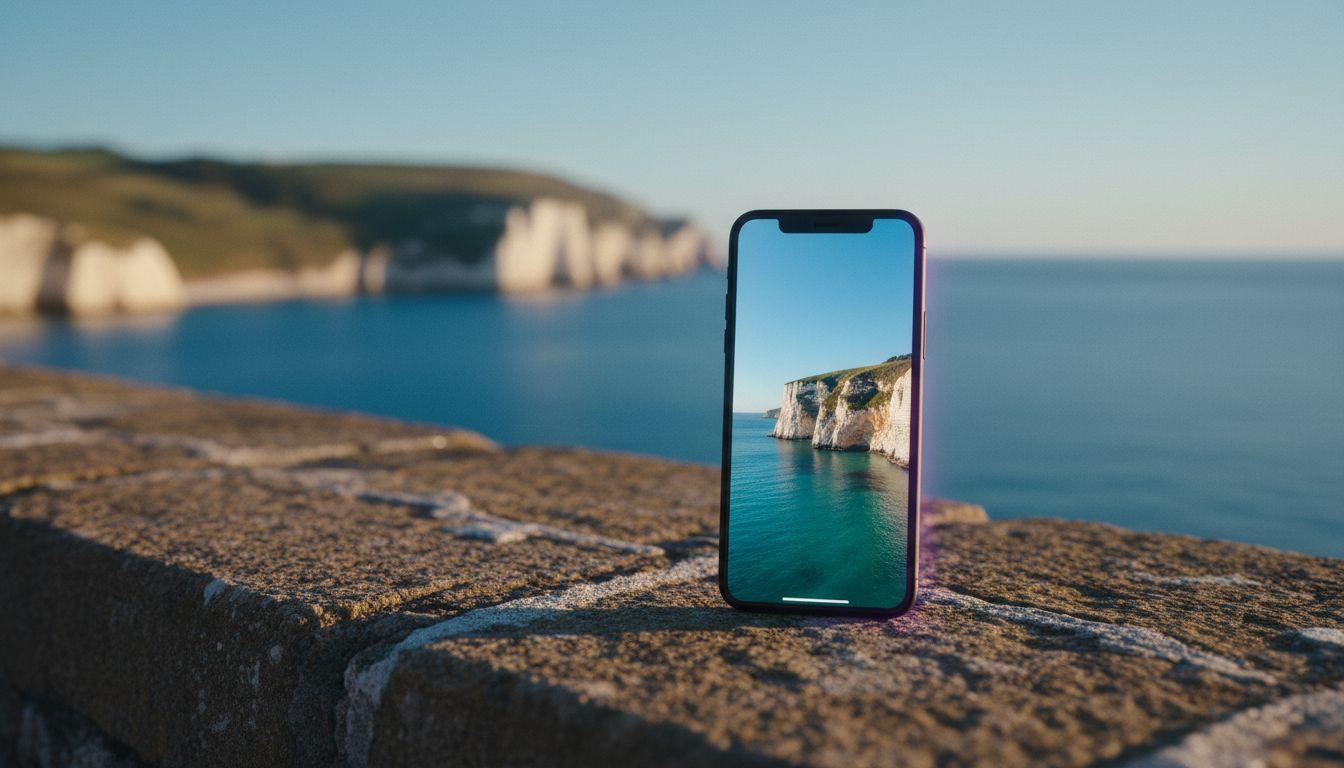
An AI travel video generator turns a written description or a single destination photo into a short video clip, such as a drone-style coastline sunrise, a lantern-lit old-town street or a hotel pool at golden hour, so travel creators, hotels and tour sellers can show a place without a film crew. The trick is to ask for one simple scene per clip, name the light and the camera move, and be honest about what is AI-made. This guide covers the shots that work, which VIBE model to pick, five copy-ready prompts and the rules for using AI travel footage responsibly. As of November 2026, you can start free in VIBE with no login.
In one sentence
An AI travel video generator is an app that uses a video model to create short, realistic destination clips from a text prompt or a photo, and VIBE lets you do it on iOS, Android and the web with no login required to start.
What is an AI travel video generator?
It is a travel-focused use of the general AI video generator for marketing videos workflow: you describe a scene, a model renders a few seconds of motion, and you join several clips into a teaser. Unlike stock footage, the clip matches your brief exactly, with golden hour instead of noon and a slow push-in instead of a static frame. Unlike a drone shoot, it needs no permits, no weather window and no flight. What it cannot do is replace real footage of a specific property when guests expect to see the real thing, which is why the honesty section below matters. Searches such as ai travel video and destination video ai all describe this same idea.
Which travel shots work best in AI video?
Five shot types cover most travel teasers, and each answers a different question a viewer has before booking. Keep every clip to one subject and one camera move, because models are far more reliable with a single idea than with a whole itinerary squeezed into one prompt. Naming the light, such as sunrise, dusk or golden hour, does more for the mood than any other single word.
- Aerial coastline or mountain reveal. The opening shot that says where you are. A slow forward drift over water, cliffs or ridgelines works well.
- Old-town street at dusk. Narrow lanes, warm lights and a few blurred walkers give atmosphere without needing readable signs.
- Hotel pool or terrace at golden hour. The hero shot for a hotel promo video. Ask for gentle ripples and soft light.
- Food market or café moment. Steam, pouring coffee and hands passing plates sell the feeling of eating there.
- Transit window shot. A train, ferry or road trip view with scenery sliding past, ideal for travel-diary reels.
 Kling 3 Pro
“Aerial view slowly gliding forward over a turquoise Mediterranean bay at sunrise, white limestone cliffs, a small fishing boat leaving a soft wake, warm golden light, haze over distant hills, smooth cinematic camera, realistic, no text.”
 Seedance Pro Fast
“A narrow cobblestone old-town street at dusk, warm lantern light in the windows, a few blurred pedestrians walking away, gentle camera push-in at eye level, damp stones reflecting the light, calm evening mood, realistic travel footage.”
How do I make a travel video with AI?
Pick a model, describe one scene and generate, then repeat for four to six clips and join them in order. The flow follows how it works on the home page, with a few travel-specific habits that save time and credits.
- Open VIBE on iOS, Android or the web. You can start free without logging in.
- Decide the story first. A 20-second teaser is usually an opening reveal, two or three highlight scenes and one closing shot.
- Choose text-to-video for places you want to imagine, or upload a real photo and use image-to-video so the destination stays recognisable.
- Paste a prompt that names the subject, the light, the camera move and the mood, then generate a draft on a free model such as Seedance Pro Fast.
- Re-run the best prompts on a premium model like Kling 3 Pro when you want the final, sharpest result.
- Export vertical for Reels, TikTok and Shorts, add your own music and captions, and publish.
If you have a photo of a real viewpoint, the image-to-video guide shows how to animate it so clouds drift and water moves while the place itself stays true. For wording, the prompt-writing guide explains the subject, light and camera pattern used in the prompts on this page.
 Wan 2.6
“Travel video from a train window: green hills and a small village sliding past in soft morning light, gentle sway of the carriage, a hand resting on the window frame in the foreground, shallow depth of field, calm and nostalgic mood, realistic.”
Which AI model is best for travel video?
No single model wins every shot, so match the model to the scene. Scenic motion rewards smooth camera physics, street scenes reward fine detail, and shots with ambient sound reward a model that can generate audio. Google DeepMind describes Veo as a video model that can create sound together with the picture, which suits waves, markets and harbour life.
| Model | Best travel use | Access in VIBE |
|---|---|---|
| Kling 3 Pro | Aerial reveals, water and smooth camera moves for final hero shots | Premium |
| Veo 3.1 Fast | Scenes where ambient sound such as waves or market chatter adds atmosphere | Premium |
| Wan 3.0 | Wide landscapes and scenes with several moving elements | Premium |
| Seedance Pro Fast | Quick, free draft takes to test a prompt | Free |
| Wan 2.6 | Free second-opinion renders and window-view motion | Free |
A practical workflow is to draft on the free models, then spend premium generations only on the two or three shots that matter. You can see every available model in the models section and read about Kling 3 in VIBE. Seedance Pro Fast, LTX Video, Luma Dream Machine, Wan 2.6 and PixVerse are the free-tier models, so you can experiment before committing to anything.
How do hotels and tour sellers use AI travel video?
Hotels, guesthouses, tour operators and travel agents use destination video AI for the content they cannot easily shoot every season: a winter-light version of a summer view, a teaser for a new route or a hero loop for a landing page. A hotel promo video made with AI is best treated as mood and atmosphere, while real photos and real footage prove what the room and the building actually look like. Used that way, it lowers the cost of keeping a booking page and a social feed fresh.
- Seasonal variants. Refresh a pool or terrace clip for each season without booking a new shoot.
- Route teasers. A 15-second preview of a new tour, built from three scenic scenes.
- Landing-page loops. Short, silent, looping backgrounds for a booking page.
- Social stories. Weekly where-to-go-this-weekend reels that keep a profile active.
Kling 3 Pro“A boutique hotel infinity pool at golden hour overlooking the sea, gentle ripples on the water, white loungers and a folded towel on the edge, slow camera glide from left to right, warm soft light, calm luxury mood, realistic, no people, no text.”
 Veo 3.1 Fast
“A small harbour village at dawn, fishing boats rocking gently, seagulls overhead, soft lapping water and distant church bells as ambient sound, slow push-in from the quay, pastel sky, realistic travel documentary look.”
How do I keep an AI travel video honest?
Treat AI footage as an illustration of a mood, not as proof of a specific place. Travellers decide where to spend money based on what they see, and consumer-protection regulators such as the US Federal Trade Commission expect advertising not to create a misleading impression. These habits protect both you and your audience's trust.
- Do not show a real property falsely. Use real photos for the room, the beach and the view you are selling, and use AI clips for the atmosphere around them.
- Label it. A short caption such as AI-generated scene removes any doubt, and many platforms offer AI-content labels.
- Avoid real people and logos. Ask for blurred or distant figures and no readable signs, which also sidesteps rights questions.
- Check the details. Look for impossible architecture, wrong landmarks or odd reflections before you post.
What size and format should a travel video be?
Make it vertical, 9:16, for Reels, TikTok and YouTube Shorts, keep each clip short and put the most striking shot first. YouTube Help covers the Shorts basics for creators, and the aspect ratio guide shows when to choose 16:9 for a website hero or 1:1 for a feed. Add your own music and a short caption with the place name, because video models do not reliably render readable text.
Frequently asked questions about AI travel videos
What is an AI travel video generator?
An AI travel video generator is an app that uses a video model to turn a text prompt or a destination photo into a short clip of coastlines, streets, hotels and landscapes. VIBE lets you do this from a phone, with no login required to start.
Can I generate a travel video with AI from a photo?
Yes. Upload one clear photo of the place and describe only the motion, such as drifting clouds, moving water and a slow push-in. Image-to-video models start from your picture, so the destination stays close to the original.
Is there a free AI travel video generator?
Yes. VIBE lets you start free without logging in, and its free-tier models are Seedance Pro Fast, LTX Video, Luma Dream Machine, Wan 2.6 and PixVerse. Premium models such as Kling 3 Pro are available when you want the final shot.
How do AI video creation tools work for travel clips?
You write a prompt that names the place, the light and the camera move, and a video model renders a few seconds of motion. You then repeat for several scenes and join the clips into a teaser with your own music and captions.
Which AI model makes the best travel videos?
It depends on the shot. Kling 3 Pro suits aerial reveals and water, Veo 3.1 Fast suits scenes where ambient sound matters, and Seedance Pro Fast is a quick free way to test a prompt before using a premium model.
Can hotels use AI video for promotion?
Yes, for atmosphere such as seasonal views, landing-page loops and social teasers. Keep real photos and real footage for the rooms and facilities, so guests see exactly what they will book.
Do I need to label an AI travel video?
Labelling is good practice and avoids misleading viewers, especially in advertising. Add a short caption such as AI-generated scene and check the AI-content rules of each platform you post on.
- #aitravelvideogenerator
- #aitravelvideo
- #destinationvideoai
- #hotelpromovideoai
- #aivideomaker
Start Creating AI Videos Today
Download VIBE for free on iOS and Android. No login required. Access 10+ AI video models and generate videos from text prompts or images.


Keep reading
All articles Video styles
AI Food Video Generator: Menu, Recipe and Restaurant Clips From a Prompt
Steam, sizzle and pour shots used to need a kitchen crew and a camera. Here is how to make them from one dish photo or a single prompt, with five prompts to copy.
Vincent Park9 min read Video styles
AI Explainer Video: How to Make One in Minutes With VIBE
A practical guide to making an AI explainer video: structure, shot prompts, model choice and voiceover, all inside VIBE.
Vincent Park8 min read