AI Food Video Generator: Menu, Recipe and Restaurant Clips From a Prompt
Steam, sizzle and pour shots used to need a kitchen crew and a camera. Here is how to make them from one dish photo or a single prompt, with five prompts to copy.
Written by Vincent Park
Published
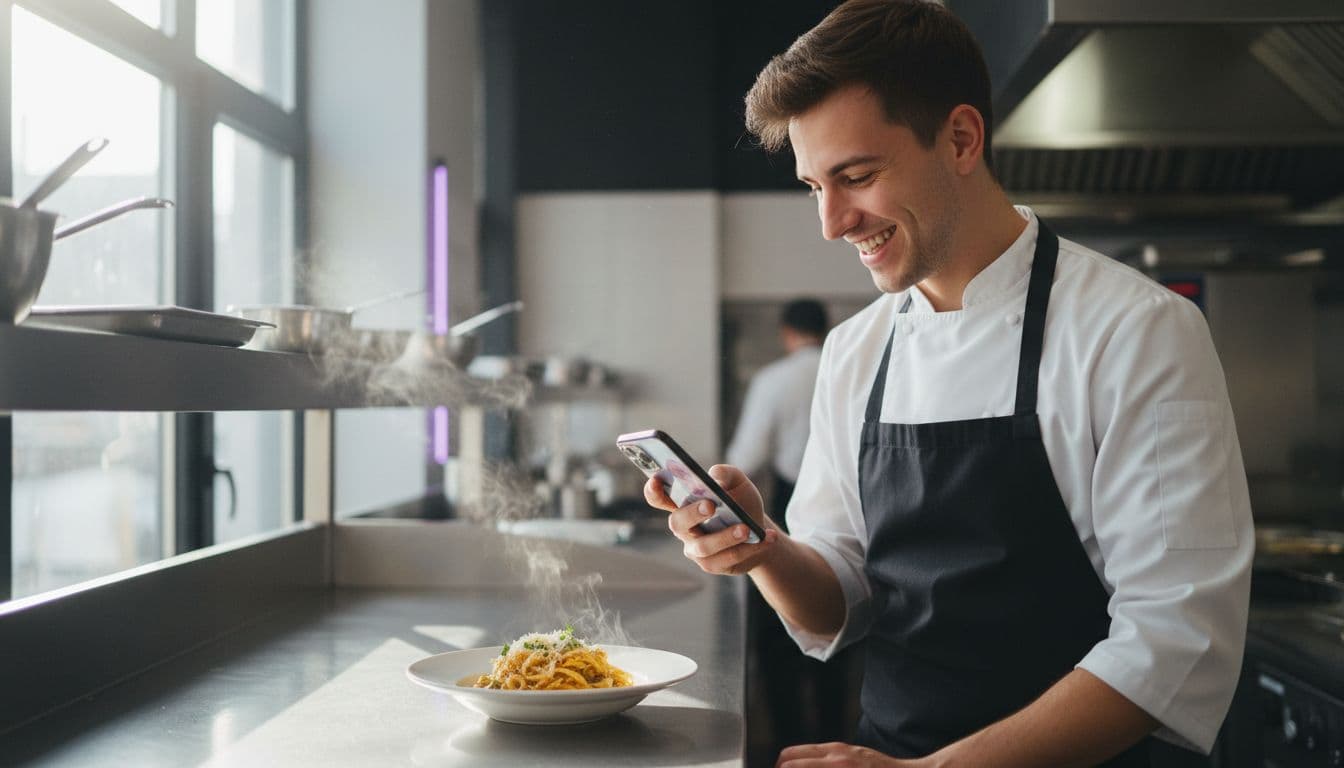
An AI food video generator turns a photo of a dish, or a written description of one, into a short clip with steam, sizzle, pour and camera movement, so a restaurant, bakery or food creator can post appetising video without a shoot. The trick is to ask for one simple, physical food moment per clip and to name the light. This guide covers the shots that work, the model picks, a quick comparison and five prompts you can paste straight into VIBE.
In one sentence
An AI food video generator is a tool that uses a video model to animate a dish photo or a text prompt into a short clip of steam, pours, sizzling and slow camera moves, with no kitchen crew or camera needed.
What is an AI food video generator?
Food is the most shared subject on short-video feeds, and it is also one of the hardest to film well. Steam disappears under the wrong light, sauces set while you adjust the camera, and every retake means cooking another plate. An AI food video generator skips that. You describe the moment, or upload the dish photo you already have, and a video model generates the motion for you.
It is the same photo-first approach used for AI product videos, applied to something you can eat. It suits restaurants that want menu teasers, bakeries posting a new bake every morning, home cooks building a recipe channel and delivery brands that need ten variations of one hook. It does not replace a chef taking a real bite on camera, but it is excellent for the quick, repeatable shots social feeds reward. As of November 2026, all of it can be done from a phone.
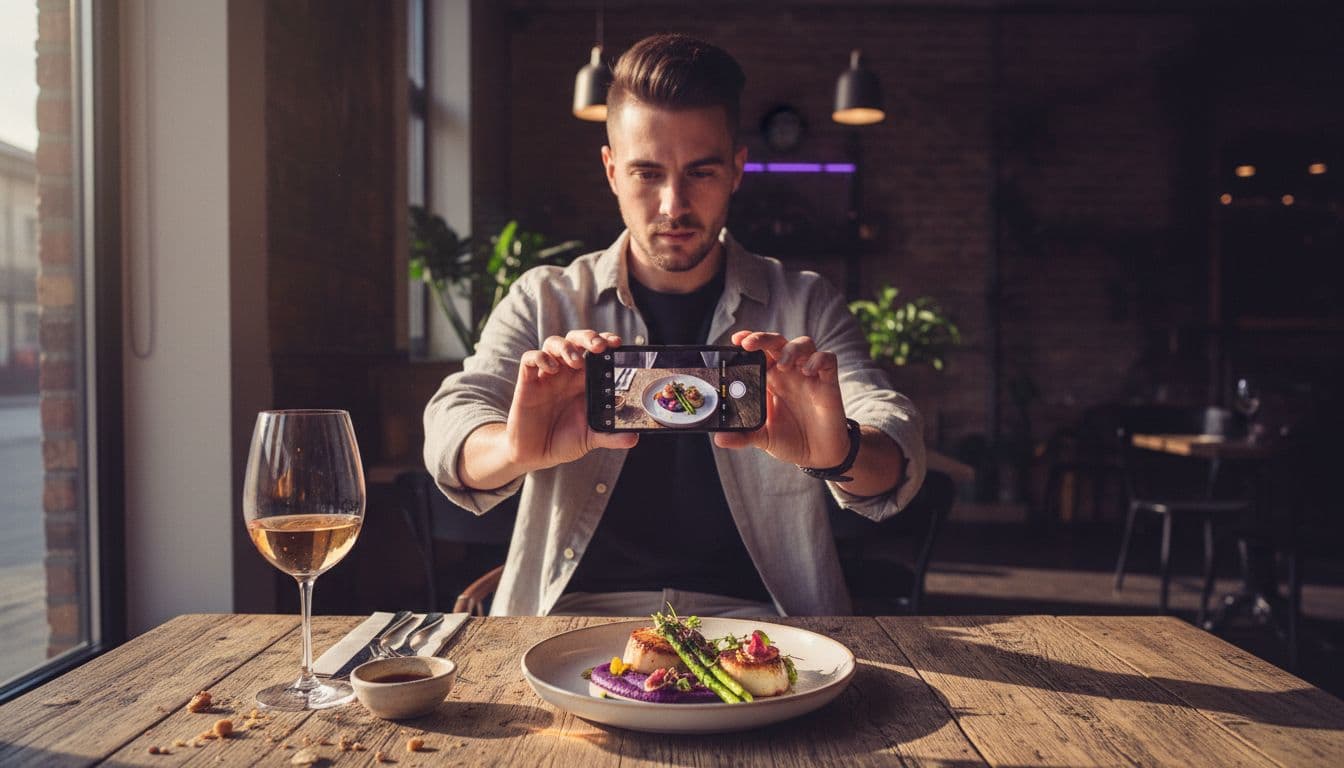
How do I make a food video with AI?
Pick a model, give it a dish and one action, and generate. The steps below are the food-specific version of the flow in how it works, and they apply whether you start from text or from a photo.
- Choose text or photo. Text is faster for ideas; a clean photo of the real dish keeps the plating accurate for your own menu.
- Name the dish plainly. "A bowl of ramen with a soft egg and spring onion" beats "delicious food".
- Ask for one food moment. Steam rising, sauce being poured, a knife slicing, butter melting. One action per clip.
- Name the light and the surface. Soft window light on a wooden table, or warm pendant light in a dark restaurant.
- Generate a few takes. Rerun the prompt and keep the best one; testing three costs less than cooking another plate.
 Veo 3.1 Fast
“A white ceramic bowl of fresh tagliatelle with tomato sauce and basil on a rustic wooden table, soft window light from the left. Gentle steam rises from the pasta while the camera pushes in slowly, shallow depth of field, warm and appetising, natural kitchen ambience.”
Which food shots work best with AI video?
Five shots cover almost every menu, recipe and restaurant clip, and each answers a different question a hungry viewer has. Choose the one that fits your goal and write the prompt around that single move.
- The steam shot says the dish is hot and fresh. It is the safest first clip for soups, noodles, pasta and coffee.
- The pour is the most satisfying move in food video: syrup on pancakes, sauce over a plate, milk into coffee. Describe the liquid and where it lands.
- The sizzle shows food hitting a hot pan or grill. It sells freshness for steaks, burgers and stir-fries.
- The slow slice or cut reveals the inside of a cake, a sandwich or a loaf of bread, which is where most viewers decide they want one.
- The overhead flat lay looks straight down at a table of dishes and works for menus and shared platters.
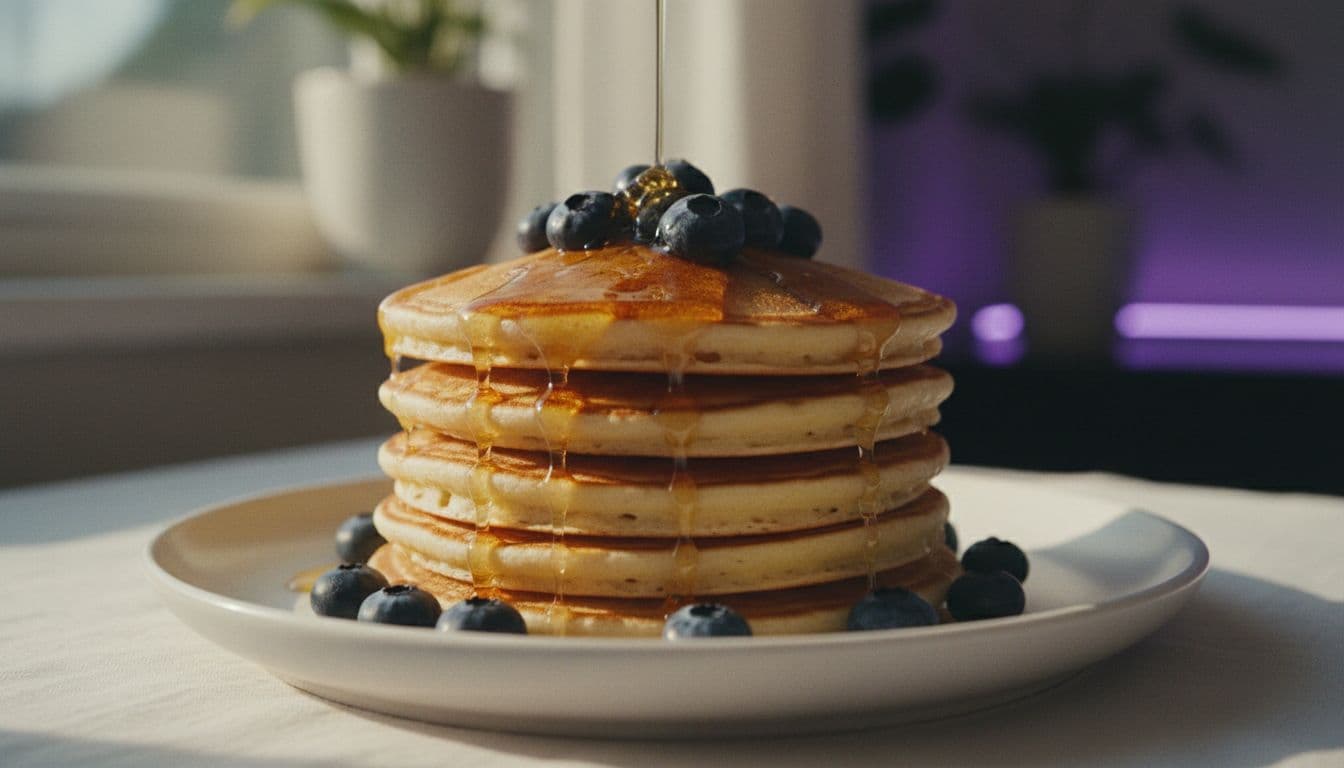
 Kling 3 Pro
“A stack of fluffy pancakes with blueberries on a white plate, morning light through a kitchen window. Golden maple syrup pours slowly over the top and runs down the sides, camera holds a low close-up angle, shallow depth of field, rich and glossy.”
Which AI model is best for food video?
There is no single winner, because food clips vary: a steam shot needs smooth, believable motion, a sizzle benefits from sound, and a fast test needs a quick model. VIBE carries several models, so you can match the model to the shot. Below is a sensible split, based on the models listed in the app. For the maker's own description of how Veo handles video and audio, see the Google DeepMind Veo page.
| Model | Best food use | Access in VIBE |
|---|---|---|
| Veo 3.1 Fast | Steam, sizzle and pour shots where sound adds appetite | Premium |
| Kling 3 Pro | Close-ups of sauces, syrup and melting textures | Premium |
| Wan 3.0 | Wider table scenes and flat lays | Premium |
| Seedance Pro Fast | Quick draft takes to test an idea | Free |
| Wan 2.6 | Simple image-to-video of a finished dish | Free |
A practical routine is to test the idea on a free model such as Seedance Pro Fast, then rerun the best prompt on a premium model for the final clip. You can read more about the pair in the Veo 3.1 Fast guide and the Kling 3 page, and browse every option in the models section.
What should a good food video prompt contain?
A strong food prompt has four parts in a fixed order: the dish, the action, the camera and the light. Start with the dish and its most visible details, such as the bowl, the garnish and the surface it sits on. Then add one action, for example steam rising, syrup pouring or a knife slicing. Next comes the camera, which can be a slow push-in, a low close-up or a drift from above. Finish with the light and the mood, such as soft window light or warm restaurant glow.
Words about texture do most of the work. Glossy, crisp, molten, flaky and creamy tell a model what the surface should look like, while the word delicious tells it nothing. If you want sound, say so in plain terms, such as a quiet sizzle or the clink of cutlery, and use a model that supports audio. Keep each prompt to two or three sentences. Longer prompts tend to bury the action, and the clip drifts away from the shot you pictured.
- Dish: name it and its garnish, for example a ramen bowl with a soft egg and spring onion.
- Action: one move only, such as steam, pour, slice or sizzle.
- Camera: slow push-in, low close-up or overhead drift.
- Light and mood: soft window light, warm pendant light, golden hour.
How do I turn a dish photo into a video?
Photo-first is the best route when the dish has to look like your real menu item. Upload one clean photo, then describe only the motion, not the dish, because the picture already shows it. The image-to-video guide covers the basics in more detail.
- Shoot from slightly above, in daylight if you can, with the full plate in frame.
- Remove clutter: stray cutlery, bright phone screens and busy table edges.
- Ask for subtle motion first, such as steam and a slow push-in, then try bolder moves.
- If the plating changes, shorten the action or lower the camera movement.
 Wan 2.6
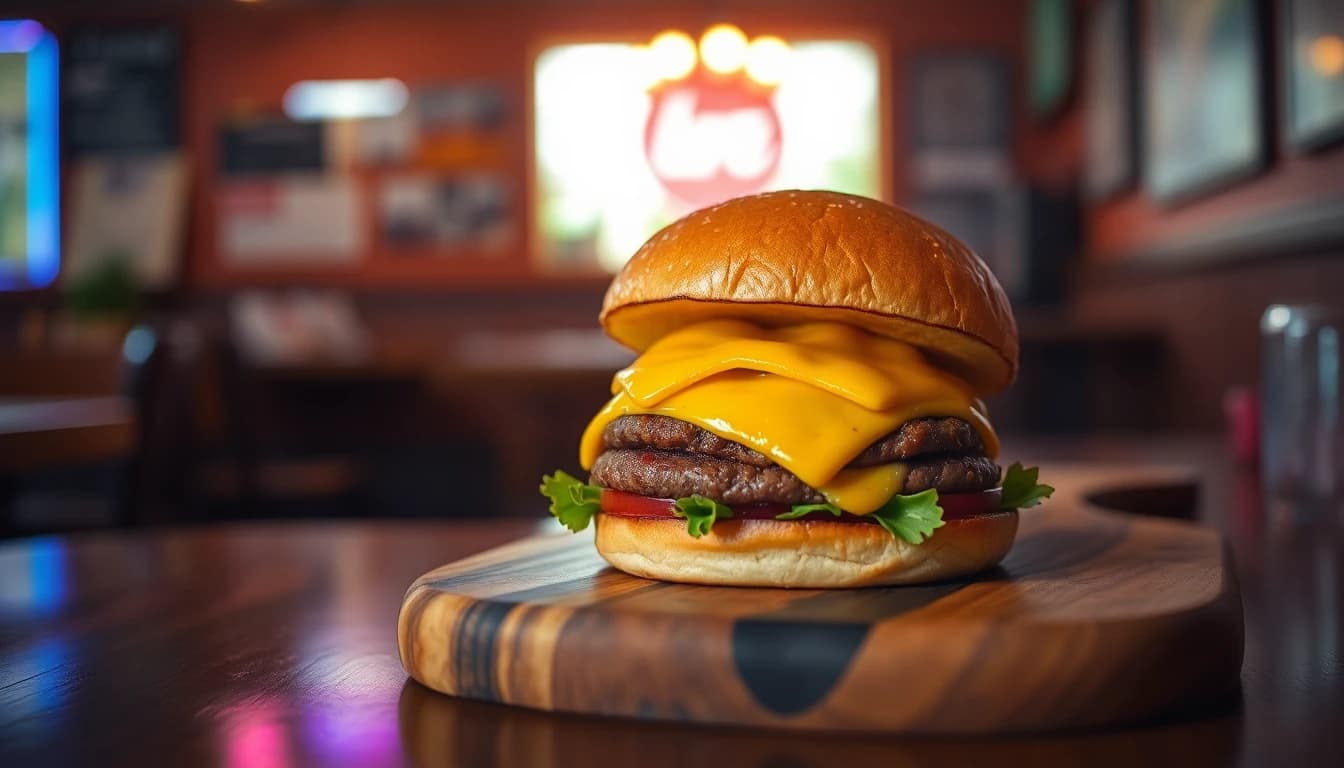
“Use the uploaded photo of the burger on a wooden board. Add light steam rising from the patty and a very slow push-in toward the melted cheese. Keep the plating, colours and background exactly as in the photo.”
How can a restaurant or food creator use AI food videos?
The best use is volume with consistency. One dish photo can become a menu teaser, a story, a reel and a delivery listing clip, each with a different camera move. Post in vertical 9:16 for TikTok, Instagram Reels and YouTube Shorts, and check the aspect ratio guide if a platform crops your frame.
- Daily specials: a ten-second steam-and-slice clip for each new dish.
- Recipe intros: a hook shot of the finished meal before the step-by-step.
- Delivery and menu listings: a short looping clip beside each photo.
- Seasonal campaigns: the same dish in different light and settings.
Be honest with viewers. TikTok and YouTube both ask creators to label realistic AI-generated content, so read the YouTube policy on altered or synthetic content before you post. If a clip shows a dish you do not actually serve, say that it is a concept.
Veo 3.1 Fast“Close-up of a steak sizzling in a cast-iron pan, a chef adds butter and thyme, butter foams and spits gently. Warm kitchen lighting, shallow depth of field, slow handheld camera, natural sizzle sound.”
 Seedance Pro Fast
“Overhead view of a shared table with pizza, salad and glasses of lemonade in warm evening light, hands reach in to take a slice, camera drifts slowly downward, relaxed cafe mood.”
What mistakes make AI food video look fake?
Most weak food clips fail for the same few reasons. Fix these and the quality jumps without changing models.
- Too many actions. Steam, a pour, a slice and an orbit in one prompt gives none of them. Pick one.
- Vague taste words. Delicious and tasty mean nothing to a model. Describe texture, colour, steam and light instead.
- No light. Without a light source food looks flat and grey. Name it.
- Impossible physics. Sauces that flow upward or cheese that never melts. Keep actions physical and slow.
- Ignoring the plating. If it must match your menu, start from a photo of the real dish.
For a deeper look at phrasing, the guide to writing AI video prompts breaks a prompt into subject, action, camera and light.
Frequently asked questions
What is an AI food video generator?
An AI food video generator is an app that uses a video model to turn a dish photo or a text prompt into a short clip of steam, pours, sizzle and camera movement. VIBE lets you do this from a phone with no login required to start.
Can I make a food video from a photo of my dish?
Yes. Upload one clean photo of the finished dish and describe only the motion, such as rising steam and a slow push-in. Image-to-video models start from your picture, so the plating stays close to the original.
Which AI model is best for food videos?
Veo 3.1 Fast suits steam and sizzle shots because it can add sound, and Kling 3 Pro suits close-ups of sauces and syrup. Free models such as Seedance Pro Fast and Wan 2.6 are good for quick tests.
Is an AI food video generator free?
VIBE has a free tier that includes Seedance Pro Fast, LTX Video, Luma Dream Machine, Wan 2.6 and PixVerse. Veo 3.1 Fast, Kling 3 Pro and Wan 3.0 are premium models.
Can restaurants use AI food videos on social media?
Yes, restaurants use them for menu teasers, daily specials and reels. Post in 9:16, follow each platform's rules on labelling realistic AI content and avoid showing dishes you do not serve without saying so.
How do I stop my AI food video from looking fake?
Ask for one simple action, name the light source, describe texture instead of words like delicious, and start from a real photo when the plating must match your menu.
Start Creating AI Videos Today
Download VIBE for free on iOS and Android. No login required. Access 10+ AI video models and generate videos from text prompts or images.


Keep reading
All articles Video styles
AI Travel Video Generator: Destination and Hotel Clips From a Prompt
Aerial coastlines, lantern-lit streets and golden-hour hotel pools used to need a crew and a drone. Here is how to make them from a prompt, with five prompts to copy.
Vincent Park8 min read Video styles
AI Explainer Video: How to Make One in Minutes With VIBE
A practical guide to making an AI explainer video: structure, shot prompts, model choice and voiceover, all inside VIBE.
Vincent Park8 min read