Faceless YouTube Channel AI Video: A Realistic 2026 Playbook
A faceless YouTube channel needs no on-camera host: AI video supplies the visuals, a voiceover supplies the story. Here is the workflow, the niches, and YouTube's rules.

Written by Vincent Park
Published
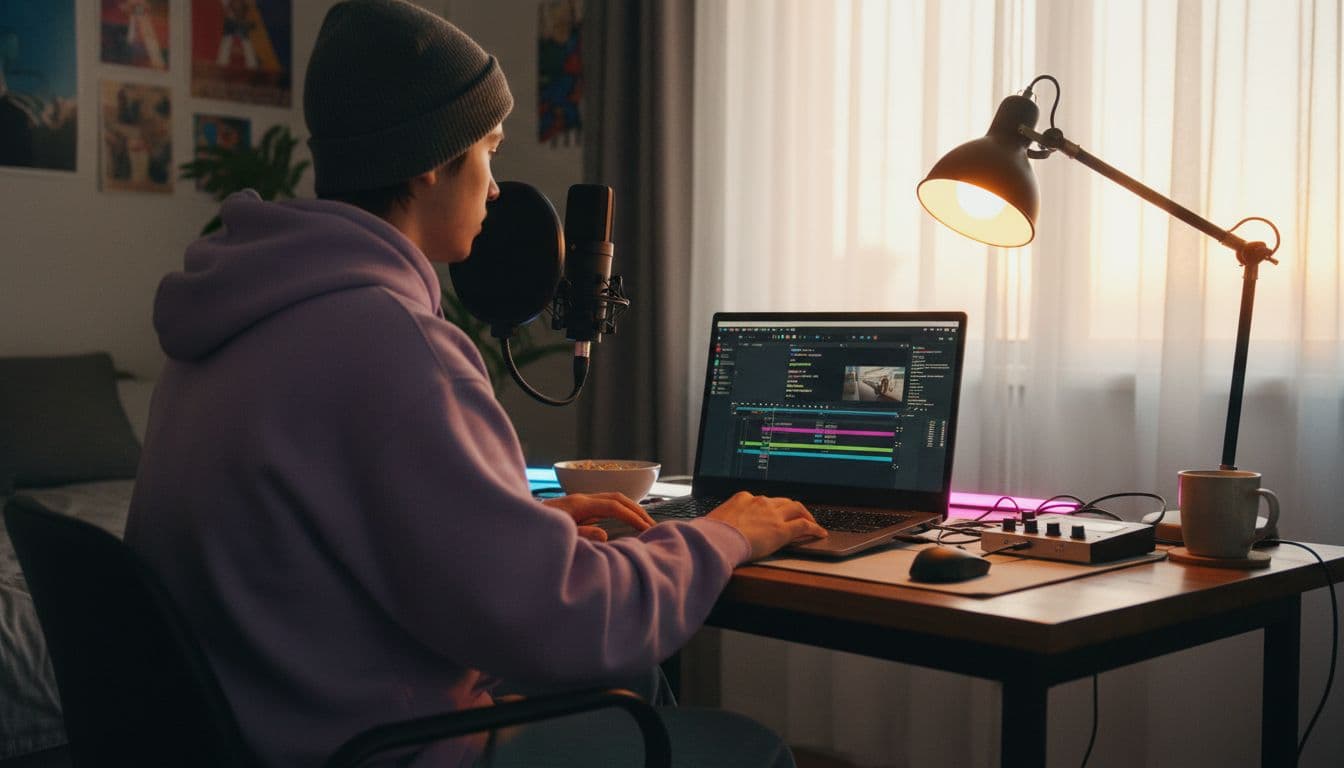
A faceless YouTube channel AI video workflow replaces the on-camera host with AI-generated 16:9 footage, a voiceover and a clear script. You write the story, generate short B-roll clips with a text-to-video model such as Veo 3.1 Fast or the free Seedance Pro Fast in VIBE, record or synthesise a narration, and cut it together. This playbook covers niches, the production workflow, and the YouTube policies you must respect.
In one sentence
A faceless YouTube channel publishes videos without the creator appearing on camera, and with AI video the visuals are generated from text prompts instead of filmed, so one person can produce a full episode from a script, a voiceover and a handful of clips.
What is a faceless YouTube channel AI video setup?
Faceless channels existed long before generative AI: screen recordings, stock footage, slideshows, animation and gameplay with a narrator. The new part is the footage. Instead of hunting for stock clips that almost match your script, you describe the shot and a model renders it. A line such as a lighthouse at dawn with waves breaking becomes an eight-second clip you own the result of, in the style and ratio you chose.
As of October 2026, the practical limit is clip length. Most models in VIBE produce between 8 and 30 seconds per generation, so a faceless video is built the way a documentary is: dozens of short shots, cut to the rhythm of the narration. That is a feature, not a bug, because fast cutting is what holds attention on YouTube anyway.
Which faceless channel niches work best with AI video?
AI footage suits topics where the visuals illustrate an idea rather than prove a fact. Anything that needs real, verifiable footage, such as news or product reviews of a real item, still needs real recordings. These niches fit generated B-roll well:
- Storytelling and mythology. Legends, folk tales and fictional shorts, where atmospheric scenes carry the narration.
- Science and nature explainers. Space, oceans, weather and deep time, illustrated with clearly stylised scenes.
- History essays. Period atmosphere such as markets, harbours and landscapes, labelled as illustration rather than archive footage.
- Meditation, sleep and ambient channels. Slow looping scenery with calm audio, where the visuals are the product.
- Finance and productivity commentary. Abstract city, office and desk scenes behind a spoken script.
- Kids and educational stories. Soft, animated-looking scenes that stay clearly unrealistic.
Pick one niche and one recognisable look. A consistent palette and camera style makes a channel feel authored, which matters for the originality rules covered below. If your channel has a recurring character, read our guide to consistent character AI video first.
How do you turn a script into AI video for YouTube?
Turn a script into video by splitting it into beats of one or two sentences, writing one shot prompt per beat, generating each clip, and laying the clips over your voiceover. The seven steps below are the whole loop, and the same loop works in VIBE on iOS, Android and the web.
- Write the script first. Aim for a clear hook in the first ten seconds, one idea per section and a closing line that points to the next video.
- Split it into beats. One beat is one thought, usually five to eight seconds when spoken. Each beat gets one shot.
- Write a shot prompt per beat. Name the subject, the action, the camera move, the light and the look. Our AI video prompt guide shows the structure.
- Generate in 16:9. Choose the landscape ratio before you generate, not after, so nothing is cropped. See the aspect ratio guide.
- Record the narration. Use your own voice, which YouTube treats as an exempt use, or a synthetic voice, and keep the pacing slightly slower than casual speech.
- Assemble and trim. Place clips on the timeline, cut on the narration, add subtitles and a quiet music bed.
- Check, label and upload. Review every frame for artefacts, then set the AI use disclosure in YouTube Studio when it applies.
 Veo 3.1 Fast
“A lone lighthouse on a rocky headland at dawn, waves breaking against the rocks, slow aerial push-in, soft golden light, light mist, calm documentary mood, 16:9.”
 Seedance Pro Fast
“Slow tracking shot through an old stone harbour market at sunrise, fishermen unloading crates, warm low sun, shallow depth of field, gentle camera drift, 16:9.”
Which AI video generator is best for YouTube content creators?
The best choice depends on what each scene needs, so a good AI video app should offer several models in one place and let you switch per shot. VIBE does exactly that: free models for drafts and cheap B-roll, premium models for hero shots, and no login required to start. Match the model to the job:
| Model | Best for | Max length | Native audio | VIBE tier |
|---|---|---|---|---|
| Seedance Pro Fast | Fast, cheap B-roll and prompt testing | 8 s | No | Free |
| Wan 2.6 | Stylised scenes and quick drafts | 8 s | No | Free |
| Veo 3.1 Fast | Realistic scenes with ambience and sound effects | 8 s | Yes | Premium |
| Kling 3 Pro | Longer, deliberate camera moves | 15 s | Yes | Premium |
| Wan 3.0 | Long continuous takes for ambient scenes | 30 s | Yes | Premium |
A sensible split for a faceless channel is to draft every shot on a free model, then re-render only the five or six shots that carry the video on a premium one. Our Veo 3.1 Fast page explains the premium option for realistic scenes, and the full list lives in the VIBE model section.
 Kling 3 Pro
“Slow dolly-in on an ancient stone observatory on a mountain ridge at blue hour, stars appearing overhead, drifting clouds, cinematic and quiet, 16:9.”
Does YouTube allow AI-generated videos, and must you disclose them?
Yes, YouTube allows AI-generated video, but it asks creators to disclose realistic altered or synthetic content. According to YouTube Help on disclosing altered or synthetic content, you must disclose realistic content that shows something that did not happen, such as a real person saying or doing something they did not, or a realistic scene of an event that never occurred. You set this in the Attributes section of YouTube Studio during upload.
The same page lists what does not need a label: clearly unrealistic content such as fantasy or obvious animation, minor aesthetic edits, and using AI as a production aid for scripts, titles, thumbnails and captions. A stylised legend told over painterly scenes is therefore usually exempt, while photorealistic footage of an invented event is not. When in doubt, disclose; a label costs nothing.
- Disclose realistic scenes that could be mistaken for real events, and anything involving a real person's likeness or voice.
- You may skip the label for clearly fantastical, animated or stylised visuals, and for AI used only on scripts, titles or captions.
- Never present generated footage as real archive or news footage. Caption it as illustration.

Can a faceless AI channel be monetised?
A faceless AI channel can be monetised if it adds original value. In July 2025 YouTube renamed its repetitious-content rule to inauthentic content and clarified that it covers mass-produced or repetitive uploads. YouTube's channel monetization policies say content made from generic templates that gives an impression of mass production is not allowed, while creative AI tools are acceptable when the final video shows your own perspective.
In practice that means each upload must differ in substance, not just in the topic words. These habits keep a channel on the right side of the line:
- Write your own script. Original analysis, structure and opinion are the value; the visuals only illustrate them.
- Vary the format. Change shot types, pacing and structure between episodes rather than swapping nouns in one template.
- Add real work. Research, sources, a distinct voice and editing choices are what viewers and reviewers can see.
- Publish fewer, better videos. One considered episode a week beats seven interchangeable ones.
- Reuse a look, not a script. A shared intro and visual style are fine; identical scenarios with the same outcome are not.
How do you add voiceover and sound to a faceless video?
Narration carries a faceless channel, so record it before you finalise the cut and let the voiceover set the rhythm. Clean audio matters more than perfect visuals: a clear voice over slightly imperfect B-roll holds viewers, while the reverse does not. Models such as Veo 3.1 Fast can generate ambience and sound effects in the same pass, which is useful for atmosphere under your narration. Our AI video with audio guide explains how to prompt for it.
Keep ambient audio low, mix the voice on top, and add captions: many viewers watch with sound off. Review every clip for stray warped hands, garbled signs or flickering text before it goes into the timeline, and regenerate any shot that breaks the illusion. A short free-model draft pass makes this cheap.
Frequently asked questions
Can I start a faceless YouTube channel with AI video for free?
Yes. VIBE includes free models such as Seedance Pro Fast, Wan 2.6, LTX Video, Luma Dream Machine and PixVerse, and you can start without logging in. Use them for drafts and B-roll, then upgrade only the shots that need premium quality.
Do I have to label AI videos on YouTube?
You must disclose realistic content that is AI-generated or meaningfully altered, such as a realistic scene of an event that never happened. Clearly unrealistic or animated content and AI used for scripts or captions are exempt. You set the disclosure in YouTube Studio during upload.
Will YouTube demonetise a faceless AI channel?
Not for using AI itself. YouTube's inauthentic content policy targets mass-produced, repetitive or template-made videos. Channels with an original script, a distinct voice and real variety between episodes are the ones that stay eligible.
What aspect ratio should I generate for YouTube?
Generate in 16:9 for standard long-form YouTube videos so nothing needs cropping. Use 9:16 only for Shorts. Choose the ratio before you generate.
How long is each AI video clip?
It depends on the model. In VIBE, Seedance Pro Fast and Veo 3.1 Fast produce up to 8 seconds, Kling 3 Pro up to 15 seconds and Wan 3.0 up to 30 seconds, so you assemble a full video from many clips.
Can I use my own voice or a synthetic voice?
Both work. YouTube lists cloning your own voice for voiceover as an exempt use, and many creators record a clear human narration. Whichever you use, never imitate a real person's voice without permission.
- #facelessyoutubechannel
- #aivideoforyoutube
- #youtubeaidisclosure
- #facelesschannelniches
Start Creating AI Videos Today
Download VIBE for free on iOS and Android. No login required. Access 10+ AI video models and generate videos from text prompts or images.


Keep reading
All articles Trends & tutorials
Consistent Character AI Video: How to Keep the Same Face in Every Clip
A consistent character in AI video means the same face, hair and outfit from shot to shot. Here is why characters drift, and the reference-image and prompt workflow that stops it.
Vincent Park9 min read Trends & tutorials
AI Video Aspect Ratio Guide: 9:16, 16:9 or 1:1 for Every Platform
Which ratio fits TikTok, Reels, Shorts and YouTube? A practical guide to choosing your aspect ratio before you generate, with safe zones and copy-ready prompts.
Vincent Park9 min read