AI Video Generator for Marketing: Ads, Promos and Product Clips From a Prompt
How small teams use an AI video generator for marketing: which videos to make first, which model fits each job, four prompts to copy, and the labeling rules to know.
Written by Vincent Park
Published
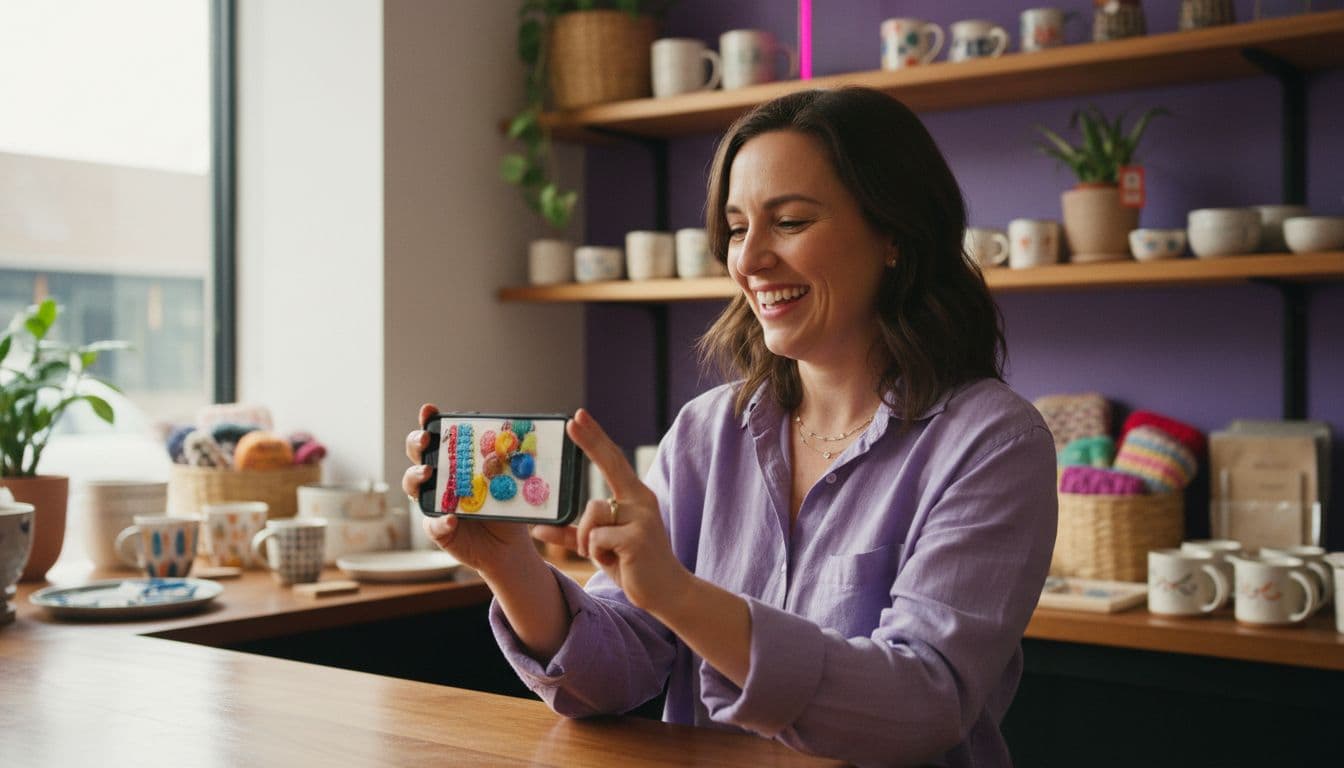
An AI video generator for marketing turns a written prompt or a single product photo into a short, ready-to-post clip, so a small team can produce ads, promos and product videos without a camera crew. In VIBE you describe the shot, pick a model and get a vertical 1080p clip in minutes, starting free with no login. This guide covers which marketing videos to make first, which model fits each job, four prompts you can copy, and the disclosure rules to check before you publish.
In one sentence
An AI video generator for marketing is an app that creates short promotional video clips from text or images, replacing most of the filming, editing and stock-footage work of a basic campaign.
What can an AI video generator for marketing actually do?
It generates new footage from a description, or animates an existing photo, and on models that support audio it can add sound in the same pass. That covers the high-volume clips that marketing runs on: a product reveal, a lifestyle scene, a coming-soon teaser, a seasonal promo, a short explainer. It does not replace a flagship brand shoot, but it removes the cost of testing ideas. If you want the paid-ad angle specifically, our AI video ad generator guide goes deeper; this article covers the wider marketing toolkit.
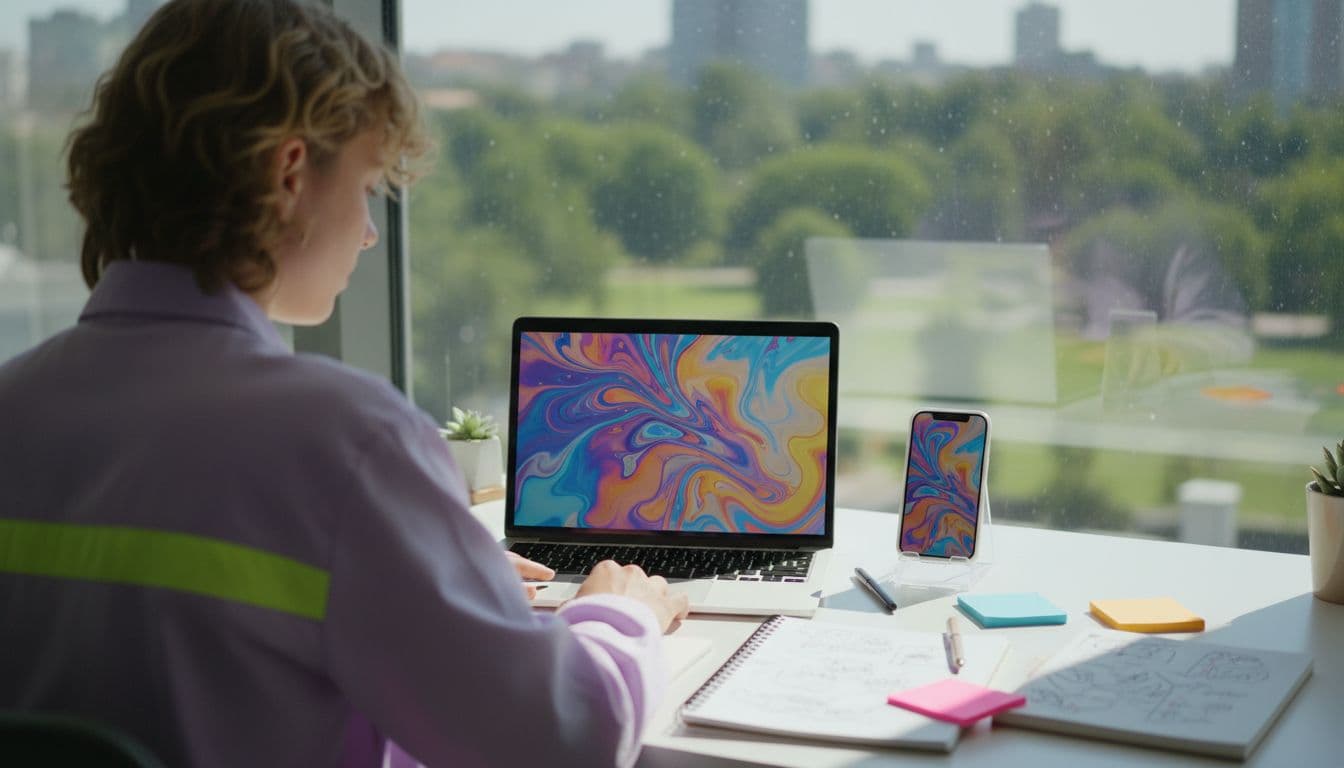
As of October 2026, these are the jobs it handles best:
- Product reveals: a bottle, shoe or gadget turning slowly in clean light, built from one photo (see the AI product video generator guide).
- Lifestyle scenes: your product placed in a believable moment, such as a mug on a café table at sunrise.
- Teasers and announcements: five-second hooks for a launch, a sale or a new menu item.
- Social variations: the same idea reframed several ways so you can see which hook earns the watch.
- Explainer b-roll: moving visuals to sit behind a voiceover or on-screen captions.
Which marketing videos should you make first?
Start with the stage of the funnel where you are losing people. Short, curiosity-driven clips work at the top, proof-style product clips work in the middle, and a clear offer works at the bottom. The table maps each stage to a format.
| Funnel stage | Video to make | Length | Aspect ratio |
|---|---|---|---|
| Awareness | Hook teaser or lifestyle scene | 5–8 seconds | 9:16 |
| Consideration | Product reveal or feature close-up | 8–15 seconds | 9:16 or 1:1 |
| Decision | Offer or launch promo with a clear end frame | 10–15 seconds | 9:16, 1:1 or 16:9 |
| Retention | Seasonal greeting or new-arrival clip | 5–10 seconds | 9:16 |
The lengths are practical targets, not platform rules; the ceiling is set by the model you choose. Pick one funnel stage per week and make three variations rather than one polished video.
How do you make a marketing video with AI, step by step?
- Write the goal in one line. Who is it for, and what should they do after watching?
- Choose the input. Text alone for a new concept, or upload a product photo so the clip starts from your real item.
- Describe subject, action, setting, light and camera in two or three sentences. The guide to writing AI video prompts explains the order.
- Test on a free model. Run the idea on a free model in VIBE first to check the framing and the hook before spending credits.
- Upgrade the keeper. Re-run the best idea on a premium model for more length or native sound.
- Add your offer outside the clip. Put the price, logo and call to action in captions so the words stay sharp and editable.
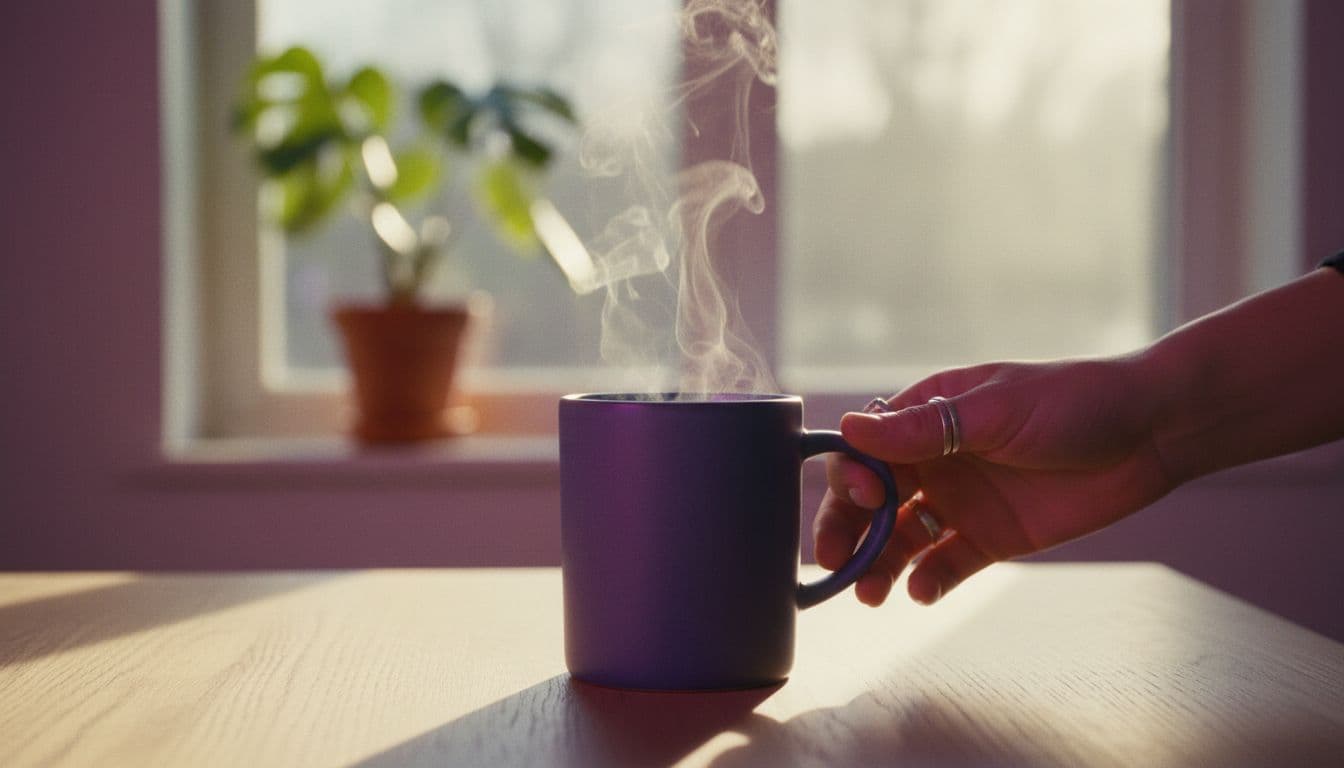
That last step matters: AI video models are good at pictures but unreliable at rendering exact text, so keep prices and slogans in your post caption or editor, not in the prompt. Here is a first prompt for a product reveal:
 Kling 3 Pro
“A matte-black ceramic coffee mug on a pale oak table by a sunlit window, steam rising, the camera slowly pushing in from a wide shot to a close-up of the glaze, soft morning light, shallow depth of field, calm premium mood, vertical 9:16.”
Which AI model suits which marketing video?
Match the model to the job instead of using one for everything. VIBE includes free models for testing and premium models for the clip you will actually publish. Kling 3 Pro suits multi-shot promos of up to 15 seconds at 1080p, and Veo 3.1 Fast suits single takes of up to 8 seconds that need dialogue or sound effects generated with the picture. Google DeepMind describes the Veo family on its official Veo page, and you can browse every option in the model list.
| Model (in VIBE) | Tier | Best marketing use |
|---|---|---|
| Seedance Pro Fast | Free | Fast tests of hooks, framing and lifestyle scenes |
| Kling 3 Pro | Premium | Multi-shot promos, 1080p, up to 15 seconds, native audio |
| Veo 3.1 Fast | Premium | One hero take with a spoken line or sound effects, 1080p, up to 8 seconds |
What makes a marketing hook work in the first seconds?
Viewers decide almost immediately whether to keep watching, so the first shot carries the whole video. Put the most visually interesting thing in frame one, not a logo or a slow fade-in. Good hooks tend to follow one of these patterns:
- The reveal: something covered or hidden becomes visible.
- The before and after: a messy desk becomes a tidy one, a plain wall becomes a painted one.
- The close-up texture: steam, pouring liquid, fabric, sizzling food.
- The question: a spoken or captioned line that names the viewer's problem.
- The unexpected scale: a tiny product in a huge setting, or the reverse.
Because clips are cheap to generate, make three versions that differ only in the first two seconds and compare how viewers respond. Here are two more prompts built on these patterns. The first uses a spoken line, so it needs a model with native audio:
 Veo 3.1 Fast
“A friendly bakery owner in a flour-dusted apron stands behind a counter of fresh pastries, smiles at the camera and says: 'Our new cinnamon rolls come out of the oven this Saturday.' Warm interior light, handheld framing, soft bakery ambience, vertical 9:16.”
 Seedance Pro Fast
“Overhead shot of a table set for a small brunch with fruit, pancakes and coffee, hands pouring maple syrup in slow motion, bright natural window light, cheerful colors, vertical 9:16.”

How do you adapt one marketing video for every channel?
Generate once in the shape of your main channel, then crop or regenerate for the others. Vertical 9:16 is the default for TikTok, Instagram Reels and YouTube Shorts, square 1:1 suits feed placements, and 16:9 suits websites and standard YouTube. The aspect ratio guide shows how to set this in the prompt, and the TikTok video guide covers platform habits.
- TikTok, Reels, Shorts: 9:16, 5–15 seconds, hook in the first second, captions on.
- Instagram or Facebook feed: 1:1, product clear in the center of the frame.
- Website hero or YouTube: 16:9, slower pacing, space left for headline text.
- Email or messaging: a short looping clip, or a still from the video as the preview image.
For a longer promo, build it from several shots in one prompt. Here is a multi-shot example for a local business:
Kling 3 Pro“Shot one: wide exterior of a small neighborhood flower shop at opening time, shutters rolling up. Shot two: close-up of hands arranging a bouquet of tulips on a wooden counter. Shot three: a customer smiling as she receives the wrapped bouquet, warm afternoon light, cinematic, vertical 9:16.”
Do you have to label AI-generated marketing videos?
Often yes, and the rules are tightening. TikTok asks creators to label realistic AI-generated content under its AI-generated content policy, and branded content may also need the commercial-content toggle. In the United States, the Federal Trade Commission publishes advertising and marketing guidance that applies to AI-made ads like any other ad: claims must be truthful and sponsored content must be disclosed. In the EU, transparency duties for AI-generated content are being phased in during 2026. Check the rules for each platform and market you advertise in.
One rule is simple everywhere: never use AI to invent customer reviews, testimonials or results that did not happen. Use AI for scenes, products and concepts, and keep real feedback real.

What are the limits, and how do you keep quality high?
- Text inside the frame is unreliable. Add prices and slogans in captions instead.
- Real products need real photos. For exact logos, packaging or colors, start from your own product photo with image-to-video rather than describing the item.
- Clips are short. Each generation lasts a few seconds, so plan a sequence of shots.
- Hands and crowds can drift. Keep compositions simple, with one subject and one action.
- Review every clip for oddities before it represents your brand.
A sensible workflow for a small business is to test on a free model, publish the best idea from a premium one, and keep a folder of prompts that worked. The free AI video generator guide compares what each free tier includes, and the how-it-works section shows the full flow in VIBE.
Frequently asked questions
Which AI video generator is best for marketing videos?
The best choice is an app that offers several models, so you can test cheaply and publish on a stronger one. VIBE does this: free models such as Seedance Pro Fast for tests, and premium models such as Kling 3 Pro and Veo 3.1 Fast for the final clip, in one app on iOS, Android and the web.
Are there free AI video generators for marketing videos?
Yes. VIBE has a free tier with Seedance Pro Fast, LTX Video, Luma Dream Machine, Wan 2.6 and PixVerse, and you can start without logging in. Free models are enough to test hooks and framing; premium models add length and native audio.
How do I make short marketing videos with AI?
Write a one-line goal, describe the shot in two or three sentences, choose text or a product photo as the input, test on a free model and re-run the best idea on a premium model. Keep prices and slogans in captions rather than in the prompt.
How long can an AI marketing video be?
Each generation is short. In VIBE, Kling 3 Pro makes clips up to 15 seconds and Veo 3.1 Fast up to 8 seconds, both at 1080p. For a longer promo, generate several shots and join them in an editor.
Can I use AI videos in paid ads?
Often yes, but check three things first: the terms of the app and model you use, the ad platform's AI disclosure rules, and the advertising law in your market. Never present AI-generated customers or results as real.
Should I label AI-generated marketing videos?
If the video shows realistic people, places or events made by AI, label it wherever the platform asks, such as TikTok's AI-generated content label. Labeling protects trust and avoids having the video removed.
- #aivideogeneratorformarketing
- #marketingvideosai
- #aivideoads
- #aicommercialgenerator
- #smallbusinessvideomarketing
Start Creating AI Videos Today
Download VIBE for free on iOS and Android. No login required. Access 10+ AI video models and generate videos from text prompts or images.


Keep reading
All articles Video styles
AI Cartoon Video Generator: 2D, 3D and Claymation Looks From a Prompt
An AI cartoon video generator turns a prompt or a drawing into a moving cartoon clip. Here are the looks you can ask for, the VIBE models that hold them, and prompts to copy.
Vincent Park8 min read Video styles
AI Music Video Generator: Turn Your Track Into Visuals in an Afternoon
You do not need a film crew to put pictures to your song. Here is how to plan, generate and cut AI clips to your beat, with four prompts to copy and the rights basics you should know.
Vincent Park9 min read