AI Video Generator for YouTube: Shorts, B-Roll and Prompts That Work
How to use AI video on YouTube in 2026: vertical Shorts, widescreen B-roll, the right clip lengths, honest disclosure and four prompts you can paste into VIBE today.
Written by Vincent Park
Published
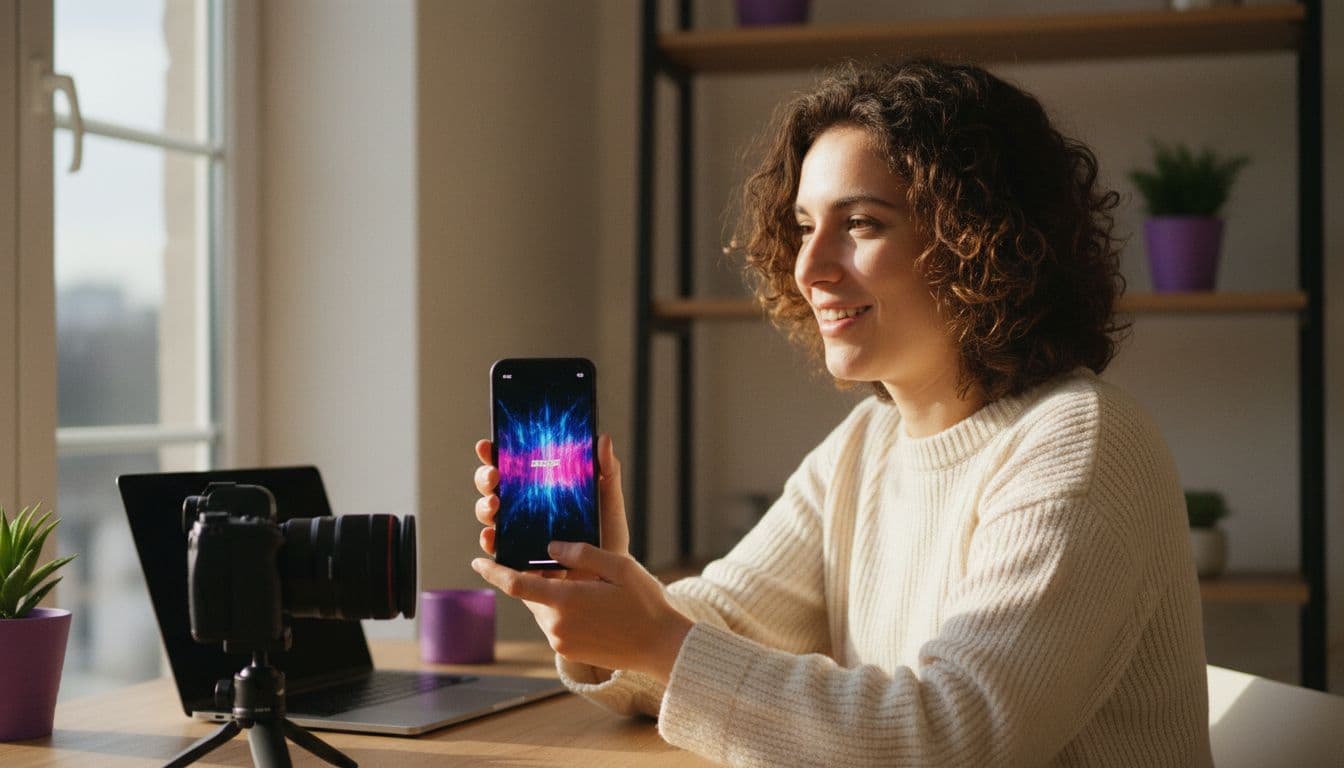
The best AI video generator for YouTube is one that can make both vertical 9:16 Shorts and widescreen 16:9 B-roll, add sound when you need it and let you test ideas for free — and VIBE does all of that on iOS, Android and the web. This guide shows which format fits which job, how long your clips can be, which VIBE model to choose and four prompts you can paste in today.
In one sentence
An AI video generator for YouTube turns a text prompt or a photo into a short clip in the right shape for the platform — vertical 9:16 for Shorts, 16:9 for B-roll inside longer videos — and in VIBE you can start free with Seedance Pro Fast, then move to Veo 3.1 Fast or Kling 3 Pro when a clip needs built-in sound.
What can an AI video generator for YouTube actually do?
YouTube is two platforms in one. Shorts is a vertical, swipe-through feed where the first second decides everything, while the main site rewards longer videos in which a shot of a city, a product or an abstract idea has to support a voiceover or an argument. An AI video generator helps with both, for different reasons. In Shorts it can make the whole clip. In long-form it fills the gaps: the establishing shot you never filmed, the concept that is hard to show with a camera, the cutaway that keeps a talking-head video from going stale.
As of October 2026, VIBE offers a range of AI video models on iOS, Android and the web, and five of them are free to start with no login. That matters on YouTube because the platform rewards consistency: you can draft a week of ideas, keep the strongest and spend nothing on the rest. If you want the full picture of what an AI video app should include, the complete guide to AI video generator apps covers it.
What video format does YouTube Shorts need?
According to YouTube Help, Shorts can be up to three minutes long, and only square or vertical videos qualify as Shorts — wider formats stay long-form. The three-minute limit applies to uploads from 15 October 2024 onward on standard channels. In practice, a vertical 9:16 clip at 1080 × 1920 pixels fills the phone screen and is the safest choice. Rules change, so check YouTube Help before you plan a long upload, and read the aspect ratio guide for how ratios work across platforms.
- Aspect ratio for Shorts: 9:16 vertical. Write "vertical 9:16" in the prompt and pick a vertical ratio in the model settings where the model offers one.
- Aspect ratio for long-form B-roll: 16:9 horizontal, so the clip drops into a standard timeline without cropping.
- Length: AI models generate short single shots — in VIBE up to 8 seconds with Veo 3.1 Fast and Seedance Pro Fast and up to 15 seconds with Kling 3 Pro — so a Short is usually a sequence of two to five shots.
- Framing: keep the subject centred and the bottom fifth of a vertical frame calm, because the title and buttons sit over it.
- Opening: put motion or the reveal in the first second; there is no time for a slow fade-in.
Which AI video generator works best for YouTube creators?
For long-form videos, treat AI clips as B-roll: short supporting shots that sit under your narration. Generate in 16:9, keep each clip about as long as the sentence it illustrates and cut away before the viewer has time to study the details. A five-second shot of a sunrise over a harbour under a line about starting early does more work than a ten-second shot nobody asked for. If you run a channel without showing your face, the faceless YouTube channel guide lays out the whole workflow.
Consistency is what makes AI B-roll look professional. Reuse the same style words in every prompt — the same lighting, the same colour palette, the same lens look — so shots from different generations feel like they belong together. The prompt-writing guide explains how to build those repeatable anchors. Then choose the model by the job, as the table shows.
| Model (in VIBE) | Best YouTube use | Native audio | Max clip length |
|---|---|---|---|
| Seedance Pro Fast | Free Shorts drafts, loops, 16:9 B-roll tests | No | 8 seconds |
| Veo 3.1 Fast | Shorts with sound, polished single shots, one-line dialogue | Yes | 8 seconds |
| Kling 3 Pro | Longer scenes, two people talking, multi-beat Shorts | Yes | 15 seconds |
A practical routine is to draft in Seedance Pro Fast, keep the idea that works and re-run the same prompt in Veo 3.1 Fast or Kling 3 Pro for the final take with sound. Keeping the wording identical lets you compare models fairly, and the free draft stage stays fast. If a video needs a real person's face or voice, film it yourself and use AI for the shots around it.
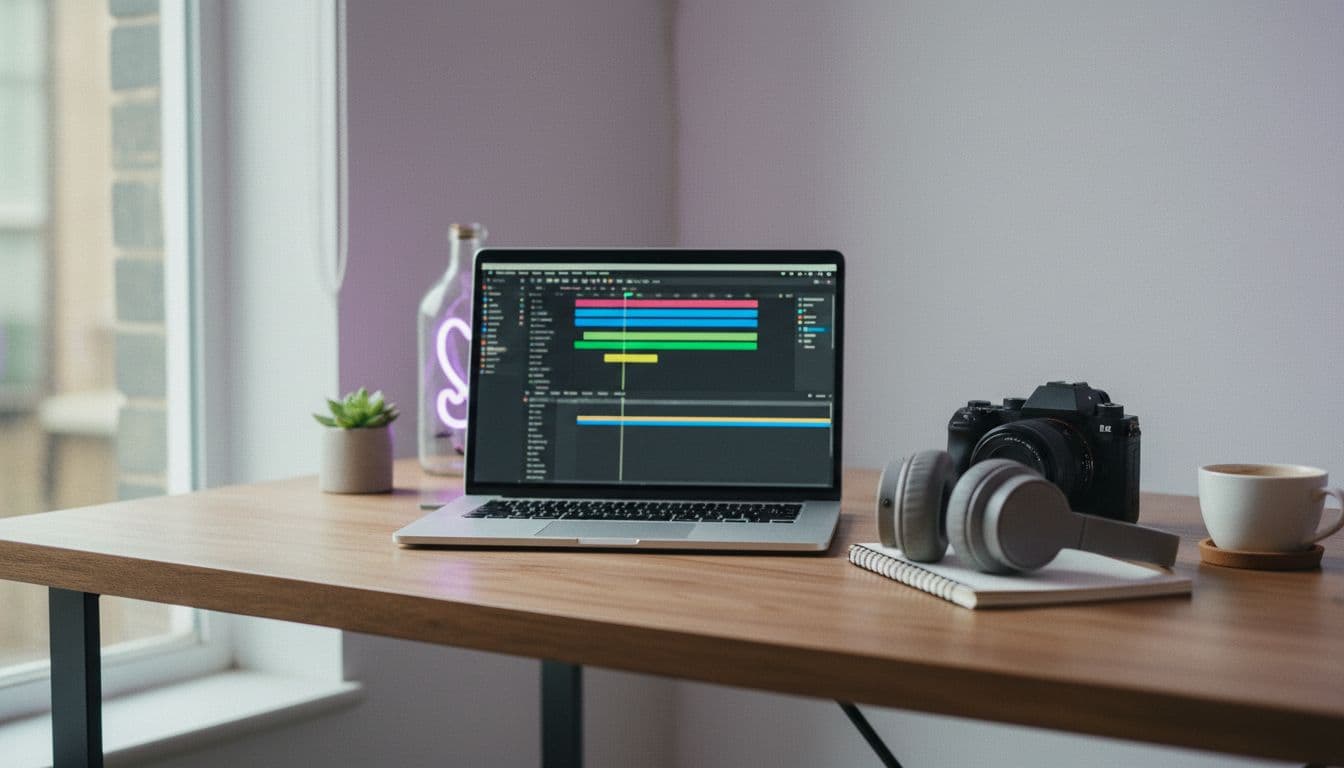
How do you make an AI video for YouTube in VIBE?
- Open VIBE on iOS, Android or the web. No login is needed to start.
- Choose a model — Seedance Pro Fast for a free draft, Veo 3.1 Fast or Kling 3 Pro for sound.
- Paste a prompt that names the subject, the action, the camera move and the ratio ("vertical 9:16" or "horizontal 16:9").
- Generate, watch the first second and regenerate with one change at a time if the hook is weak.
- Save the clip and upload it from the YouTube app or YouTube Studio, adding titles and captions there.
The whole flow is on the how it works page. For your first batch, write three different hooks for one idea, generate all three in Seedance Pro Fast and post the one your friends react to. Free outputs carry no watermark, so a clip is ready to upload as it is.
 Seedance Pro Fast
“Vertical 9:16, a ceramic mug of hot coffee on a rainy window ledge at dawn, steam curling upward, raindrops sliding down the glass behind it, soft blue-grey light, slow push-in, the last frame returns to the first for a seamless loop.”
 Veo 3.1 Fast
“Horizontal 16:9, a quiet harbour at sunrise, fishing boats rocking gently, gulls calling, rope creaking, golden light on the water, slow cinematic dolly forward along the pier, natural colour, no people in frame.”
 Kling 3 Pro
“Vertical 9:16, two coworkers at a small startup desk, one says "the video is done already?", the other grins and answers "five minutes, start to finish," laptop glow on their faces, handheld documentary feel, soft office ambience.”
How do you make an AI Short that people actually watch?
Shorts viewers swipe fast, so the clip has to earn the next second. Open with movement or a surprising image, give the idea one clear action and end on a payoff or a loop point so the video restarts smoothly. AI models are good at striking single shots, so lean into that: one subject, one action, one camera move. Extra ideas in a prompt usually muddy the result rather than enrich it.
Batching saves the most time. Spend one session writing five hooks around a theme, generate them all, publish the strongest and note which opening or camera move earned the best response. After a few weeks that notebook of working prompts is worth more than any single clip. Add titles and captions in YouTube's own editor instead of asking the model to render text, because AI-generated lettering is still unreliable.
- Start on motion or a surprising image, never a title card.
- Write one subject and one action per prompt.
- Ask for a loopable ending on clips under 8 seconds.
- Repeat the same character and setting wording across shots in a sequence.
 Seedance Pro Fast
“Vertical 9:16, a cyclist rides along a mountain road at golden hour, camera follows from behind at a low angle, valley mist below, warm film-like colour, steady cinematic motion.”
Do you have to disclose AI-generated video on YouTube?
Sometimes, yes. YouTube asks creators to label AI-generated or AI-altered content that looks realistic — for example a real person saying something they never said, altered footage of a real place or event, or a realistic scene that never happened. According to YouTube Help on disclosing GenAI content, you do this in the "AI use" setting under Attributes during upload, and clearly unrealistic content, cosmetic edits and AI help with scripts, titles or thumbnails do not need a label.
The simple rule is honesty: do not present an AI clip as footage of a real event, and do not imitate a real person. A stylised harbour at sunrise is low risk, but if a clip could pass as real footage, use the disclosure setting — it costs nothing. YouTube's monetisation rules are a separate matter: channels that publish mass-produced, repetitive content can be affected, so add your own commentary, editing and ideas, and check the current YouTube Partner Program policies before you rely on ad revenue.
Frequently asked questions
What is the easiest AI video generator for YouTube and social media posts?
The easiest one makes vertical and widescreen clips from a single prompt, needs no setup and lets you test for free. VIBE does this on iOS, Android and the web, with Seedance Pro Fast free for drafts and Veo 3.1 Fast and Kling 3 Pro for clips with sound.
What aspect ratio should an AI video for YouTube Shorts have?
Use 9:16 vertical, ideally 1080 × 1920 pixels. According to YouTube Help, only square or vertical videos qualify as Shorts, so write "vertical 9:16" in your prompt and choose a vertical ratio in the model settings if the model offers one.
How long can an AI video for YouTube be?
A Short can run up to three minutes on standard channels, but AI models generate short single shots: in VIBE, up to 8 seconds with Veo 3.1 Fast and Seedance Pro Fast and up to 15 seconds with Kling 3 Pro. Chain several shots together for a longer Short.
Can I use AI video as B-roll in long YouTube videos?
Yes. Generate in 16:9, keep each clip as long as the line it illustrates and reuse the same style words in every prompt so the shots match. Film anything that needs a real person's face or voice yourself.
Do I need to label AI-generated video on YouTube?
If the clip looks realistic and could be mistaken for a real person, place or event, YouTube asks you to use the "AI use" disclosure when you upload. Clearly unrealistic or animated content does not need a label. Check YouTube Help for the current rules.
Is there a free AI video generator for YouTube with no watermark?
Yes. VIBE is free to start with no login, five models are free to use, including Seedance Pro Fast, LTX Video, Luma Dream Machine, Wan 2.6 and PixVerse, and free outputs carry no watermark.
- #aivideogeneratorforyoutube
- #youtubeshortsaivideo
- #aib-roll
- #texttovideo
- #aivideogenerator
Start Creating AI Videos Today
Download VIBE for free on iOS and Android. No login required. Access 10+ AI video models and generate videos from text prompts or images.


Keep reading
All articles AI Video Generator
Real AI Video Generator: How to Make AI Video That Looks Real
No tool makes realistic video by magic. Here are the models, prompt cues and common mistakes that decide whether an AI clip looks real, plus prompts to copy in VIBE.
Vincent Park8 min read AI Video Generator
AI Video Generator From Image Free: Turn Photos Into Clips Without Paying
You can turn a photo into a short video for free in VIBE, with no login. Here are the free models, the photos that animate best and prompts to copy.
Vincent Park8 min read